Is Your Content Giving Off AI Vibes? Here's What to Watch For
Is your content sounding too AI? Learn how to spot robotic tone, overused buzzwords, and generic phrasing and get practical tips to make your writing feel more human, authentic, and engaging.

You didn’t spend years sharpening your writing skills just to sound like ChatGPT with a keyboard. And yet, here we are. Polished sentences, zero soul. The reason is simple: our AI “friends” are doing most of the heavy lifting.
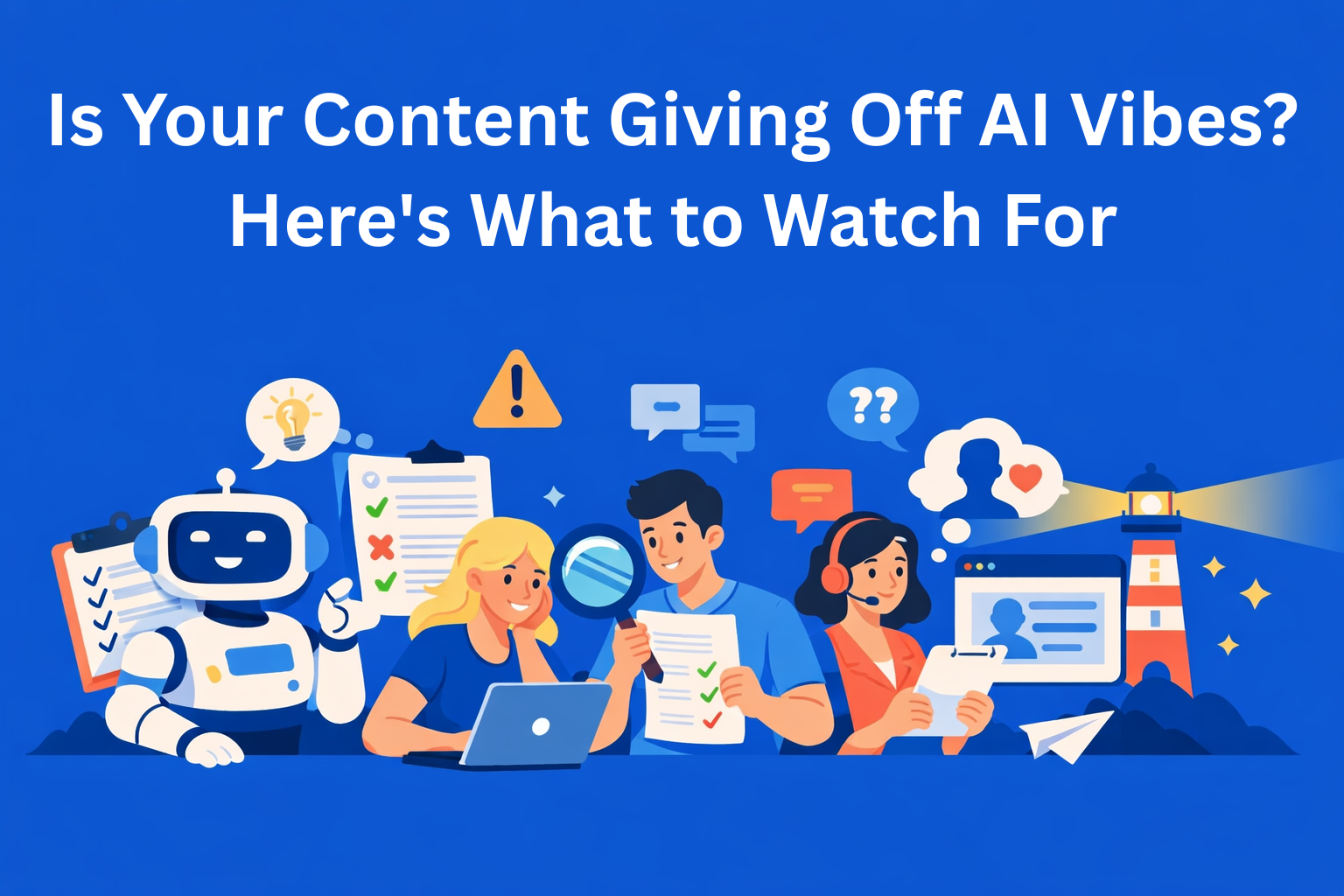
At a time when we use AI tools for writing, editing, and even brainstorming, it’s incredibly easy for content to lose its human touch. That becomes a real problem, especially when everyone starts to sound the same. This often happens when AI is used without enough structure, context, or human review. In this sea of similarity, we need to stand out, like a lighthouse.
In this blog, I’ll walk you through the most common signs your content may be giving off “AI vibes” and share practical tips to help it sound… well, less like AI.
Key Takeaways
- AI-generated content often sounds too perfect or too robotic - clean grammar, but lifeless tone and generic transitions.
- Watch for overused buzzwords and cliché phrasing that dilute your brand’s voice and authenticity.
- Human-sounding content includes rhythm, opinion, and real-world context - like names, stories, and specific pain points.
- Editing with intention is key: vary sentence structure, add some messiness, and don’t shy away from emotion or uncertainty.
- Use a quick “AI-detox checklist” to make sure your content reads like it was written *by a human, for a human*.
1. How to Spot Content That Feels Too AI
Overused Corporate Buzzwords
If your content relies too heavily on words like bottleneck, synergy, cutting-edge, game-changer, and streamline, it can come across as robotic or inauthentic. This is a common side effect of generating drafts with AI tools and pushing them forward without enough editorial review.
What should you do instead? Read your draft out loud. If it sounds like a polished team presentation rather than a relaxed conversation with a colleague, it’s probably too generic. Every now and then, swap out “optimize the workflow” for something like “help the team quickly find what they actually need.”
This is where AI works best as a starting point, not a final decision. When AI drafts live inside structured workflows, with clear guidelines and human approval steps (instead of being copied from a chat window), it’s much easier to catch and fix this kind of language before publishing. For example, in tools like EasyContent, AI drafts are generated directly inside existing content, templates, and workflows, so the team can immediately review, comment on, and refine them before moving forward.
And finally, this doesn’t mean you should never use these words. It just means you should use them when they actually make sense.
Perfect Sentence Structure
AI tends to produce sentences that are a little too “clean.” Everything flows perfectly, there are no surprises, and in the end, it sounds boring. People don’t talk like that.
If you work with content, you know good writing needs rhythm, some fast, some slow, a few questions, maybe even a small detour. That’s what keeps readers engaged. When that rhythm is missing, content quickly slips into AI territory.
This often happens when AI-generated text isn’t reviewed field by field or compared against previous versions. Without visible diffs or change tracking, overly polished sentences slip through simply because they’re grammatically correct.
Cliché Transitions and Phrases
AI often leans on phrases like Sound familiar?, Let’s dive in, or Here’s the thing… They’re fine in small doses, but when every section starts the same way, your voice gets lost.
You don’t need to remove them entirely, just use them like seasoning, not the main ingredient. A quick AI pass can help you spot repetition, but the decision about what stays and what goes should always be human.
Long, Run-On Sentences
If your content reads like one long stream of consciousness, with dashes and commas doing all the heavy lifting, there’s a good chance you’re unintentionally copying AI style.
Pro tip: Vary your sentence length. Short. Longer. Questions? Absolutely. That rhythm makes content feel natural, not just grammatically correct. AI can help flag clarity issues, but humans need to decide how the text actually sounds.
2. How to Make Your Content Feel More Human
Write Like You’re Talking to Someone
Replacing “the organization must implement a solution that supports scalability” with “your team is probably already overwhelmed, and it’s only going to get worse” makes a huge difference.
Great content strategists know one thing: tone is everything. And that tone should feel more like a quick message to a teammate than a formal memo. AI can help with rewrites and suggestions, but only when it operates within clear style guidelines and brand context.
Add Real People and Real Situations
Instead of saying “unclear processes are slowing down onboarding,” say: “John from HR has called support three times this week because he can’t figure out where to add new hires.” That’s storytelling.
This is where AI-assisted editing can really shine, if it’s used responsibly. With the right prompts and presets, AI can help identify vague language and suggest more concrete examples, while the final decision stays with the writer or editor. That’s exactly how EasyContent AI Editor works: as a supporting editor, not a replacement for human judgment.
Include Emotion, Opinion, and Doubt
Don’t be afraid to say: “Honestly, this didn’t make sense to me at first, until I saw the results.” Or: “This won’t work for everyone, but it’s worth trying.”
AI doesn’t question itself. You should. That’s where real connection with the reader happens. Human-in-the-loop editing keeps content grounded, especially when AI is involved in optimization or fact-checking.
Allow a Bit of Messiness
Add a detour. Ask a question you don’t answer right away. Use internal team slang. Anything that clearly shows a real person wrote this.
That’s why AI works best inside tools that support drafts, revisions, comments, and approvals, not as a one-click publishing machine. Platforms like EasyContent are a good example of this approach, where AI operates within the content process, not outside of it.
3. A Quick AI-Detox Checklist
Use this list the next time you’re editing a blog post, case study, or newsletter:
- ✅ Are you repeating the same phrases too often?
- ✅ Are there real people, teams, or specific situations mentioned?
- ✅ Did you add a personal opinion or show a bit of uncertainty?
- ✅ Does your tone have variety, or does it sound like it was written in one flat voice?
- ✅ Can you clearly see what was changed, why, and by whom?
If most of the answers are “no,” your content may be more AI than you intended.
Conclusion
AI is a great tool, for speed, structure, and ideation. Especially when it’s embedded directly into content workflows, templates, and review processes.
But if you want your content to build trust, authority, and real engagement, you can’t let the tool lead the conversation.
Your content needs a pulse. It should show that you understand the topic, that you care, and that you genuinely get what your readers are dealing with.
So the next time you write a blog post, email, or landing page, don’t just ask: “Does this explain the concept?” Ask yourself: “Would I actually want to read this?”
If the answer isn’t clear, you know what to do.