Content Operations Glossary: 50 Terms Every Content Professional Should Know
Content marketing full of confusing terms? This simple glossary breaks down 50 key content marketing, SEO, and content operations concepts in plain English, so you can plan better, write smarter, and get real results.


If you've ever been in a meeting and heard terms you don’t understand, relax, that’s completely normal. The content world is full of jargon that can easily confuse people, even those with experience, and especially those just getting started.
That’s why I put together this glossary of 50 terms that are used every day in content work, explained in a way anyone can understand.
Whether you're a writer, editor, marketing manager, or someone just getting into content marketing, this guide is for you.
Key Takeaways
- Content terms are easier than they sound - most “complex” jargon is just simple ideas explained in complicated ways once you break them down.
- Everything starts with strategy - before writing anything, you need a clear plan: what you’re creating, who it’s for, and why it matters.
- Process is what keeps content moving - workflows, briefs, and roles are what turn ideas into consistent output without chaos.
- Systems keep everything organized - CMS, governance, and single sources of truth prevent confusion and keep teams aligned.
- Content only works if it performs and reaches people - SEO, distribution, and measurement are what turn content into real business results.
Part 1: Content Strategy and Planning
Before you write a single word, there needs to be a plan. This section covers the basics, what you're creating, why you're creating it, and who it's for.
1. Content Strategy - a long-term plan that defines what you publish, where, and why. Like a business plan, but for content.
2. Content Audit - a systematic review of everything you've published so far, what works, what doesn’t, what needs updating or deleting. Think of it like a deep clean of your house.
3. Content Gap Analysis - comparing your content with what your competitors have, and finding topics you haven’t covered yet but should. One of the key tools in any SEO strategy.
4. Editorial Calendar - a plan that says: this article goes out on Monday, this video on Wednesday. Helps the team stay organized and consistent.
5. Content Brief - a document a writer gets before starting. It includes: topic, tone, target audience, keywords, and length. Everything needed before opening the laptop.
6. Buyer Persona - a fictional but detailed profile of your ideal reader. Their age, job, problems, and what they search for online. The better you know them, the better you write.
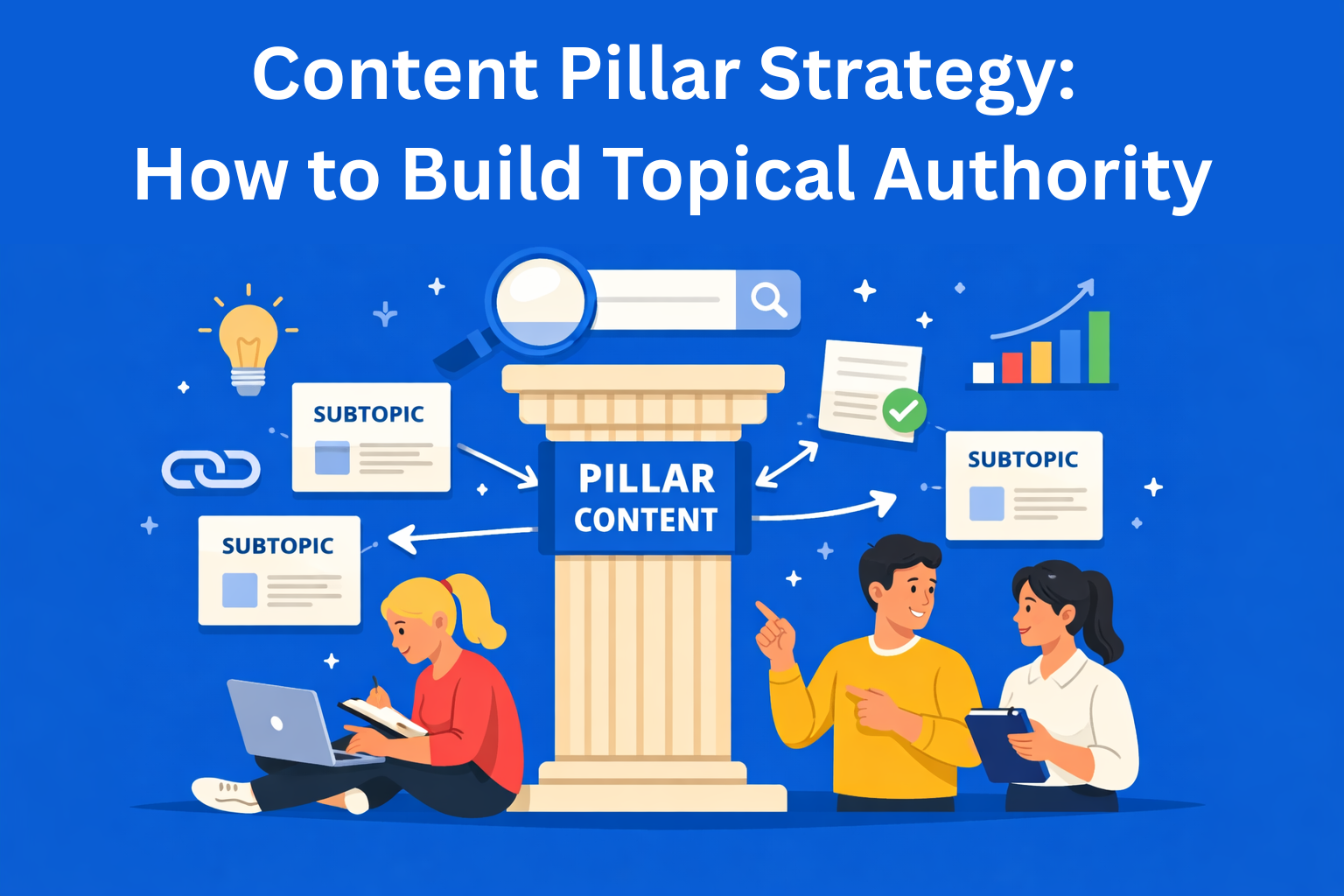
7. Content Pillar - the main topic your content revolves around. For example, if you sell HR software, your pillar could be “employee management.” Everything else builds around it. A core concept in content strategy planning.
8. Cluster Content - smaller pieces that support the main pillar. If your pillar is “employee management,” clusters could be onboarding, time off, payroll, etc.
9. Content Roadmap - a high-level view of what gets published and when, across months or quarters. Helps managers see the bigger picture.
10. Messaging Framework - a set of core messages your brand consistently communicates. Something like: “we are reliable, modern, and approachable.” Every piece of content should reflect this.
Part 2: Content Creation and Workflow
Once you have a plan, it’s time to produce. But it’s not just writing, there are processes that keep everything together.
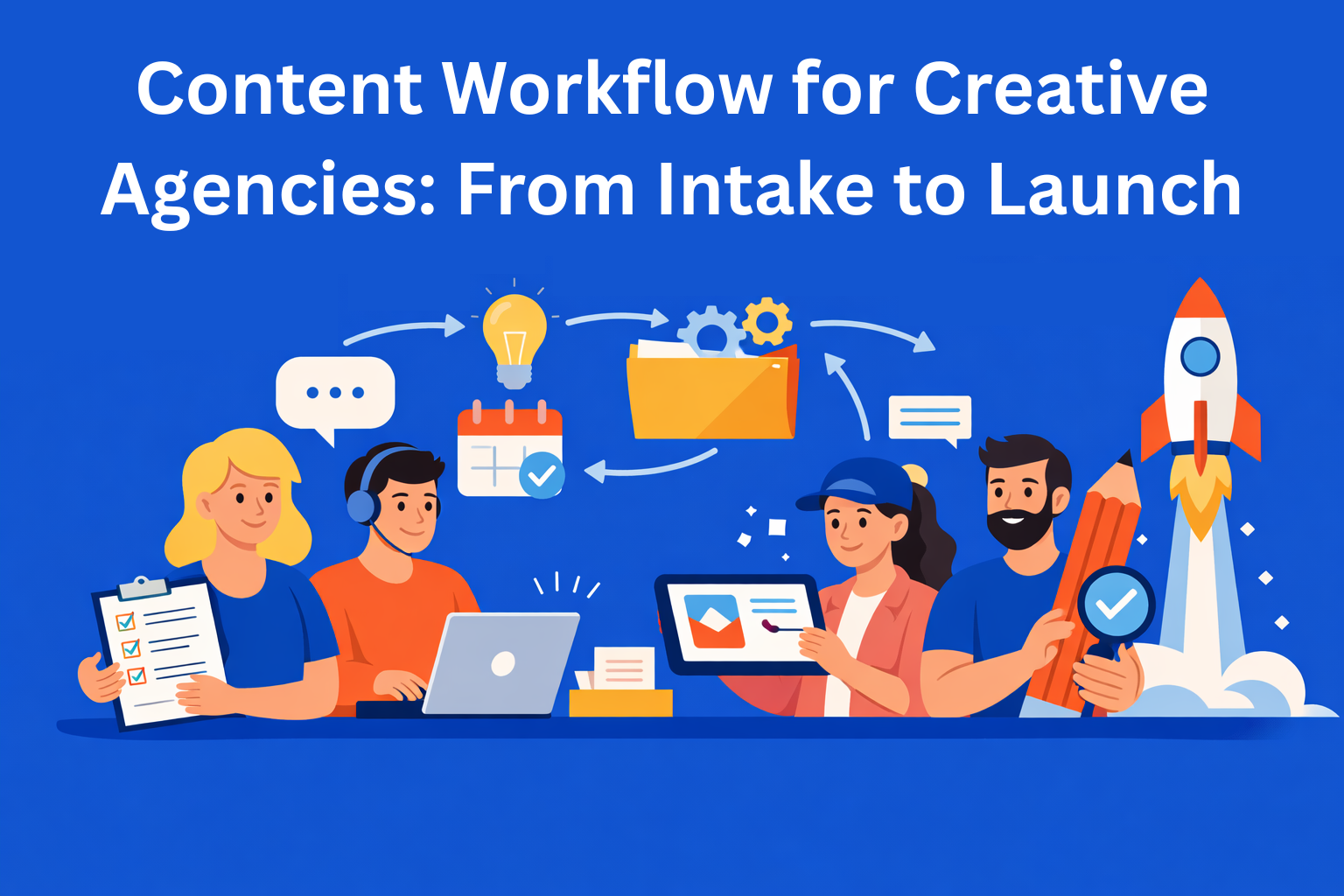
11. Content Workflow - a sequence of steps every piece of content goes through, from idea, writing, review, approval, to publishing. Without it, chaos is guaranteed.
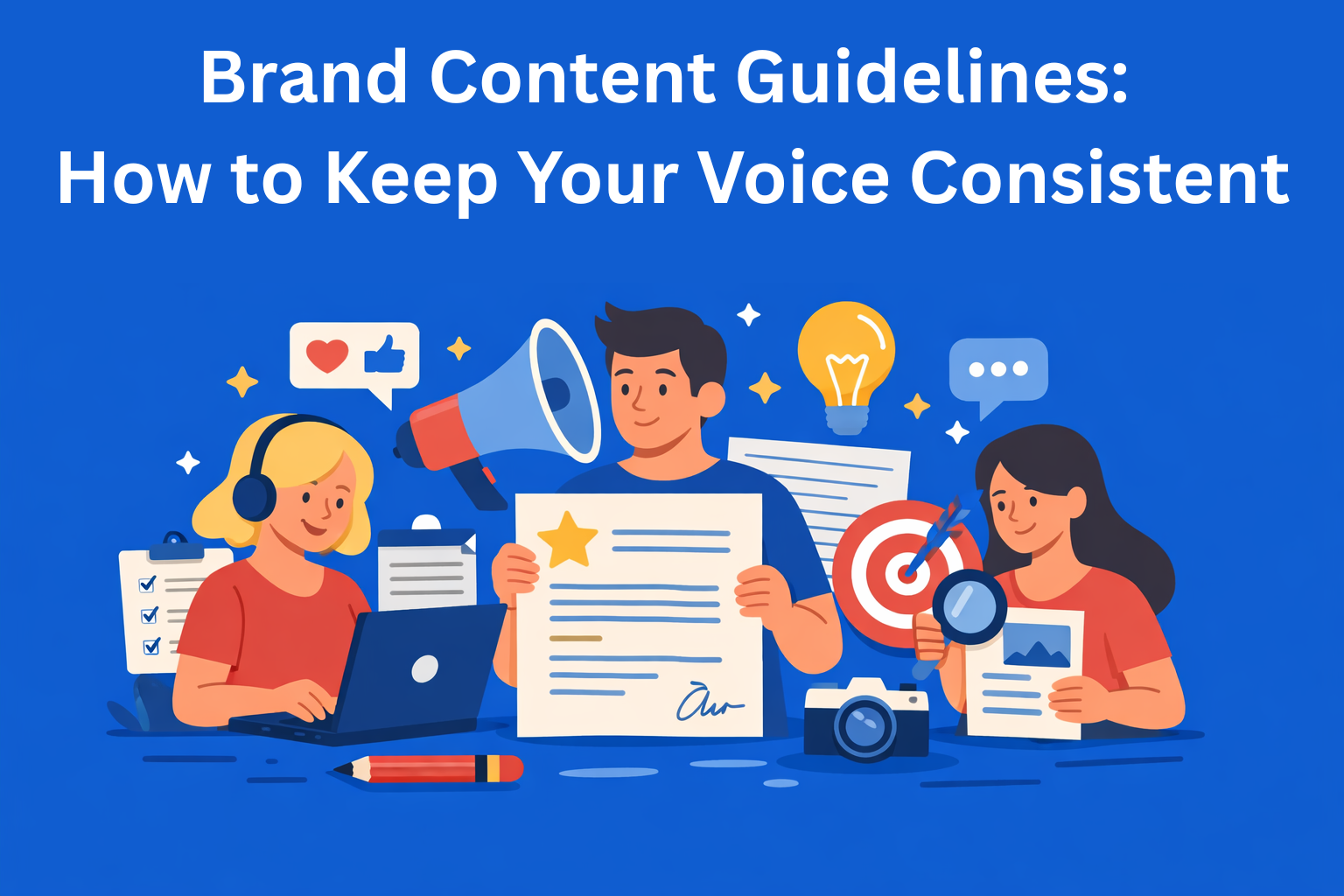
12. Style Guide - a document that defines how your brand writes. Do you use formal or casual tone? Oxford comma or not? It keeps everyone writing consistently. A foundation of any serious content operations setup.
13. Brand Voice - your brand’s personality expressed through words. Some sound formal and professional, others relaxed and witty. It should be recognizable in every piece.
14. SME - Subject Matter Expert - a person who truly knows the topic, doctor, lawyer, engineer. Writers often interview SMEs to get accurate input.
15. Repurposing - taking one piece of content and turning it into different formats, video, podcast, infographic, social post. One effort, multiple outputs. A smart content management principle.
16. Content Atomization - similar to repurposing, take a large webinar or ebook and break it into smaller pieces: posts, emails, clips. Maximizes the value of one asset.
17. Gated Content - content that can only be accessed by leaving an email or filling out a form. Used for lead generation.
18. Draft Review Cycle - a process where content passes through multiple people, writer, editor, expert, manager, before publishing. More eyes, fewer mistakes.
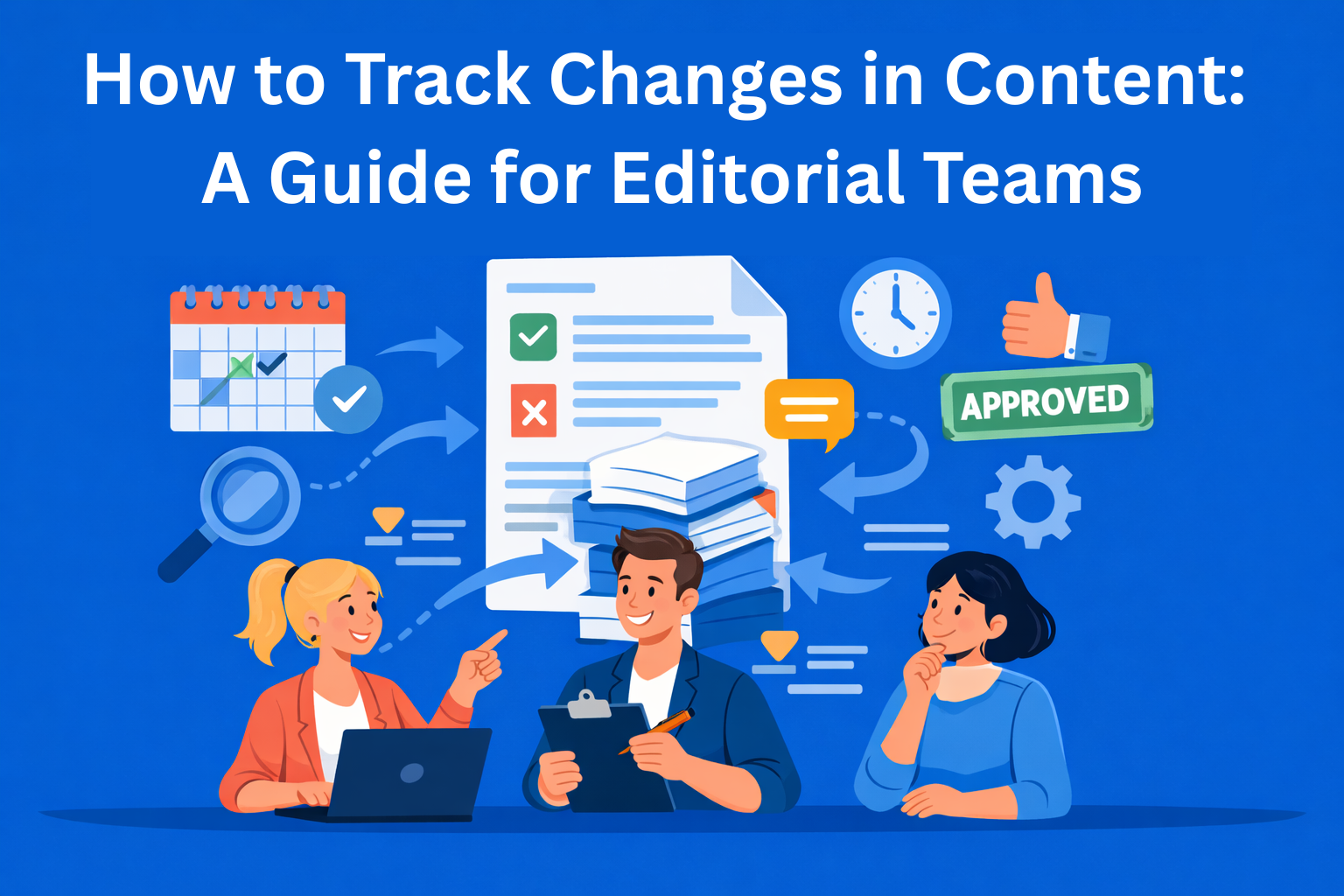
19. Version Control - a system that tracks changes in a document. You know who changed what and when, and can revert if needed.
20. Content Brief vs. Creative Brief - a content brief is an operational document for writers. A creative brief is broader, used for campaigns and includes visuals, messaging, and goals. An important distinction in daily content work.
Part 3: Systems and Content Management
Content needs a place to live and a way to stay organized. This section covers the tools and systems that make that possible.
21. CMS - Content Management System - a platform where you publish content, WordPress, Webflow, HubSpot. Like a control panel for your site.
22. DAM - Digital Asset Management - a system for storing and organizing images, videos, logos, and files. Like Google Drive, but built for media.
23. Taxonomy - a system for organizing content, categories, tags, topics. Helps users find things and search engines understand your site. Key for SEO optimization.
24. Metadata - information about your content that users don’t directly see, page title, description, keywords. Important for visibility in Google.
25. Content Repository - a centralized place where all content is stored. Prevents chaos across different devices and folders.
26. Headless CMS - a more advanced CMS where backend and frontend are separate. Popular with dev teams for flexibility.
27. Content Governance - rules and responsibilities, who can publish, approve, and remove content. Without it, large teams fall into chaos. A core part of content operations strategy.
28. Single Source of Truth - SSOT - one place where all accurate and up-to-date information lives. No more confusion about the “latest version.”
29. Content Localization - adapting content for different languages and cultures. Not just translation, but adjusting examples, tone, and references.
30. API-first Content - content designed to be distributed across multiple platforms, website, mobile app, Alexa, chatbot. The future of digital content.
Part 4: SEO and Performance
Writing is only half the job. The other half is knowing if it actually works.
31. On-page SEO - everything you do on a page to improve rankings, titles, keywords, internal links, loading speed.
32. Search Intent - why someone searches something on Google. Are they looking for answers, trying to buy, or just exploring? Content that matches intent performs better.
33. Content Velocity - how fast your team produces content. More isn’t always better, quality matters.
34. Evergreen Content - content that stays useful over time, “how to write a CV,” “what is content marketing.” Unlike news, it doesn’t expire. Valuable for any content plan.
35. Content Decay - when content that used to perform well starts losing traffic and rankings. Happens to everyone, fix it by updating.
36. Bounce Rate - percentage of visitors who leave immediately without interacting. Often means content isn’t relevant or the page is slow.
37. Time on Page - how long someone stays reading. The longer they stay, the more useful the content, and Google rewards that.
38. CTR - Click-Through Rate - out of everyone who sees your title, how many click. Better title = higher CTR.
39. Content Score - a numeric rating of how well optimized a piece is, topic coverage, keywords, structure. Tools like Clearscope or Surfer SEO measure this.
40. SERP Features - special elements in search results, featured snippets, FAQs, reviews. The goal is to earn one of these spots.
Part 5: Distribution and Content Operations
Content that nobody sees, doesn’t exist. This is about getting it in front of people.
41. Content Distribution Strategy - a plan for where and how you share content, email, social media, paid ads, partner sites. Distribution matters as much as creation.
42. Omnichannel Content - content adapted for each channel, what works on LinkedIn won’t work the same on Instagram or email.
43. Content Syndication - publishing the same content on multiple platforms, Medium, Yahoo, industry sites. Expands reach, but watch out for duplicate content.
44. Owned vs. Earned vs. Paid Media - three types of media: owned (your channels), earned (mentions/PR), paid (ads). A strong strategy uses all three.
45. SLA - Service Level Agreement - agreed timelines and expectations, writing takes 3 days, review takes 24h. Keeps everyone aligned.
46. Content Operations - ContentOps - a system for managing the entire content lifecycle, from idea to archive. Not just writing, but processes, tools, teams, and measurement.
47. RACI Matrix - a table that defines who is responsible, accountable, consulted, and informed for each task. Prevents confusion.
48. Content Scalability - the ability to increase output without losing quality. Achieved through better processes, tools, and roles.
49. Automation in Content Ops - using tools to handle repetitive tasks, scheduling, email sending, reporting. Frees up time for creative work.
50. Content ROI - in the end, does content pay off? ROI measures value or revenue vs. effort. Without measuring, you don’t know what works.
Conclusion
That’s it, 50 terms you should know if you work with content. I tried to keep them as simple and clear as possible so they’re easy to understand.
Save this guide, share it if it helps someone, and come back to it when you get stuck on a term. And if you want to go deeper, explore each concept further, content operations is a big space, but this is where it starts.