Prioritizing Content Projects: Methods to Triage Requests
Learn how to prioritize content projects, separate urgent from important requests, and introduce a simple content triage process that helps your team stay focused, reduce pressure, and deliver higher-impact content without slowing down.

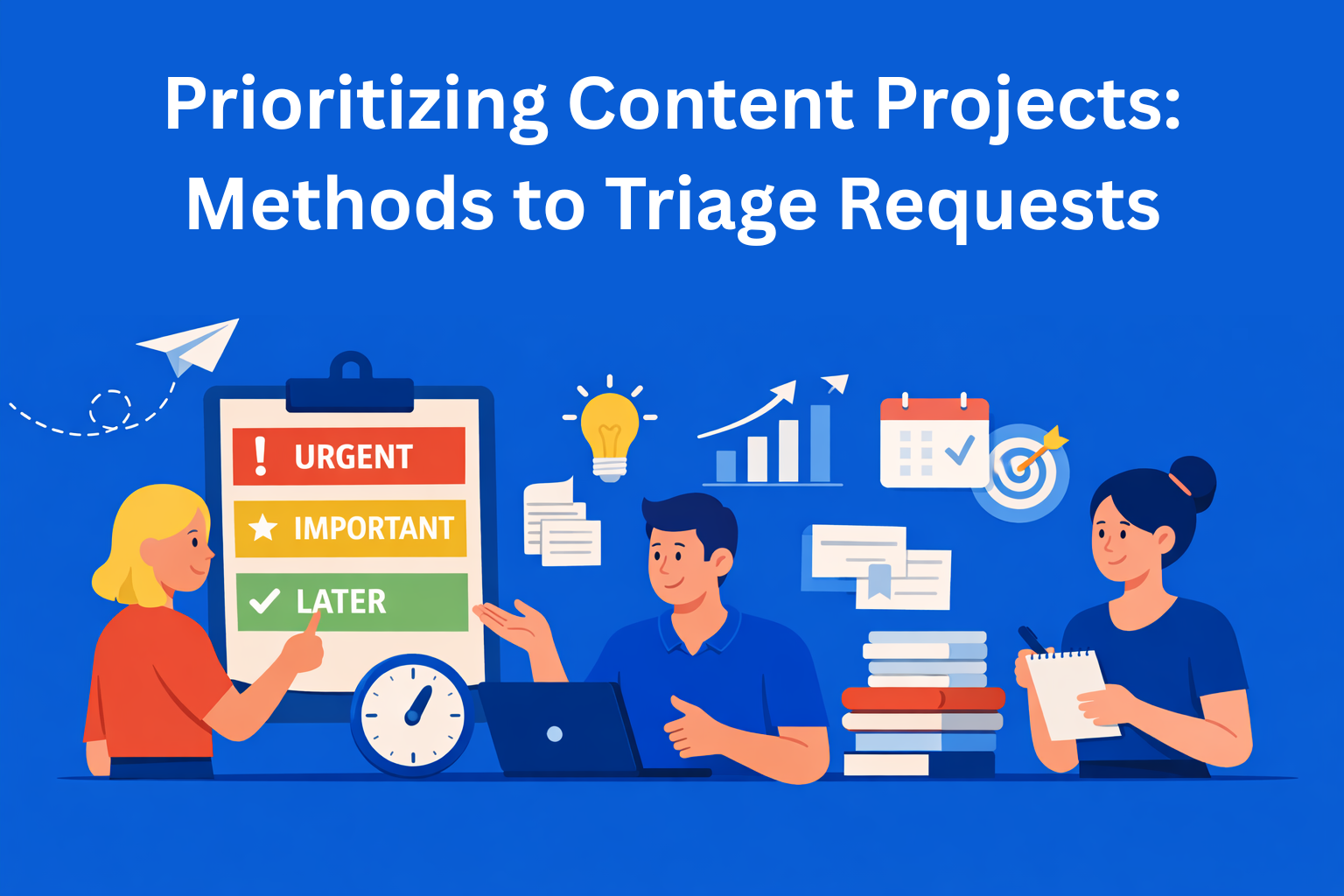
Content teams today usually don’t struggle with ideas. The problem appears when they have too many requests and not enough time and focus to do everything properly. When a team tries to do everything at once, delays happen, frustration grows, and there is a constant feeling of pressure.
In this blog, we will explain how to prioritize content projects, how to clearly separate what is urgent from what is important, and how to introduce a simple content triage process that won’t slow the team down, but will actually relieve it.
Key Takeaways
- Content overload is a prioritization issue - teams struggle not because of a lack of ideas, but because too many requests compete for attention.
- Urgent and important are not the same - treating everything as urgent leads to constant context switching and lower content quality.
- Content triage creates clarity before work starts - evaluating requests early prevents wasted effort and unnecessary pressure.
- Simple frameworks reduce emotional decisions - methods like Impact vs Effort or the Eisenhower matrix help teams prioritize objectively.
- Fixed capacity protects focus and quality - realistic limits make priorities clear and prevent burnout caused by overcommitment.
Why content teams always seem overloaded
Most content teams work in a reactive way. New requests arrive every day - from marketing, sales, management, or clients. Every request feels important and is often marked as “urgent.”
Without clear content project prioritization, the team enters a mode of constant context switching. One day they work on a blog post, the next day on a landing page, and the day after that on ad‑hoc edits. Nothing gets finished properly, and the feeling of pressure only increases.
The problem is not the amount of work, but the fact that there is no system for deciding what should be done first and what can wait.
Urgent and important are not the same thing
One of the common mistakes in content work is treating urgent and important as the same thing. Something can be urgent but have very little real impact. At the same time, something can be important but not need to be done immediately.
For example, a small internal text change may seem urgent, but it doesn’t bring a real result. On the other hand, SEO content or a strategic blog post may not need to be done right away, but it brings long‑term value.
Good content project prioritization starts with understanding that not everything needs to be done immediately.
What content triage means
The term “triage” comes from medicine and means quick sorting by priority. In a content team, content triage means that every request goes through a short evaluation before it even enters production.
The goal of the triage process is not to reject requests, but to place them correctly:
- what should be done immediately
- what should be done later
- what should not be done at all
When content triage is done on time, the team gains clarity and the pressure is significantly reduced.
The most common types of content requests
To make prioritization easier, it helps to first understand what types of requests exist. Not all requests are the same and they don’t all deserve the same treatment.
There are strategic requests, such as blog posts, SEO content, and campaigns. These usually have long‑term impact. Then there are operational requests, like landing pages or sales materials. Finally, there are ad‑hoc requests, which often don’t have a clear goal.
Without clear categorization, every new request looks equally important, which directly makes content project prioritization more difficult.
Method 1: Impact vs Effort
One of the simplest methods for content triage is the Impact vs Effort approach. The idea is to evaluate every content project by asking two questions:
- How much impact can it have?
- How much time and effort does it require?
Priority should be given to projects that deliver strong results with relatively little effort. Projects that require a lot of work but bring little impact are usually not a good choice.
This method helps the team think more rationally about content request prioritization, without making emotional decisions.
Method 2: The Eisenhower matrix adapted for content teams
The Eisenhower matrix divides tasks into four groups:
- Urgent and important
- Important but not urgent
- Urgent but not important
- Neither urgent nor important
In content work, the biggest issue is that too many requests end up labeled as “urgent and important.” When everything is marked that way, the matrix loses its purpose.
That’s why it’s important to define clear rules for what urgent really means and what important really means. This method helps teams stay focused on content that has real business impact.
Method 3: Connecting requests to business goals
The simplest way to set priorities is to connect every request to a clear goal. If it’s not clear what the team gains from a request, it probably shouldn’t be a priority.
This approach is especially helpful as teams grow and the number of requests increases. Goals become a filter that makes decision‑making easier.
Method 4: Working with fixed capacity
A content team does not have unlimited time or energy. Once this is accepted, it becomes easier to decide what comes first. Fixed capacity means knowing in advance how much work the team can realistically complete in a given period.
Everything else is simply moved to a later time. This approach reduces pressure and gives the team a clearer sense of control over their work.
How to create a simple triage process
A good content triage process doesn’t have to be complicated. It’s enough to have a few clear questions that every request goes through:
- Why is this being done?
- What is the goal?
- What happens if it’s not done immediately?
When the answers are clear, it becomes much easier to decide what truly deserves priority.
How to communicate priorities without conflict
One of the biggest challenges is explaining priorities to others. People are often afraid to say “not now” because they don’t want to seem uninterested or unfriendly. As a result, requests are accepted even when the team doesn’t have the capacity.
In most cases, the problem isn’t the decision itself, but how it’s explained. When you calmly and clearly explain why something is not a priority at the moment, and when it will be addressed, tension almost always decreases.
Transparency and consistency are key here. When everyone understands how content triage works and which rules are used to make decisions, there are fewer surprises, fewer misunderstandings, and far fewer conflicts.
The role of tools in prioritization
Tools can be very helpful, but only when they are used correctly. If a team doesn’t have clear rules and an agreed‑upon process, a tool won’t solve the problem - it will only speed up the existing chaos.
When the process is clear, tools help everyone see what the priority is, who is responsible for what, and which stage each task is in. For example, platforms like EasyContent allow teams to create custom workflows, assign roles to team members, and communicate in real time, making requests, priorities, and statuses visible in one place without constant messages and extra explanations.
Tools only deliver real value when priorities are already clearly defined. In that case, the tool supports the team’s work, but it does not make decisions instead of people.
Conclusion
Content teams don’t fall behind because they work slowly, but because they try to do too many things at once. Good prioritization and a simple content triage process bring clarity, focus, and less stress.
When a team knows what truly matters, work gets done faster and content quality improves. The first step is small - but it’s the right - decision‑making system.