Managing Multi-Department Content on Government Websites
Managing content across multiple government departments often leads to outdated pages, confusion, and lost trust. Learn how to fix content ownership, workflows, and governance to create a clear, reliable website citizens can actually use.

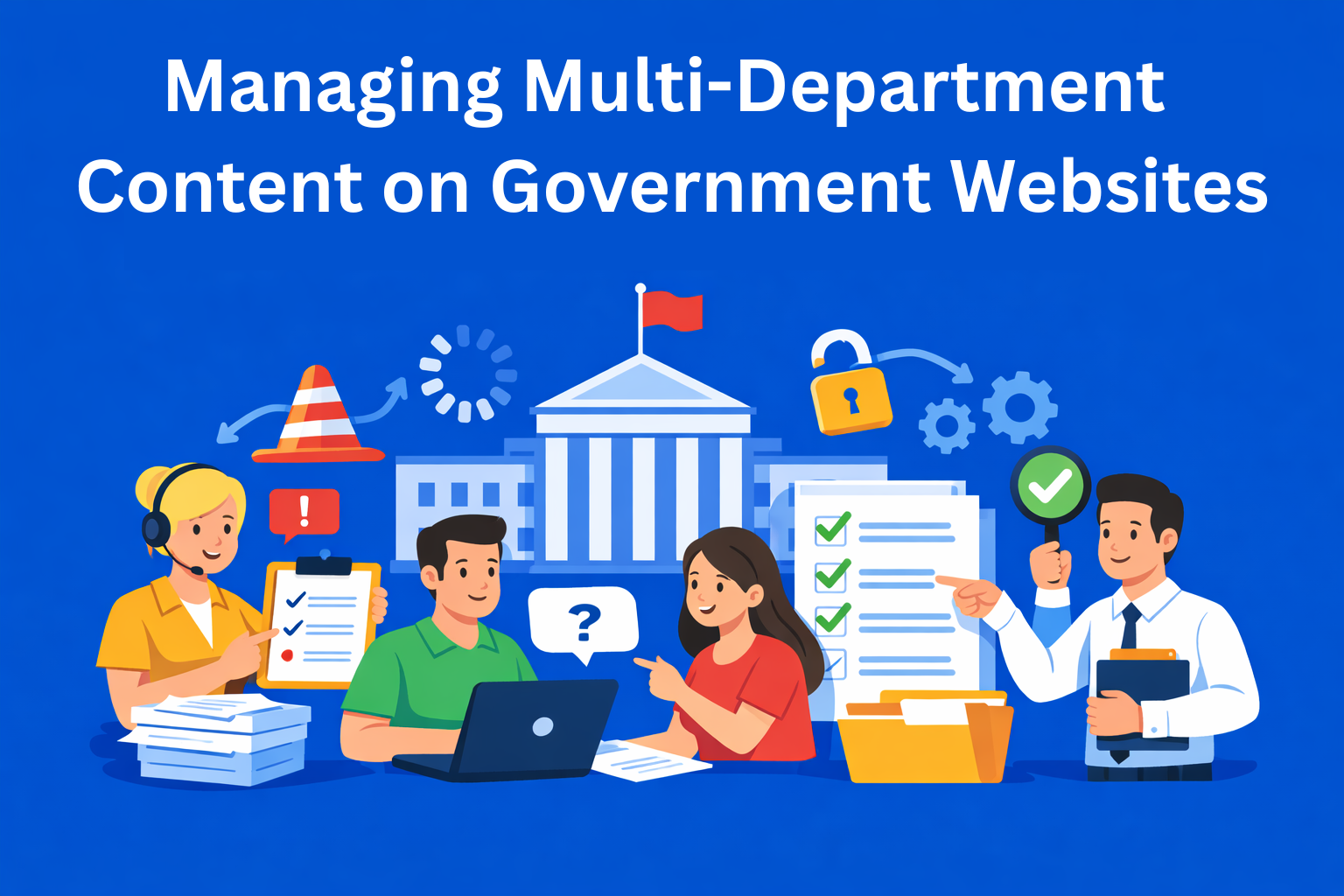
Imagine going to a local government website to find information on how to renew your driver’s license. You find the Traffic Department page, but the information is outdated and clearly hasn’t been touched in years. You click on another link, go to a different department, and it tells a completely different story. In the end, you try calling someone, but they just pass you around and no one actually knows who is responsible.
This is a systemic problem that affects almost every government or municipal website in the world.
In this blog, I’ll explain why this is so difficult, and, more importantly, what can be done about it.
Key Takeaways
- Government website problems usually start with unclear ownership - when no one clearly owns a page, outdated and conflicting information stays live for years.
- Consistency is essential for public trust - if every department writes differently, citizens get confused and the website feels unreliable.
- Technology helps only when governance exists - a CMS can support the process, but it cannot solve missing roles, slow approvals, or poor coordination on its own.
- Regular reviews prevent outdated public information - every page should have a review date so important services, procedures, and rules stay accurate.
- Good governance improves the citizen experience - clear ownership, plain language, and structured workflows make it easier for people to find and trust what they need.
Why this is a problem you can’t ignore
Government websites are not like private company websites. A company can have one team managing the entire site. A government website has to cover ministries, departments, inspections, public companies, all under one roof, with one logo and one domain.
When the system doesn’t work:
- Citizens can’t find what they’re looking for
- Trust in institutions drops
- People make wrong decisions because they read inaccurate information
Content management on government websites directly affects how people perceive the state.
What actually causes the problem
Before we talk about solutions, it’s important to understand where things go wrong.
No one knows who owns the page. A page for a service often falls under three different departments. Everyone thinks it’s not their job. In the end, no one touches it, and the page just sits there for years like it’s been forgotten.
Everyone writes in their own way. One department uses complex, technical language, another writes casually like it’s a blog, and a third fills the text with too many abbreviations. Content consistency is the foundation of trust, and without it, the site feels unprofessional and confusing.
Approvals take too long. When even a simple announcement has to wait two weeks to be published, the system is broken.
Technology doesn’t help. Outdated systems and a bunch of small department-level websites create total chaos, the same information appears in multiple places, often doesn’t match, and in the end no one knows what’s actually correct.
How to bring order: a governance structure that actually works
The good news is that these problems can be solved, but not with technology alone. The key is defining who is responsible for what. Every part of the website should have clearly defined roles:
- Content owner - knows what’s on the page, when it needs to be updated, and who to contact if something is wrong
- Editor - writes and updates the content
- Approver - gives the green light before publishing
At the site level, it’s useful to have a central team or committee that sets rules and resolves conflicts between departments. It’s also important to have a written document, a content policy, that clearly defines what gets published, who does it, and what happens when rules are not followed. Digital content management only works when everyone knows their role.
Tools and technology: what to look for in a CMS
A CMS (content management system) is software used to add and update content on a website, without coding. Think of it like Word, but for your website. When multiple departments share the same CMS, these features are essential:
- Role-based access - not everyone should be able to change everything
- Automated approval workflows - the system tracks who reviewed what, without losing emails
- Shared content taxonomy - consistent categories help citizens find information regardless of which department published it
This last point directly impacts on-site content search and how easily people can find answers.
What this looks like in practice
Theory is great, but what does this mean for a government employee who needs to update the website every day?
Every piece of content has an expiration date - like yogurt in a fridge. When something is published, you immediately set a review date. The system sends an automatic reminder to the responsible person, so outdated information doesn’t sit on the site for years.
Writing style must be clear and simple. There’s something called “plain language”, shorter sentences, active voice, no jargon. When content is easy to understand, departments receive fewer calls and emails with questions.
Training is essential. It’s not enough to buy a good CMS. Short, practical training sessions, especially for non-technical staff, can make a huge difference in how content on government websites is created and maintained.
How do you know if it’s working?
You can have all the rules in the world, but if you don’t track results, you won’t know if anything has improved. Once per quarter, each department should review its pages and answer three questions:
- Is the information accurate?
- Is it up to date?
- Is it easy to understand?
Beyond that, it’s useful to track broader metrics: how many pages were updated in the last six months, whether citizens can find what they’re looking for, and whether the site is technically accessible to everyone. Digital content accessibility is not optional in most countries, it’s a legal requirement.
Conclusion
Managing content on a website used by twenty departments is not a technical problem you solve by buying better software. It’s primarily an organizational and cultural challenge.
When departments start collaborating instead of working in isolation, when everyone understands their responsibility, and when clear rules are in place, the website becomes what it should be: a reliable source of information for citizens.
If you’re part of a digital team in an institution and you recognize the problems described here, a good first step is simple: sit down with colleagues from other departments and ask them who is responsible for the content on their pages. The answer, or the lack of one, will tell you everything you need to know.