Content Tools
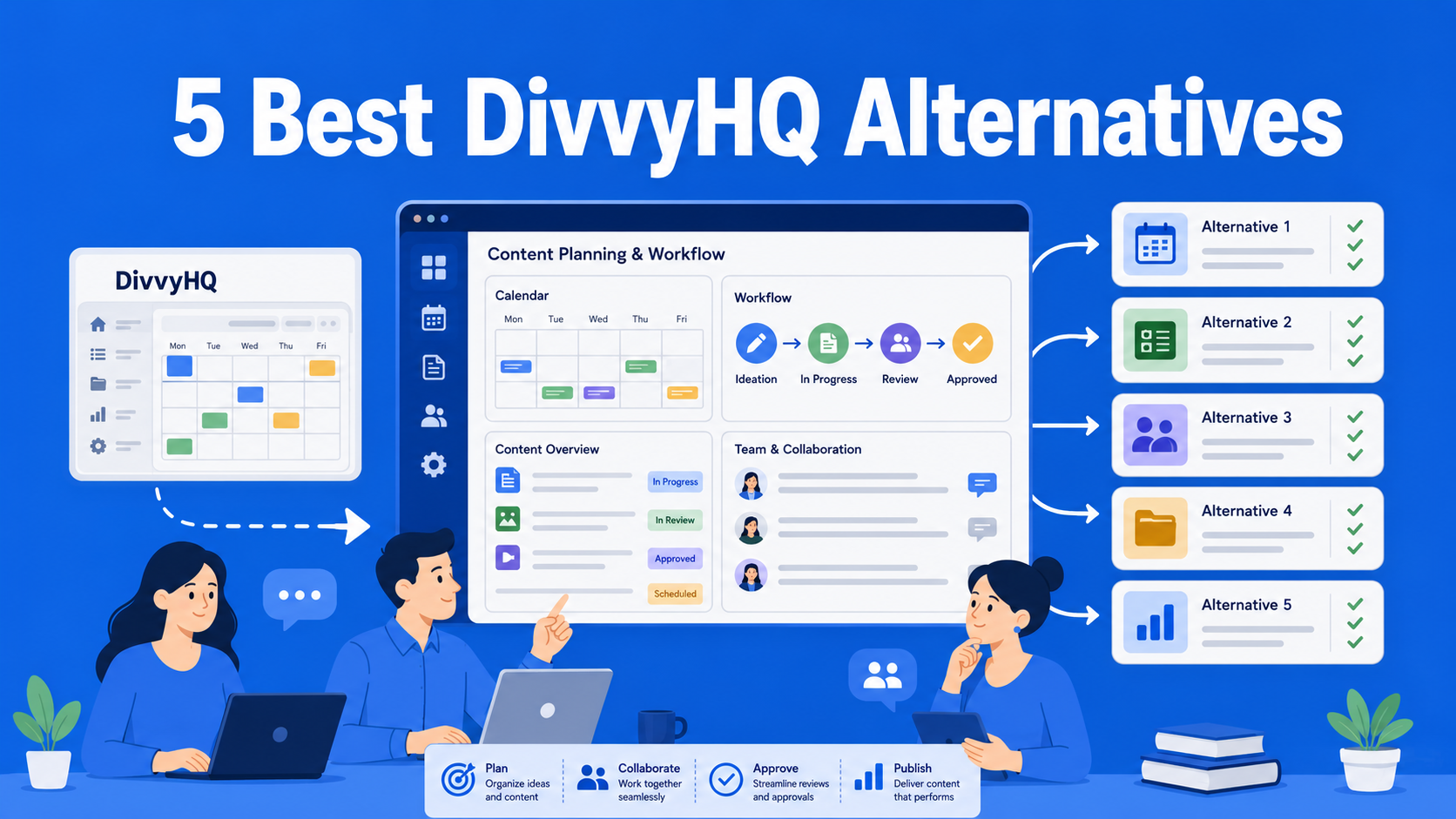
5 Best DivvyHQ Alternatives
Looking for a smarter alternative to DivvyHQ? In this blog post, we introduce five platforms designed to simplify content management processes, improve collaboration, and adapt to your team’s growing needs.

Content Tools
Looking for a smarter alternative to DivvyHQ? In this blog post, we introduce five platforms designed to simplify content management processes, improve collaboration, and adapt to your team’s growing needs.
Content Workflow
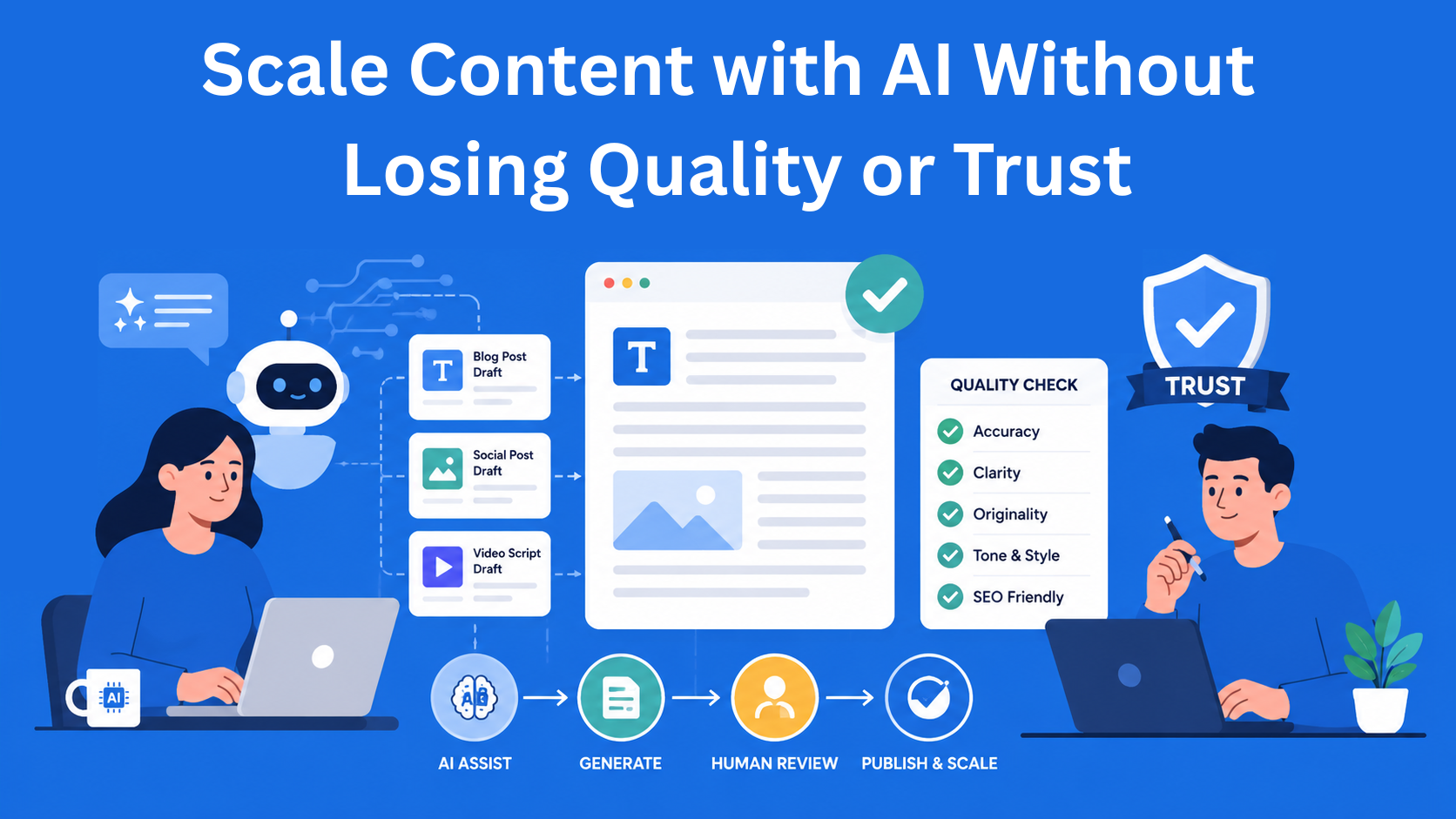
Learn how to scale content production with AI without losing quality, trust, or your brand voice. This guide shows how to use AI as a helper, build a simple workflow, and keep every piece of content useful, natural, and trustworthy.
Content Management
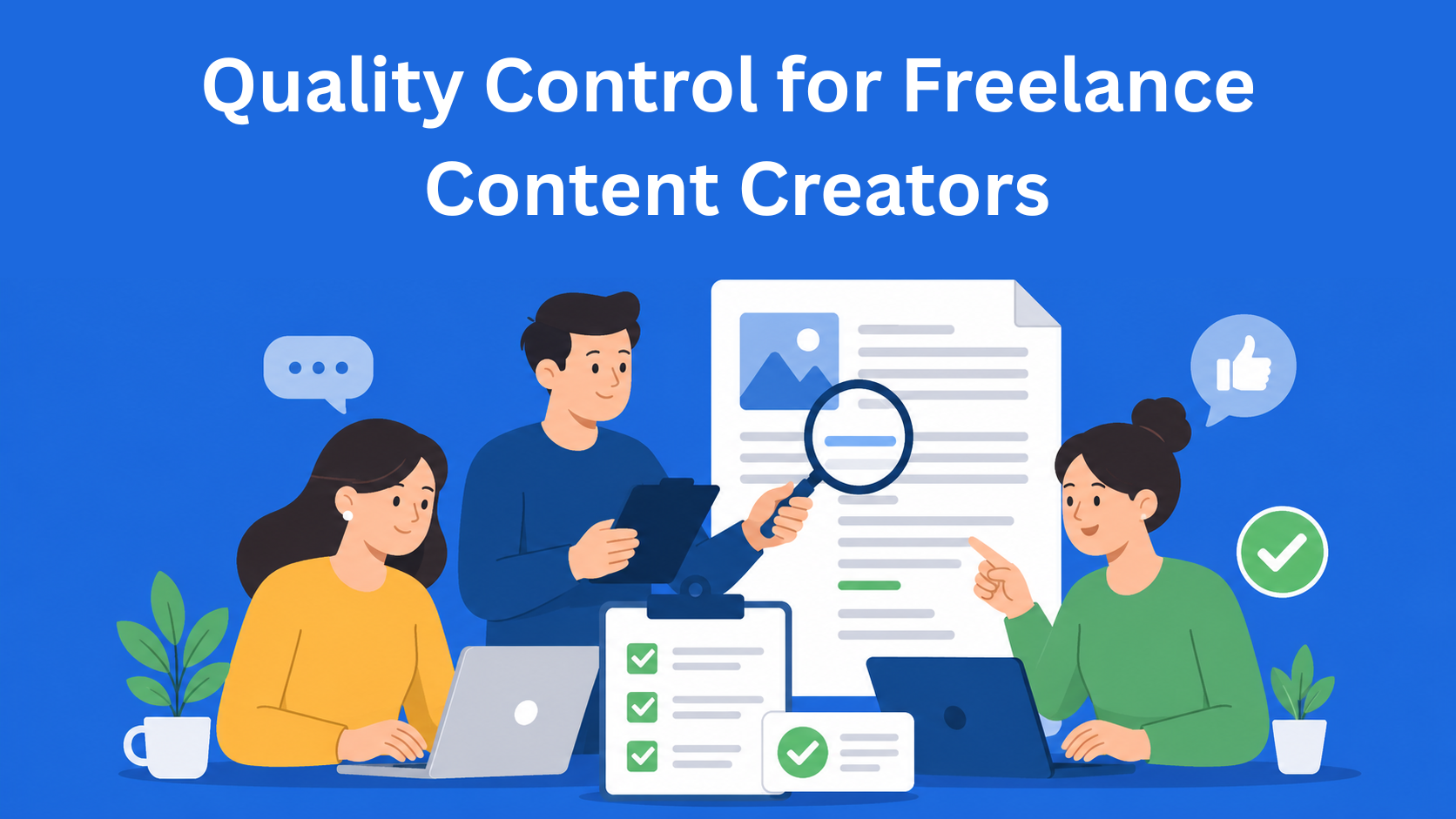
Learn how to maintain quality control when working with freelance content creators. This guide explains how to choose the right freelancers, write better briefs, give useful feedback, and build a simple system for consistent content quality.
Content Operations
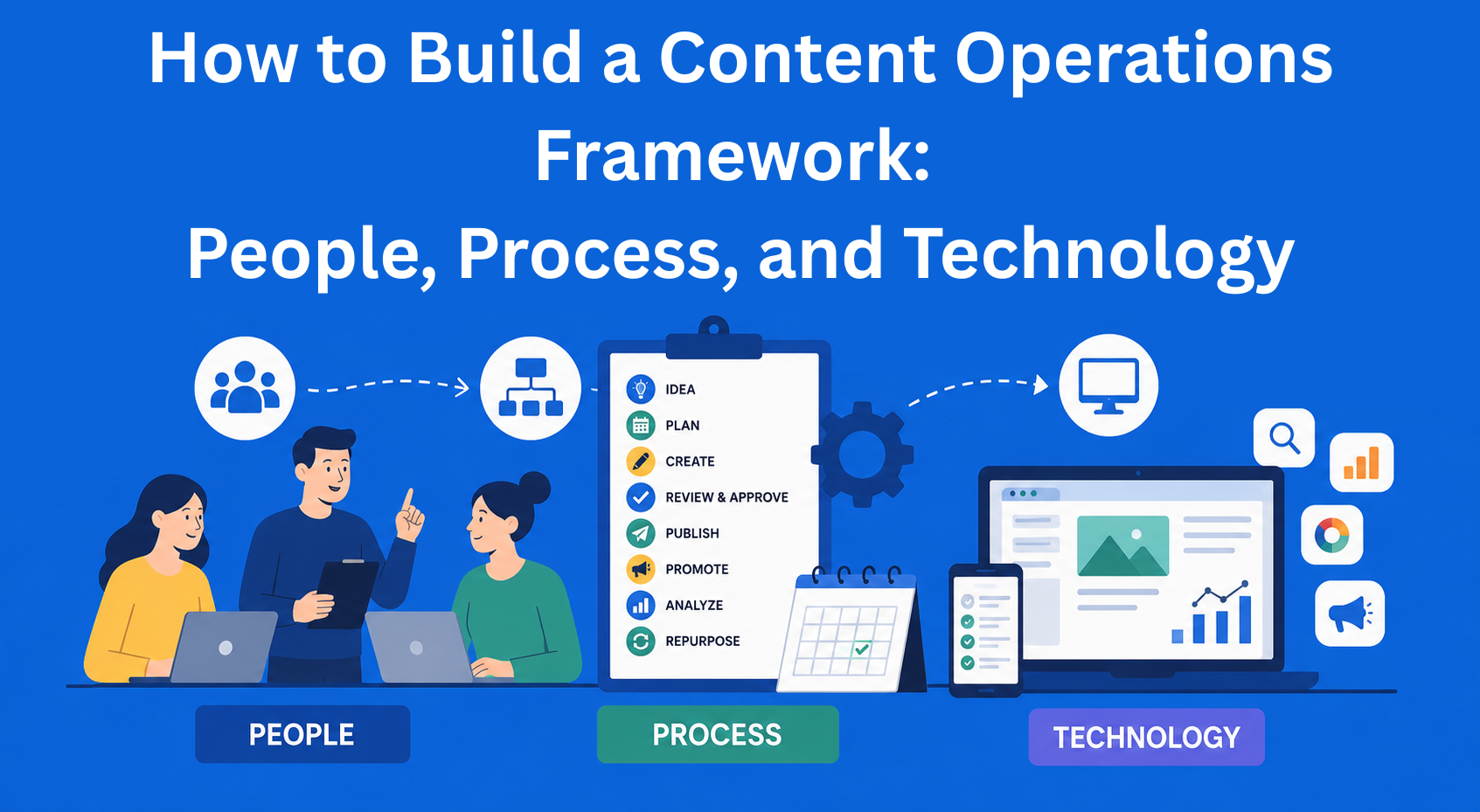
Learn how to build a content operations framework that connects people, processes, and technology. Discover how better organization, clear workflows, and the right tools can help your team create content faster, reduce stress, and improve content quality.

Content Management
Learn how to switch content management tools without losing traffic, rankings, or important content. This simple guide explains CMS migration step by step, including planning, SEO, backups, testing, and launching your new website smoothly.
Content Management
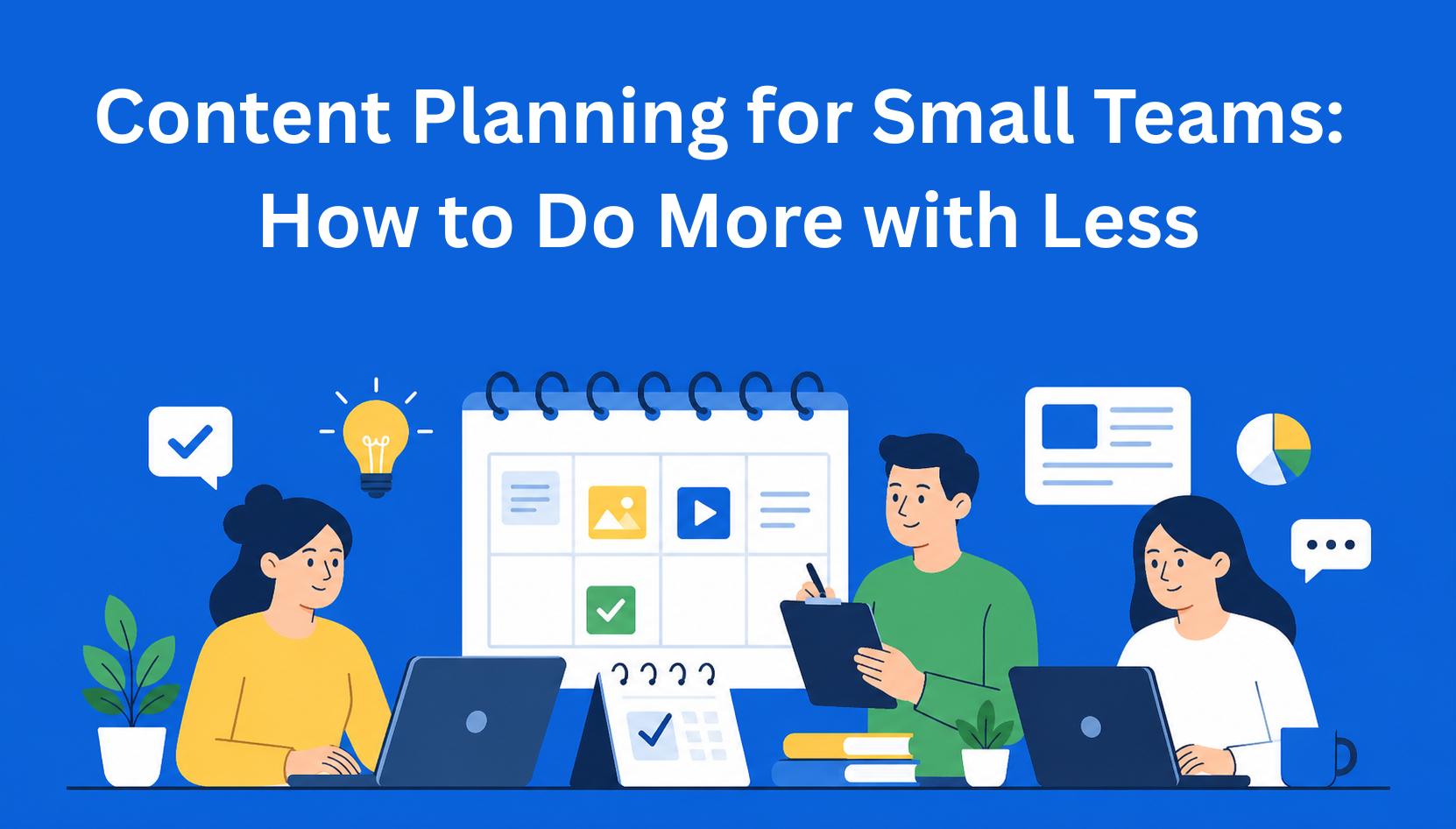
Struggling with content planning? Learn how small teams can create better content with less effort. Discover simple systems, content pillars, and repurposing strategies to get more traffic, leads, and results without burnout.
Content Management
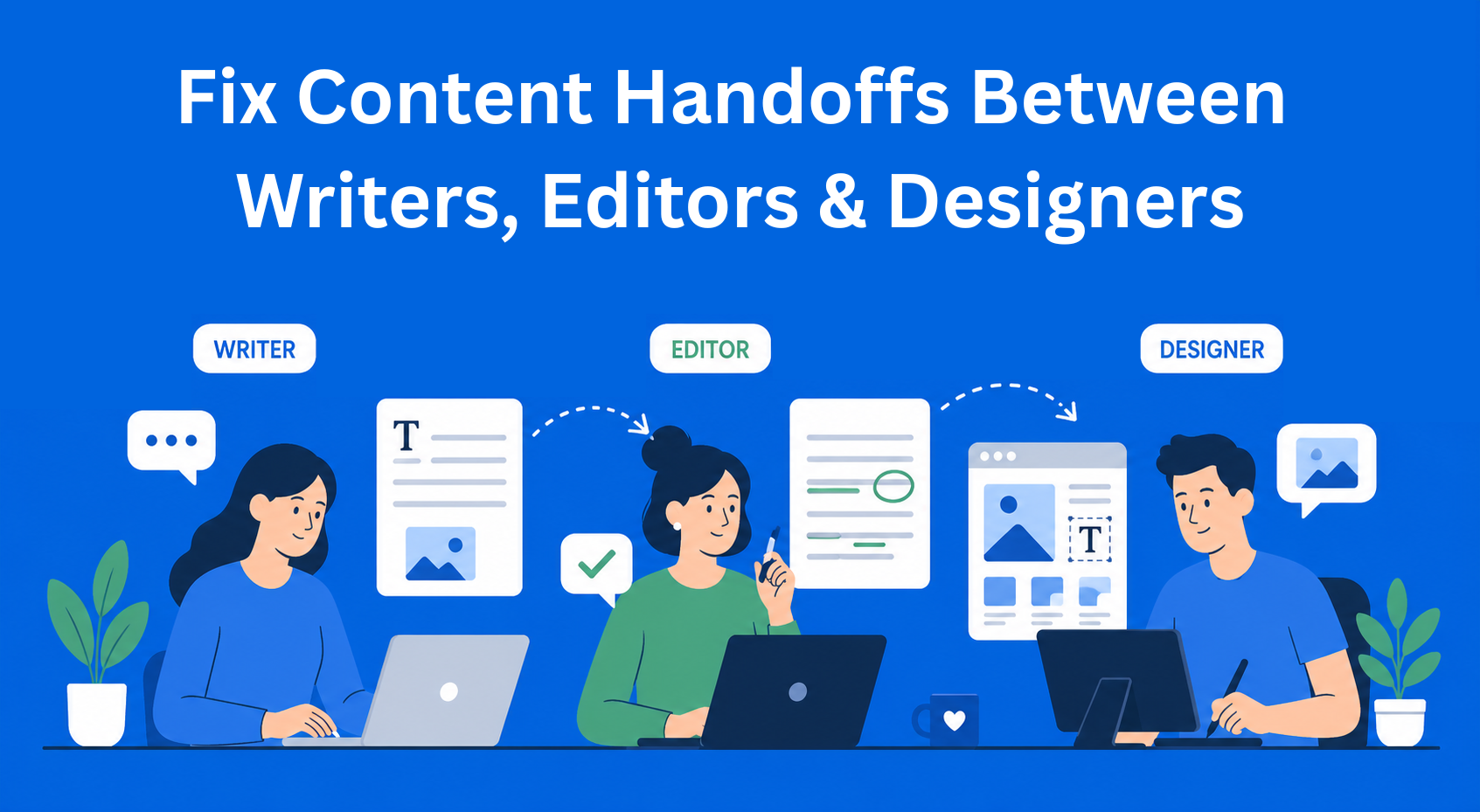
Content handoffs often break down due to missing context, unclear ownership, and scattered tools. Learn how to structure handoffs between writers, editors, and designers to avoid delays, reduce revisions, and keep your content workflow running smoothly.
Content Management
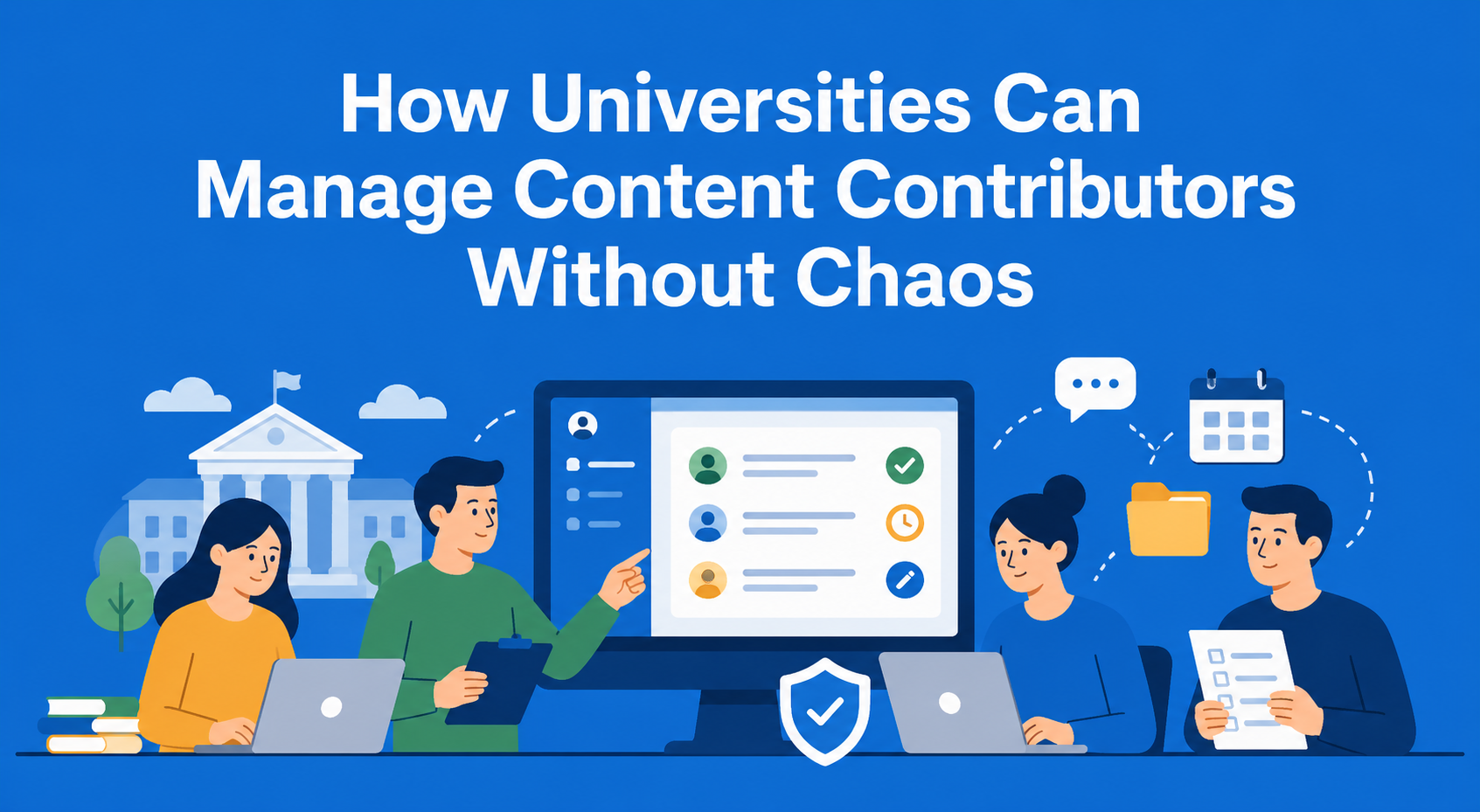
Managing university content across multiple teams doesn’t have to be difficult. Learn how to structure roles, workflows, and systems to keep content consistent, up-to-date, and easy to manage at scale.
Content Workflow
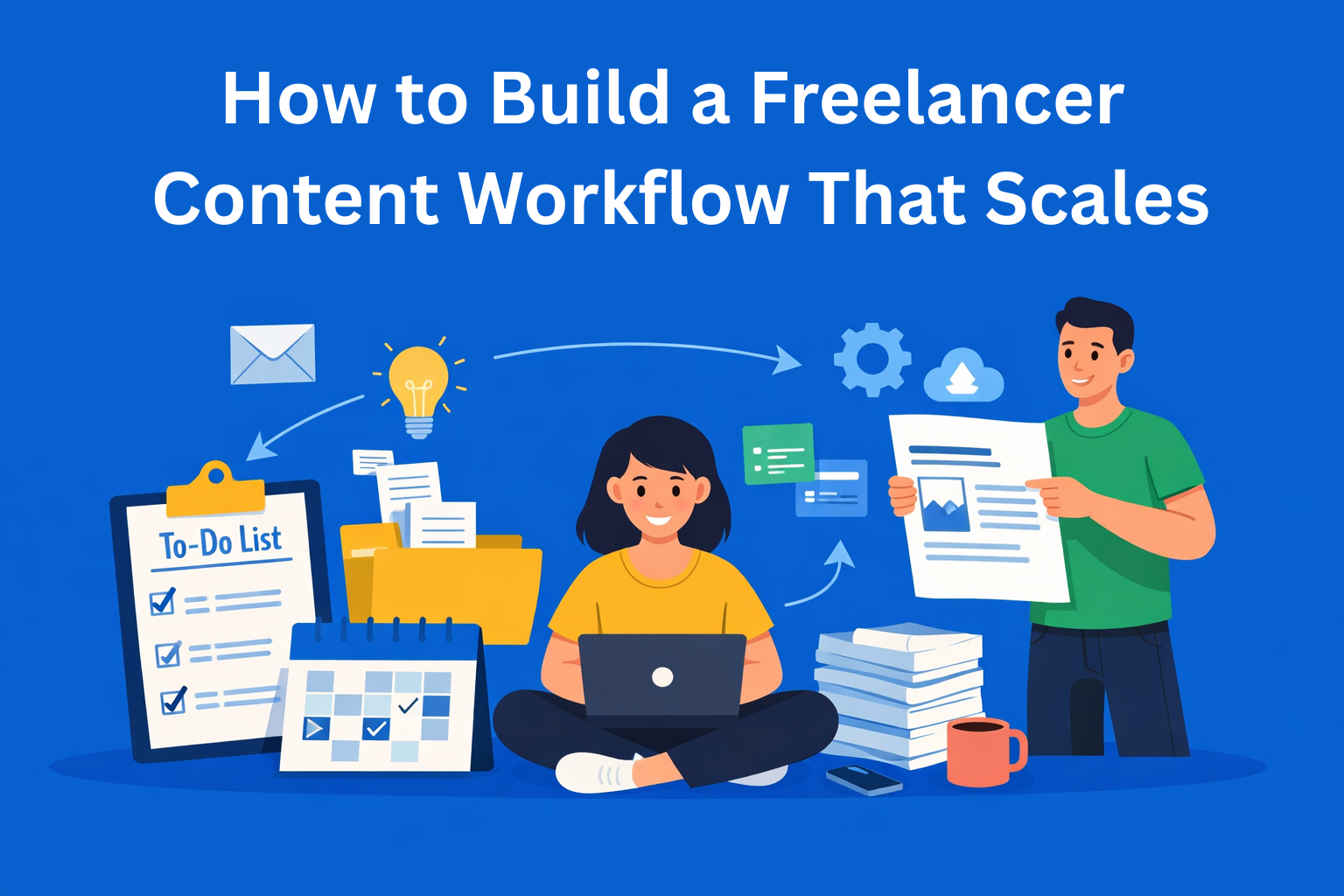
Struggling to manage multiple clients as a freelancer? Learn how to build a simple, scalable content workflow that keeps your projects organized, saves time, and helps you grow without burnout.
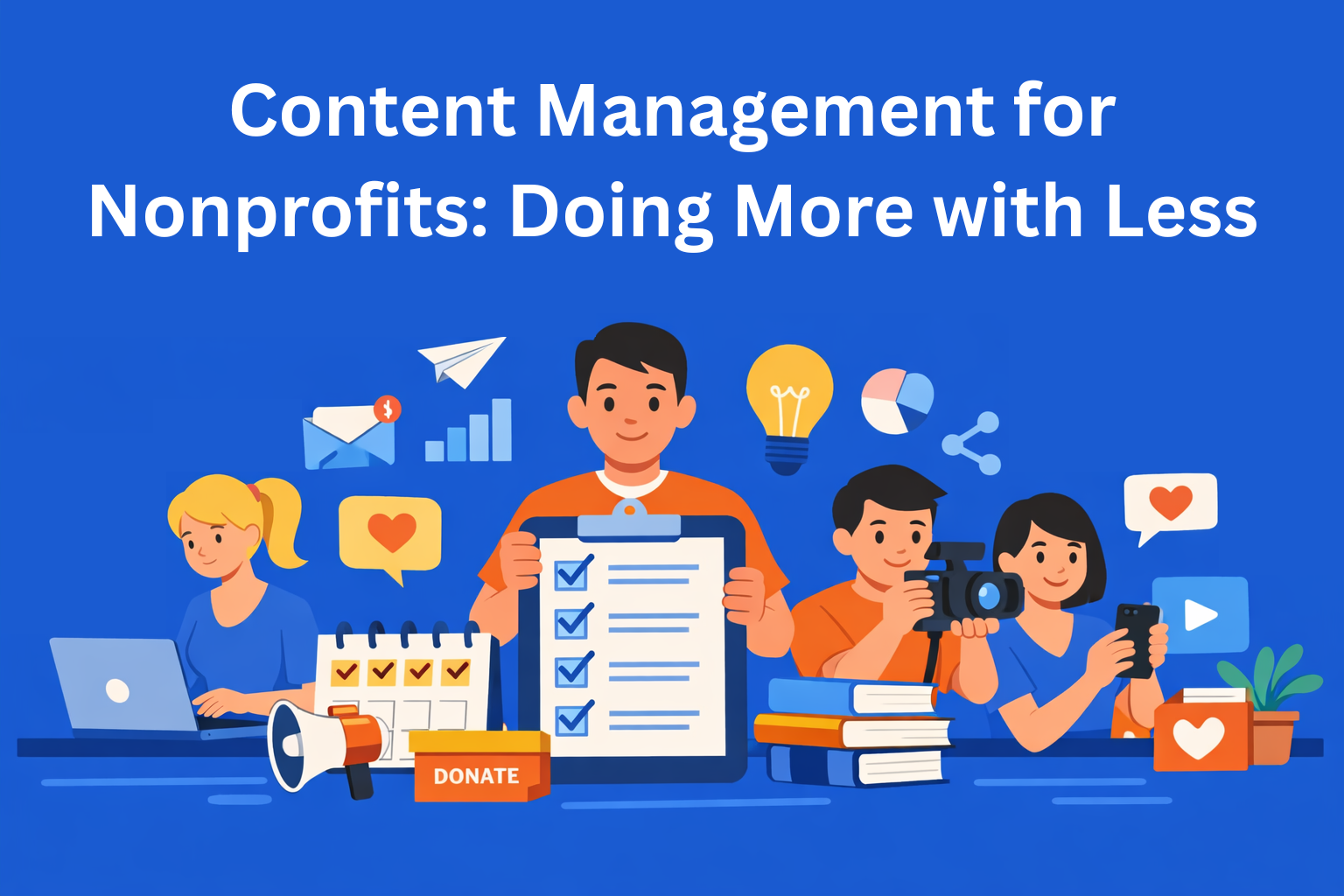
Content Management
Content management for nonprofits doesn’t have to be complicated or expensive. Learn how to plan smarter, repurpose content, and reach donors, volunteers, and your community with limited time and resources.
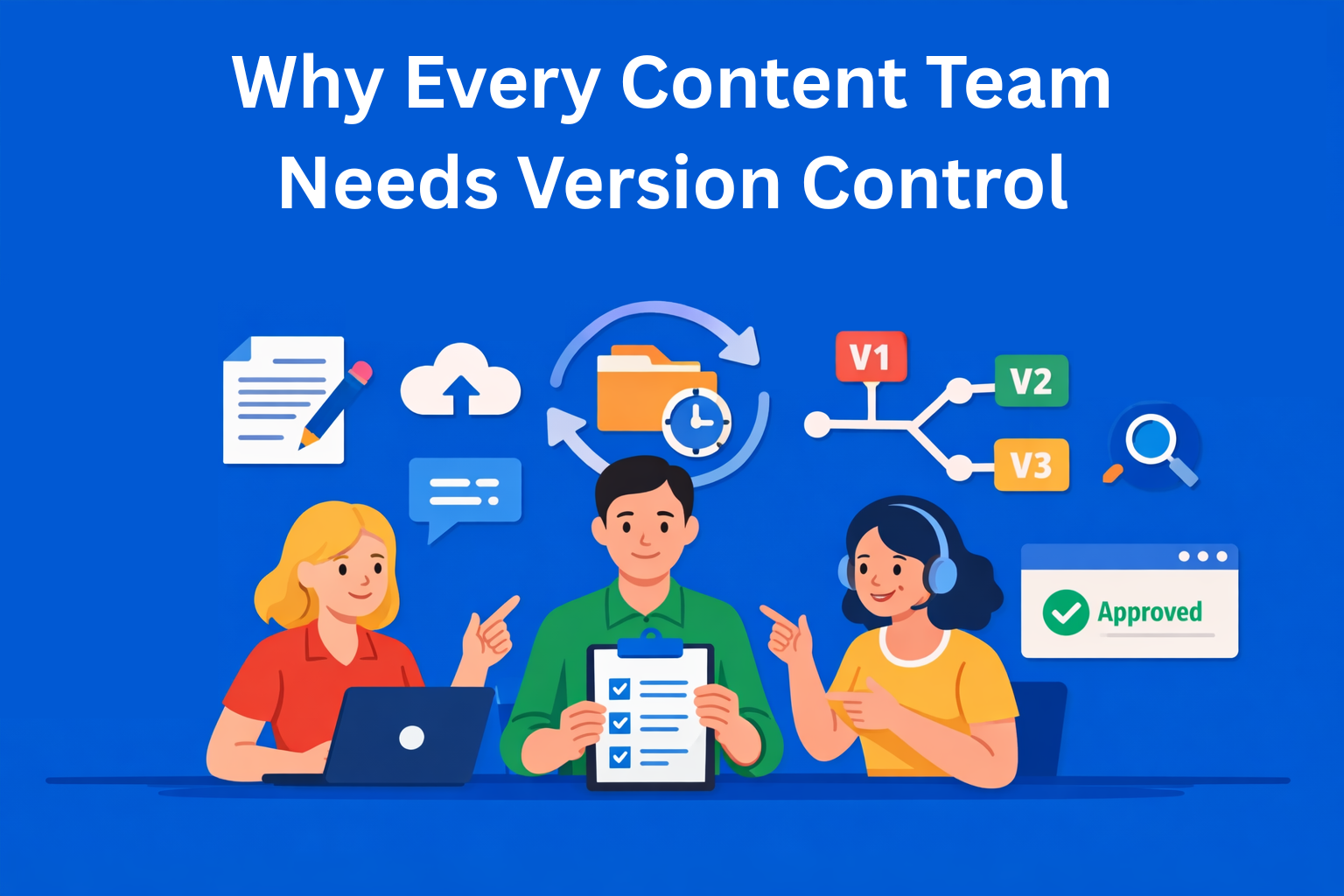
Content Collaboration
Content version control helps teams avoid confusion, lost work, and messy workflows. Learn how tracking changes, managing versions, and improving collaboration can make your content process faster, clearer, and easier to scale.
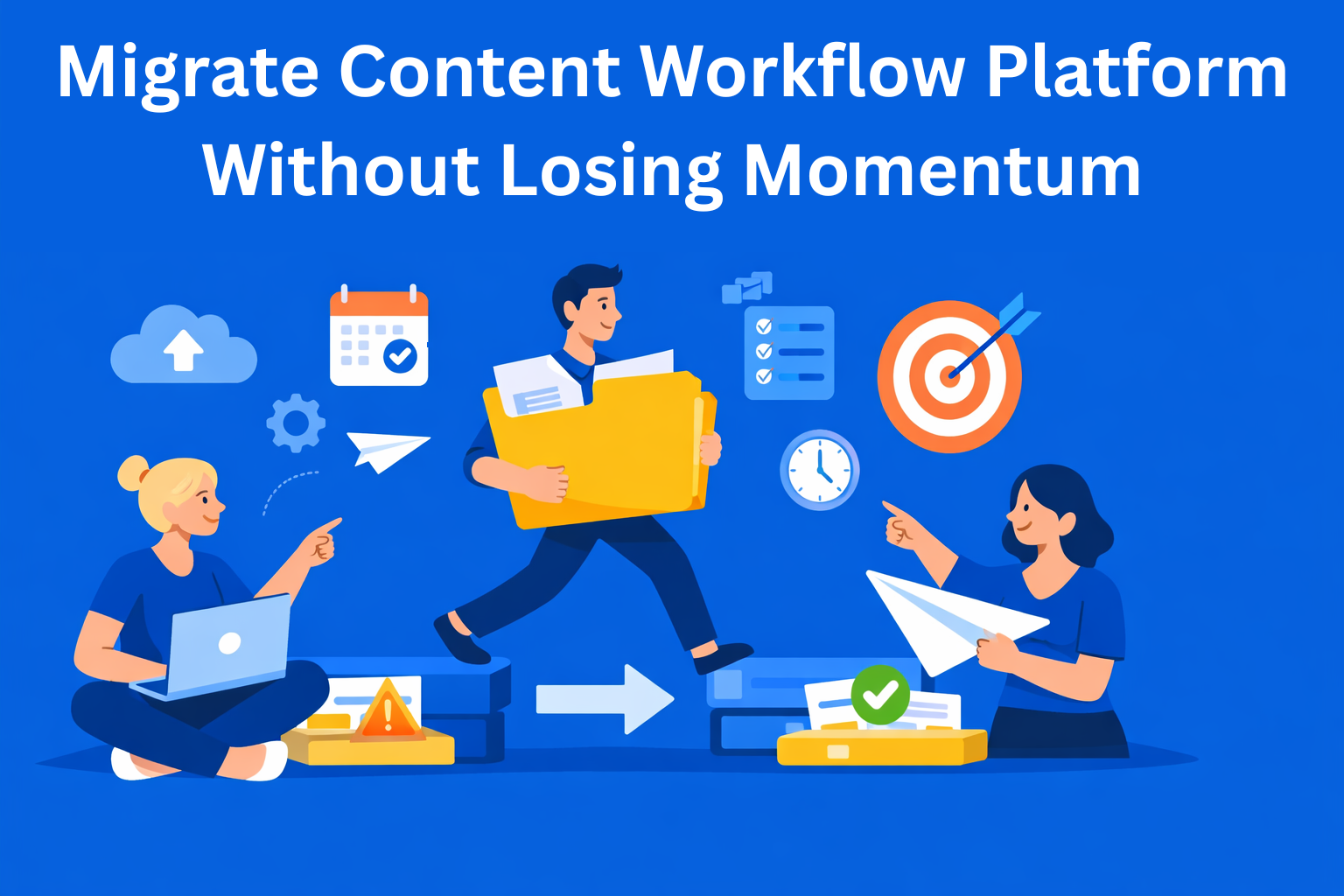
Content Workflow
Switching your content workflow platform can quickly turn into chaos if not planned properly. Learn how to migrate your content workflow step by step without losing momentum, missing deadlines, or slowing down your team.

Content Approvals
Struggling with messy content reviews and endless email threads? Learn a simple system to collect stakeholder feedback faster, keep everything in one place, and streamline your content approval process without confusion.
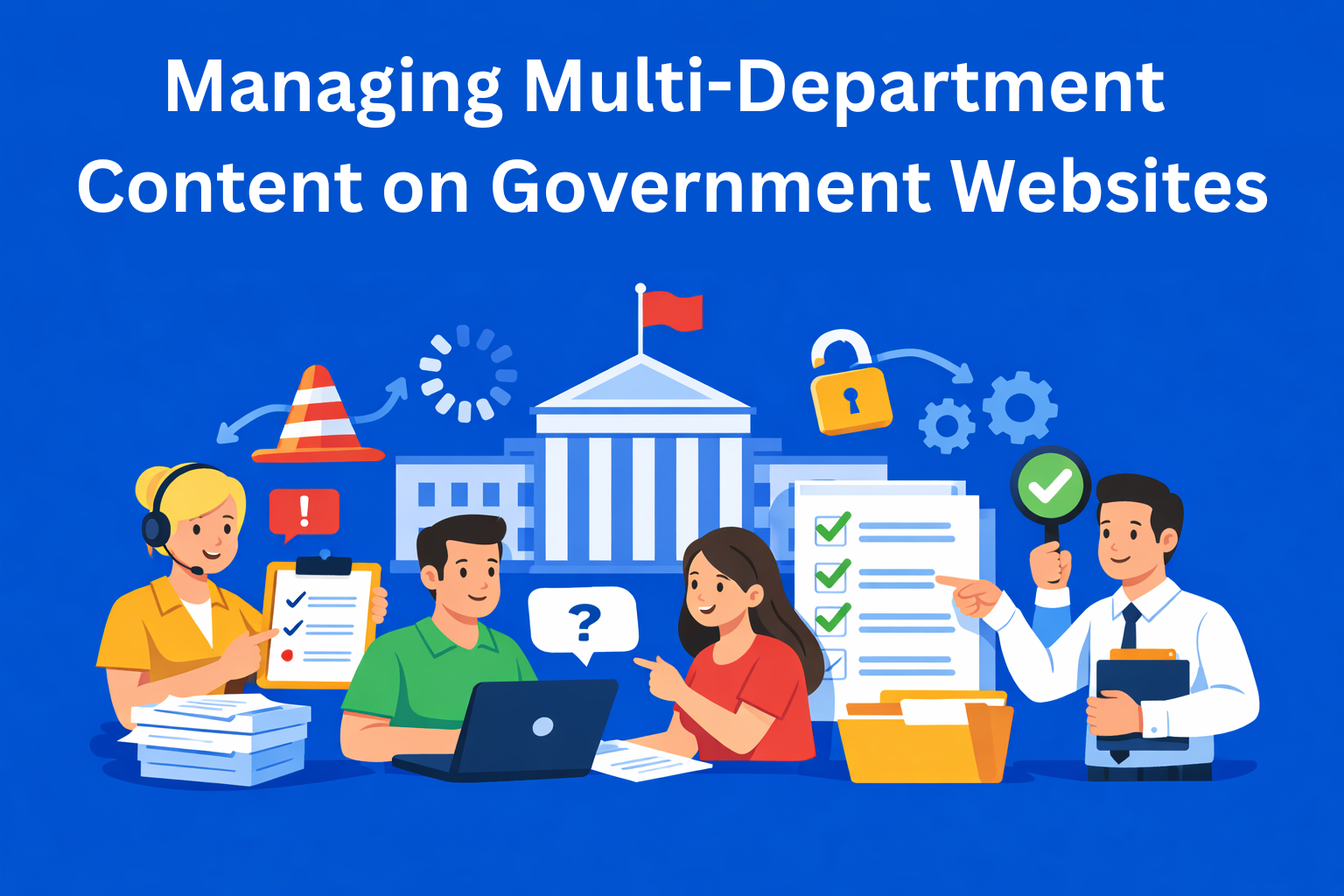
Content Management
Managing content across multiple government departments often leads to outdated pages, confusion, and lost trust. Learn how to fix content ownership, workflows, and governance to create a clear, reliable website citizens can actually use.

Content Process
Struggling to get website content from clients? Here are 8 simple steps to collect website content on time, without chasing, confusion, or delays. Use a clear process, deadlines, and templates to keep projects moving.
Content Strategy
Marketing teams often struggle with multiple document versions, lost edits, and unclear approvals. This guide explains simple document version control best practices that help teams organize content, track changes, and collaborate more easily.