Why Every Content Team Needs Version Control
Content version control helps teams avoid confusion, lost work, and messy workflows. Learn how tracking changes, managing versions, and improving collaboration can make your content process faster, clearer, and easier to scale.

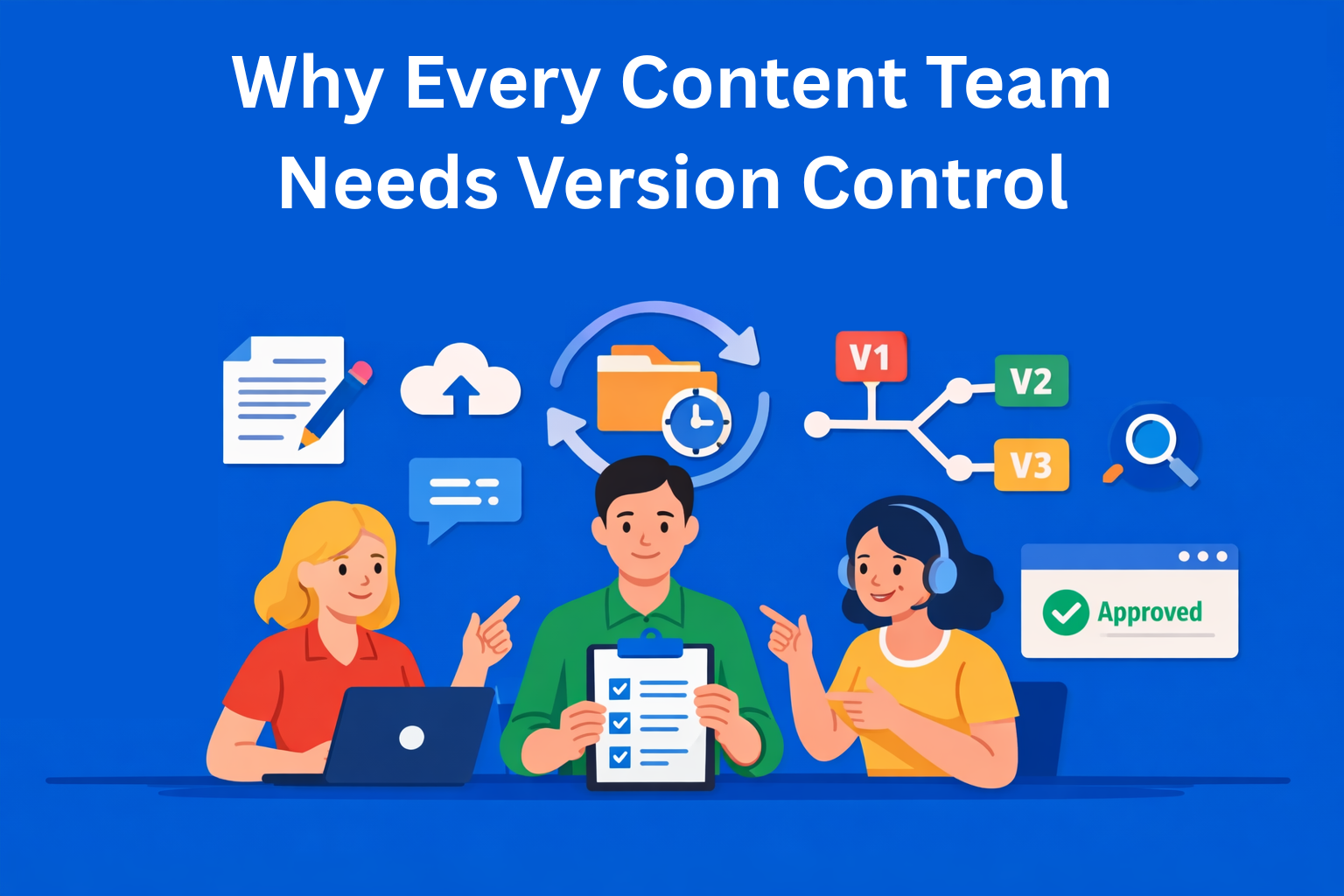
If you’ve ever worked on a piece of content, while someone else was also making edits, and a third person sent their own version, you know what happens next. At some point, no one knows which version is the latest or who changed what.
These situations happen every day in content teams. Articles, product descriptions, email campaigns, social media copy, all of it goes through multiple people, with lots of edits and comments.
Version control for content is the solution to this problem. And no, it’s not as complicated as it sounds.
Key Takeaways
- Without version control, content teams fall into chaos - multiple files, unclear edits, and lost changes make collaboration inefficient and frustrating.
- Version control brings clarity and accountability - every change is tracked with a clear history of who did what and when.
- Collaboration becomes faster and safer - teams can work in parallel, review only changes, and roll back mistakes without risk.
- It improves workflows, approvals, and compliance - structured tracking simplifies reviews and provides a reliable audit trail.
- Start small and focus on adoption - introducing version control gradually with clear rules ensures the team actually uses it.
Why content teams fall into chaos
Before we move to the solution, let’s briefly look at what the actual problem is.
When multiple people work on the same text without any organization, things go wrong very quickly. One editor changes the introduction, another works on the conclusion at the same time, a third sends a “fixed” file by email, and suddenly no one knows which version is correct.
Content management without a tracking system looks like this in practice:
- Files with unclear names
- Sending documents through Slack and email like it’s 2005
- “Who deleted this paragraph?”, a question no one can answer
- Going back to an older version means digging through email threads from a month ago
The worst part is when teams get used to this and start thinking it’s normal, but it’s not.
What version control actually is - explained without technical jargon
“Version control” might sound complicated, but it’s actually a very simple system for tracking changes in a document.
Every time you make a change in a document, the system automatically saves it as a new version. You can see all previous versions, who changed what, and when. If something doesn’t work, you can easily go back to an older version. Multiple people can work on the same text without the risk of overwriting each other’s changes.
For content management, there are four key things this system provides:
- Change history - every change is recorded. You can see what the text looked like a week ago, a month ago, or from the very beginning.
- Parallel work - multiple people can work on different parts of the same text at the same time, without the risk of overwriting each other.
- Rollback - if a new version isn’t good, you can go back to a previous one with one click. No panic, no lost work.
- Clear ownership - every change has a name and timestamp attached to it. Full transparency without constant questions.
Practical benefits for people working with content
No one loses their work anymore
This is the most basic benefit. When you use a system that saves every version, you can’t lose the text you’ve written. You can change anything you want and your work is still saved and can be restored. Content version tracking means every effort is protected.
Reviews and approvals are faster
An editor doesn’t have to read the entire text again to see what changed. The system shows exactly what’s new since the last review. Instead of spending an hour comparing versions, it takes five minutes. For teams that go through approval processes every day, this saves a huge amount of time each month.
You can experiment freely
People often avoid making bigger changes because they’re not sure what will happen if they make a mistake. With version control, that’s not a problem. You can make changes, and if they don’t work, you can easily go back to the previous version. Content collaboration becomes easier because there’s no risk of breaking something.
Decision history is preserved
Why was this paragraph deleted three months ago? Why did we change the tone? Who approved that change? You can find all of this in the change history. This is especially important in teams where people come and go, a new team member can quickly understand the context and reasoning behind each decision.
Compliance and legal safety
For companies working in regulated industries, finance, healthcare, legal, there is a clear record of who changed what and when. Content auditing becomes simple instead of stressful.
What tools exist and which one is right for you
You don’t have to start with complex solutions right away. There’s a range of tools, from very simple to more advanced.
Google Docs and Notion - for beginners
Google Docs has built-in version history. Right-click, open “Version history,” and you can see all changes with names and timestamps. Notion works in a similar way. This is enough for a smaller team that wants to get started without any technical complexity.
Downside? The options are limited. For a more advanced content workflow, this might not be enough for larger teams.
Git and Markdown - for technical teams
Git is a tool developers use to manage code, but it also works perfectly for text written in Markdown format. GitHub and GitLab are platforms that support this. This is the most powerful option, detailed history, branches for parallel work, everything.
Downside? It requires some technical knowledge. It’s not for everyone and not for every team.
CMS platforms and dedicated content platforms - for larger organizations
EasyContent, Contentful, or Sanity are tools that have built-in version control. If your company already uses one of these systems to publish content, then you likely don’t have a version control problem at all.
Tools built for content teams
There are platforms like Nuclino, Archbee, or Quill that are made specifically for content teams. They are easy to use and have everything needed for multiple people to work on the same content. They are a good option if you need something between Google Docs and Git.
How to introduce this into your team without drama
The biggest mistake is trying to change everything at once. Teams resist change, especially when it affects tools they use every day.
Start with one project. Choose one type of content, for example blog posts, and introduce version control there first. Once the team sees the benefits, they will naturally want to expand it.
Talk about benefits, not tools. “Here we can see who changed what” sounds better than “we will use Git for content management.” Same outcome, less resistance.
Set clear rules from the start. How are versions named? Who can approve changes? When do you create a new branch for parallel work? Without clear rules, even a good tool won’t help much. Content organization only works if the team is aligned.
Give the team time. It takes a bit of time to adjust. At first it might feel awkward, but it quickly becomes normal.
Conclusion
Version control for content teams is not complicated. It’s a system that stores all versions, protects your work, and makes collaboration easier.
Every team working on content has too many files, too many versions, and too much confusion about what is final and who did what. Content version management solves exactly that, without requiring you to be technical.
Start small. Take one project, one tool, one team. See what it looks like when things are organized instead of chaotic. You won’t want to go back.
EasyContent keeps every stakeholder sign-off in one visible place
- Route pages through the exact approval stages your organization requires
- External reviewers approve through a free guest account, no paid seat needed
- Track changes records every edit by name, so nothing is anonymous
- A past approval round can be pulled back up in the item's version history