Content Team AI Policy: How to Create Guidelines for AI Use in Your Organization
Create a simple AI policy for your content team to work faster without losing quality. Learn what’s allowed, what to avoid, and how to protect your brand, data, and content while using AI tools effectively.

Today, almost every content team uses artificial intelligence. You write headlines, generate ideas for posts, create first drafts of text, or edit images - AI saves you hours of work. But without clear rules, things can easily go wrong. Incorrect information appears, the text doesn’t sound like your brand, and sometimes confidential data can leak. That’s why an AI policy for content teams has become essential in 2026.
A good AI usage guideline is not there to ban tools or slow you down. Its purpose is simple: to help you work faster while keeping quality high, protecting your brand, and avoiding mistakes.
In this blog, I will clearly and simply show you how to create a practical AI policy for your content team - even if you’ve never done anything like this before.
Key Takeaways
- AI policies are essential for modern content teams - without clear rules, teams risk inaccurate content, brand inconsistency, and data leaks.
- AI should support, not replace human judgment - human review and approval remain critical for quality, accuracy, and brand alignment.
- Clear guidelines define safe and effective AI use - specifying allowed and prohibited use cases prevents misuse and confusion.
- Brand voice and fact-checking protect content quality - AI outputs must be adapted and verified before publishing.
- Policies must evolve with technology - regular updates ensure teams stay aligned with new tools, risks, and regulations.
Why do content teams need an AI policy the most?
Content teams are among those who use generative AI the most - tools like ChatGPT, Claude, or Gemini. This is great for productivity, but it also comes with risks. AI can make up facts (this is called hallucination), write text that sounds generic and boring, or accidentally reuse parts of someone else’s content.
Without rules, it’s easy to publish something inaccurate that damages your audience’s trust. Google and other AI-driven search engines are increasingly penalizing low-quality, mass-generated content. There are also legal risks - copyright issues, data leaks, and even new regulations like the EU AI Act that require greater transparency.
An AI policy for content teams solves these problems. It allows you to use AI to its full potential, but with control. Your team becomes faster, while your content stays authentic and safe.
Step 1: Prepare and assess your current situation
Don’t start alone. Gather a small group of people who will help create the policy. This usually includes a content team lead, someone from marketing, a legal or compliance person, and possibly someone from IT or data security.
First, run a simple audit. Ask your team members:
- Which AI tools are you already using?
- What do you use them for the most (ideas, drafts, headlines, images...)?
- Have you had any problems so far?
This gives you a realistic picture. Then define what you want to achieve - for example, increasing the number of published articles by 40% while keeping the same or better quality.
Step 2: Core parts of an AI policy
A good AI usage guideline should be short and clear, no more than a few pages. Here are the key parts it should include:
- Why are we creating this policy? - Explain that the goal is to use AI in a smart way, to be faster and more creative, while protecting the brand and the audience.
- Who does it apply to? - The entire content team: copywriters, social media managers, SEO specialists - everyone who creates content.
- Basic rules - The most important rule is that a human always has the final say (human-in-the-loop). AI is an assistant, not an author.
Step 3: What is allowed and what is not?
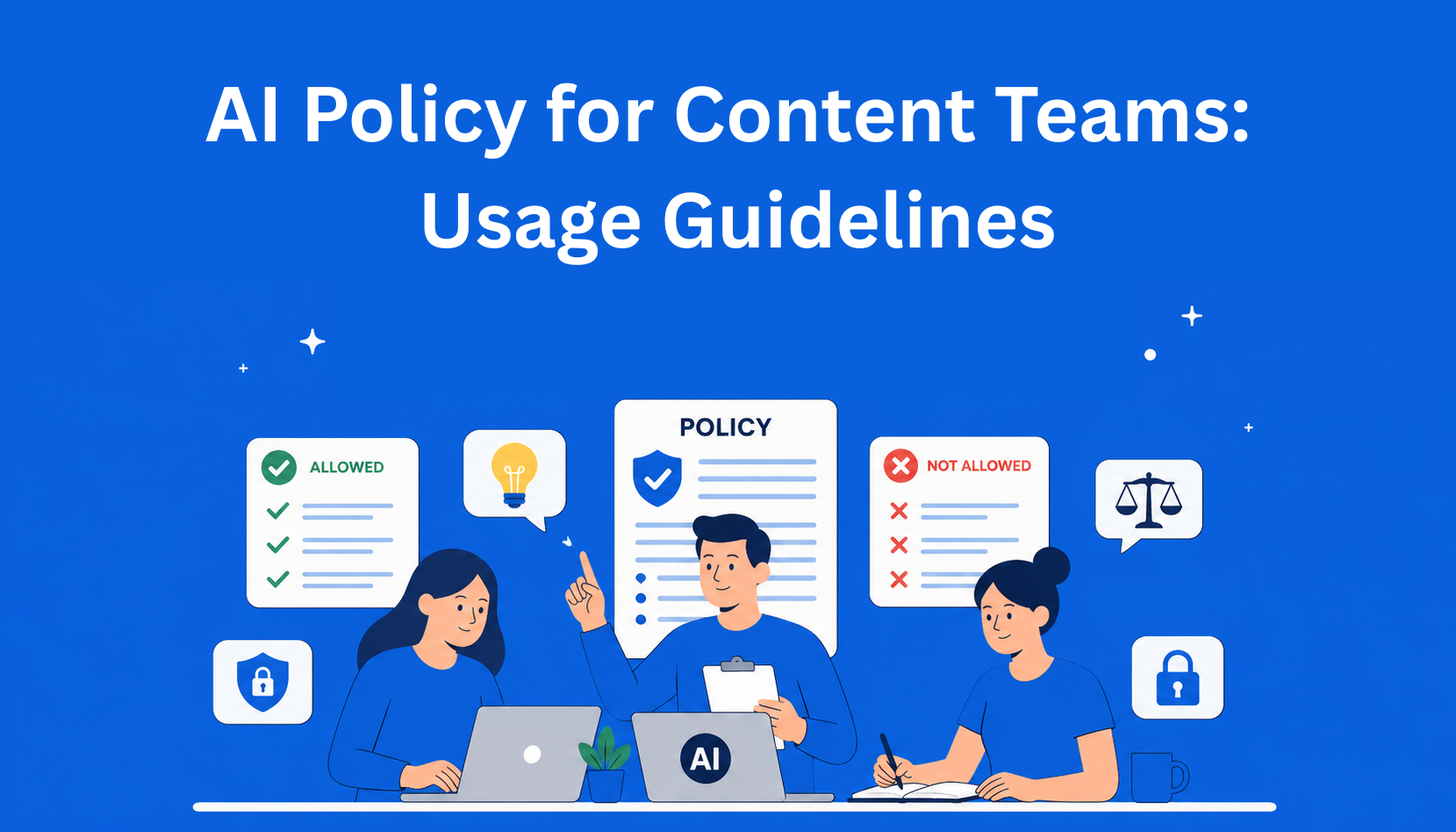
This is the core of your AI policy. Create a clear list.
Allowed uses of generative AI:
- Brainstorming ideas and topics for content
- Generating the first draft of text
- Creating variations of headlines and subheadings
- Helping with research (but always verify facts)
- Writing short descriptions for social media or emails
- Editing and improving existing text
- Generating ideas for images (with later human refinement)
Prohibited uses:
- Directly copying AI-generated text and publishing it without edits and review
- Entering confidential data (client data, internal plans, unpublished campaigns) into public AI tools
- Creating deepfake images or videos without approval
- Using AI to imitate someone else’s style or content
It’s important to have a list of approved tools. For example, allow only enterprise versions (like ChatGPT Enterprise or Claude Teams) because they offer better data protection. For new tools, introduce a simple approval process.
Step 4: How to preserve brand voice and quality
AI often writes in a dry and generic way. That’s why your AI usage guidelines should include a Brand Voice document. This is a guide that explains how your brand sounds - whether it is friendly, professional, humorous...
The best approach is to use predefined prompts (instructions for AI) where you include your brand description, target audience, and key messages in advance.
Your workflow should look like this:
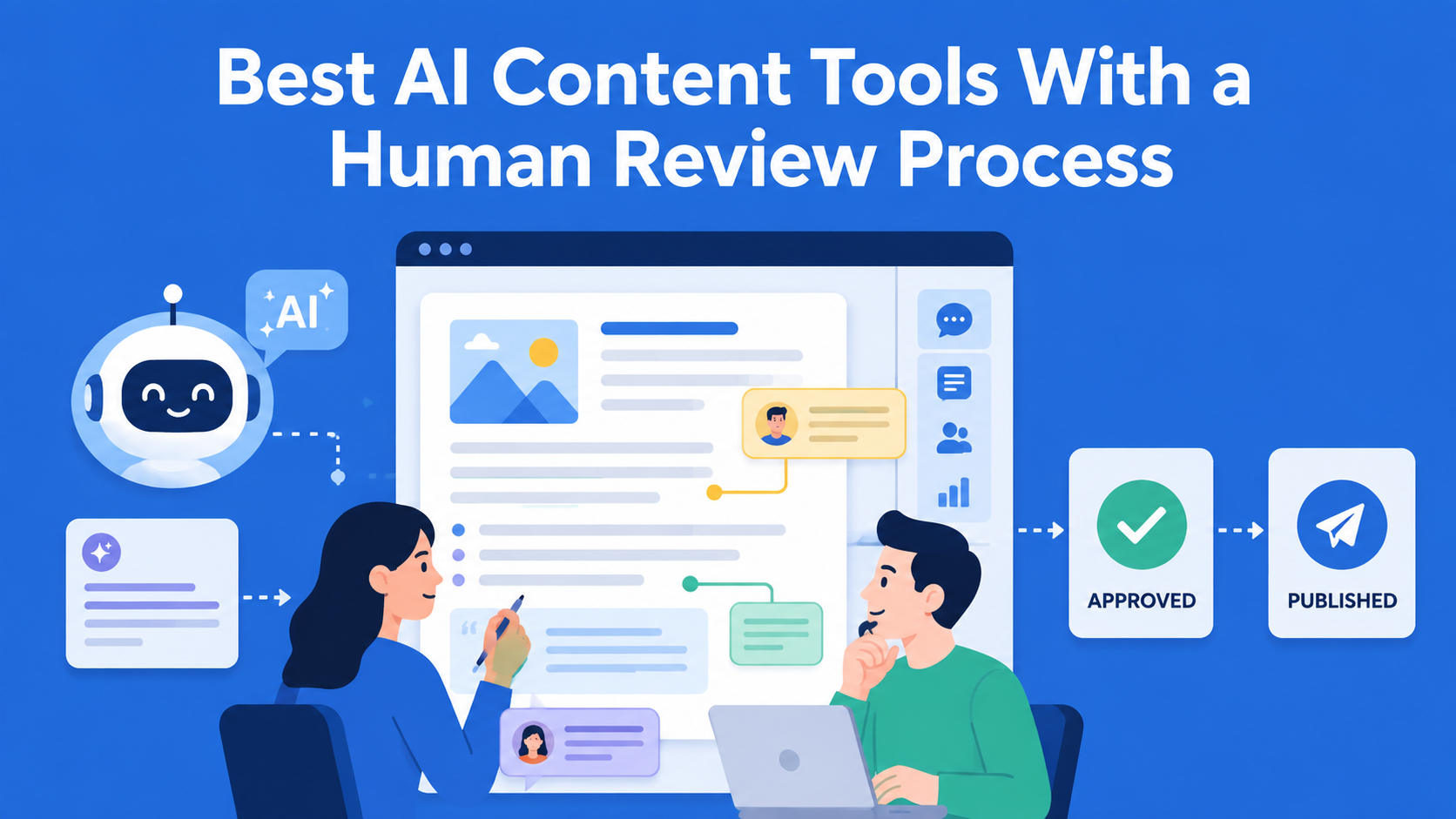
- AI creates the first draft
- A human reviews and edits it in detail
- Facts are checked (fact-checking)
- The content is approved for publishing
This is called human oversight, and it is one of the most important rules in any good AI policy for content teams.
Step 5: Data security and ethics
Never input sensitive information into AI tools that are not approved. This is one of the biggest risks. If you use public versions of ChatGPT, you risk your data being used elsewhere for training.
Also, pay attention to bias. AI can repeat stereotypes from the data it was trained on. That’s why you should always check whether the text is fair and inclusive.
When it comes to copyright - AI can generate something that looks similar to someone else’s work. That’s why checking originality is important. In Europe, new regulations (EU AI Act) from 2026 require more transparency for generated content, so it’s better to be cautious.
Step 6: How to introduce the policy to your team
Creating the document is great. But if you just send it by email, very few people will read it. Organize a short workshop or meeting where you explain the rules in a simple way.
Train your team in prompt engineering - how to write clear instructions for AI to get better results.
Introduce a simple workflow in the tools you already use (Notion, ClickUp, Google Docs...). For example, label each draft as “AI assisted” until the review is complete.
Regularly check whether the rules are being followed, but without micromanagement. The goal is trust, not fear.
Step 7: Update the policy regularly
AI is evolving quickly. What was relevant six months ago may no longer apply. That’s why you should plan to review your AI policy every six months. Add new tools, remove those that are no longer safe, and collect feedback from your team.
Example of a simple AI policy
Here is a short example of what your policy can look like:
- We use AI as an assistant to be faster and more creative.
- A human always reviews, edits, and approves the content.
- We only use approved tools with strong data protection.
- We never input confidential data.
- We maintain our brand voice in every piece of content.
You can start with this and adapt it to your company.
Conclusion
Creating a Content Team AI Policy is not complicated if you take it step by step. Start with an audit, gather the right people, define what is allowed and what is not, and introduce clear review processes. This way, you can take full advantage of generative AI while avoiding risks that could harm your brand.
AI is a great tool, but the best content is still created by people - with a little help from machines. A good AI usage guideline helps you work smarter, faster, and more safely.
If you’re just getting started, run an audit this week. That’s the easiest first step. And if you need a ready-made template or help with specific rules, feel free to reach out - I’d be happy to help.
EasyContent lets AI draft content without removing the human sign-off step
- AI permission controls sit at the account, project, and user level
- Style guide enforcement applies to AI output the same way it applies to a person's
- Every AI suggestion goes through the same review stage as a human draft
- A version history records who approved each AI-touched change