How to Audit Your Content Before Migration (and Why You Should)
A content audit before migration helps you protect your traffic and avoid SEO mistakes. Learn how to review your content, fix weak pages, and set up redirects so your website keeps growing instead of losing visibility.

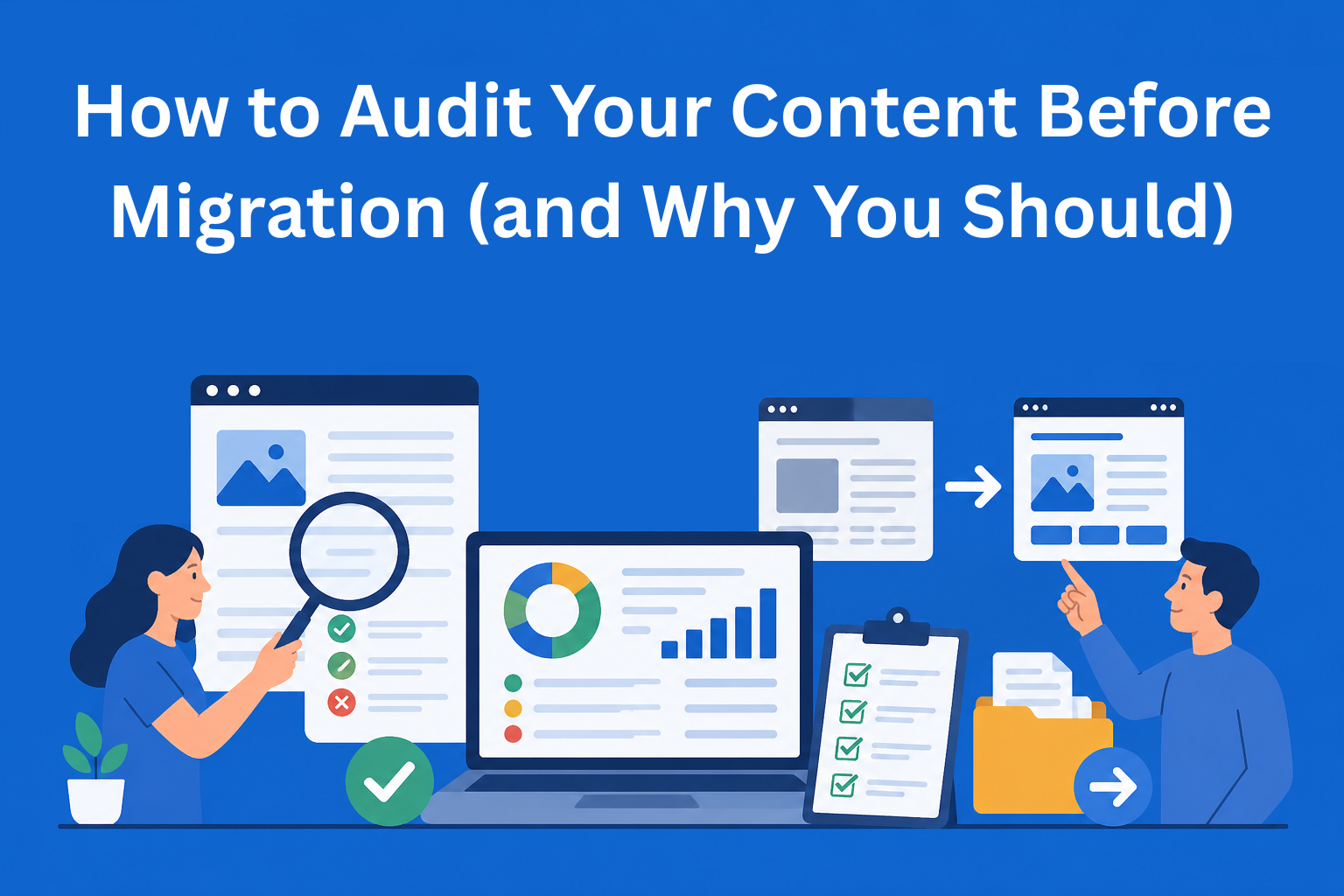
When you plan to move your website to a new platform, a new design, or even a new domain, it is easy to think that the most important thing is just to transfer all the images and text. But this is where many people make mistakes. If you don’t prepare properly, you can lose a large number of people who come to your site through Google. That is why a content audit before migration is one of the most important steps you should take.
A content audit means reviewing all the content on your website and seeing what you have and what needs to be done before you move it. If you do this properly, you will keep your visitors, and you might even gain more.
Key Takeaways
- Content audits are essential before any website migration - without preparation, you risk losing traffic, rankings, and valuable pages.
- Identify and protect high-performing pages - your best content should be preserved and correctly redirected to maintain SEO value.
- Classifying content simplifies decision-making - grouping pages into keep, improve, merge, redirect, or delete makes migration more efficient.
- Proper redirects prevent traffic loss - mapping old URLs to new ones ensures users and search engines reach the right content.
- A structured audit turns migration into an opportunity - cleaning and improving content can lead to better performance after launch.
Why is a content audit before migration really important?
Many websites lose between 30% and 50% of their organic traffic after migration. Some never fully recover. This is because Google prefers when everything works smoothly.
Without an audit, the following can happen:
- Pages that were bringing people to your site may disappear.
- Some links stop working.
- Old and new links are not properly connected, so Google does not know where to send people.
On the other hand, when you do a content audit before migration, you get a clear picture of what you have. You can clean up unnecessary content, improve weak content, and correctly redirect all important pages. This is not just protection - it is an opportunity to make your site better than it was before.
What should you check in a content audit?
A content audit has two main parts: numbers and quality.
In the numerical part, you look at how many pages you have in total, what types they are (blogs, product pages, categories, contact page, etc.), how old they are, and how much traffic they bring. It is especially important to identify which pages already perform well - those are your most valuable ones.
In the qualitative part, you evaluate whether the content is good. Is it useful to people? Does it match what people are searching for on Google? Are the titles and descriptions attractive? Are the images properly described? Does the page load quickly?
The goal is to understand the current state of your website before you start moving it.
Step by step: How to do a content audit before migration
It does not have to be complicated. Here is a simple plan you can follow even if you are doing this for the first time.
Step 1: Collect all data First, you need to see everything you have on your website. The best way is to do a “crawl” - this is like sending a robot to go through your entire site and list every page. For this, you can use a free or affordable tool like Screaming Frog. It will give you a list of all URLs.
Connect the data with Google Analytics and Google Search Console. This will show you how many people visit which pages and what keywords bring them.
Step 2: Review page performance Now analyze performance. Which pages bring the most visitors? Which have a good click-through rate from search? And which are “zombie pages” - old, rarely visited, and not providing any value?
Mark the top pages that you must keep at all costs.
Step 3: Evaluate content quality Here you work manually or with the help of a spreadsheet. Give each page a rating - is the content good, is it up to date, does it help people?
The easiest way is to place each page into one of these groups:
- Keep - keep as is (good and useful content)
- Improve - needs updates or expansion
- Merge - combine with a similar page
- Redirect - redirect to a better page
- Delete or Noindex - remove or hide from Google because it has no value
This classification makes your work much easier later.
Step 4: Create a URL map For each old page, decide where it will go on the new site. If you change the URL, you must create a 301 redirect - this is a permanent redirect that tells Google and users: “This old page is now here.”
A good map prevents anyone from landing on a 404 error.
Step 5: Check technical details Finally, check whether titles (title tags) and descriptions (meta descriptions) are correct, whether images are properly described, whether internal links exist, and whether pages load quickly.
What tools can help you?
You do not have to do everything manually. Here are some useful tools that make the process easier:
- Screaming Frog - great for scanning your entire site and finding issues.
- Google Search Console and Google Analytics - free tools that show real visitor data.
- Ahrefs or SEMrush - if you have a budget, they provide deeper insights into keywords and traffic.
- Excel or Google Sheets - where you can create your own tracking table.
Start with free tools. For most small and medium websites, that is more than enough.
Common mistakes people make
Many people do a shallow audit and pay the price later. Here is what usually happens:
- They keep too much low-quality content that only creates noise.
- They redirect all old pages to the homepage instead of relevant new pages (Google does not like this).
- They change both content and URL at the same time - this is a double hit for rankings.
- They do not test everything on a staging version before launching the new site.
- They forget to check whether all images and files have been transferred.
If you avoid these mistakes, the chances of a smooth migration are much higher.
What happens after the audit?
Once you complete the audit, you have a clear plan. You know what goes to the new site, what needs improvement, what should be merged, and where everything should be redirected. This gives you confidence that you will not lose what you have built over the years.
Finally, create a simple checklist for yourself or your team - it can be just a basic document with the order of steps. Many people say that after doing this audit, their site is actually better after migration than it was before.
Conclusion
A content audit before migration is not something you do just to “be safe.” It is a smart move that protects your traffic, time, and money. Instead of fixing problems for months after migration, it is better to prepare everything properly in advance.
If you are planning a website migration soon, start by crawling your current site. Review what you have, evaluate its value, and create a plan. Even if you are a beginner, with a bit of patience you can do a good job.
A website that is well prepared for migration usually continues to grow instead of declining. And that is what matters the most.
EasyContent's pricing doesn't punish agencies for winning new clients
- No per-seat pricing on Team and above, so costs stay predictable
- Published prices from $47 a month billed annually, or $59 monthly, with no sales call needed to see them
- External stakeholders review and approve without ever taking a seat
- Try it free for 14 days, no card on file