Best Content Operations Platforms: A Guide to Tools That Actually Help Teams
Compare the best content operations platforms for planning, creating, approving, and publishing content. See how Airtable, CoSchedule, Contentful, EasyContent, Bynder Content Workflow, and Monday.com differ.

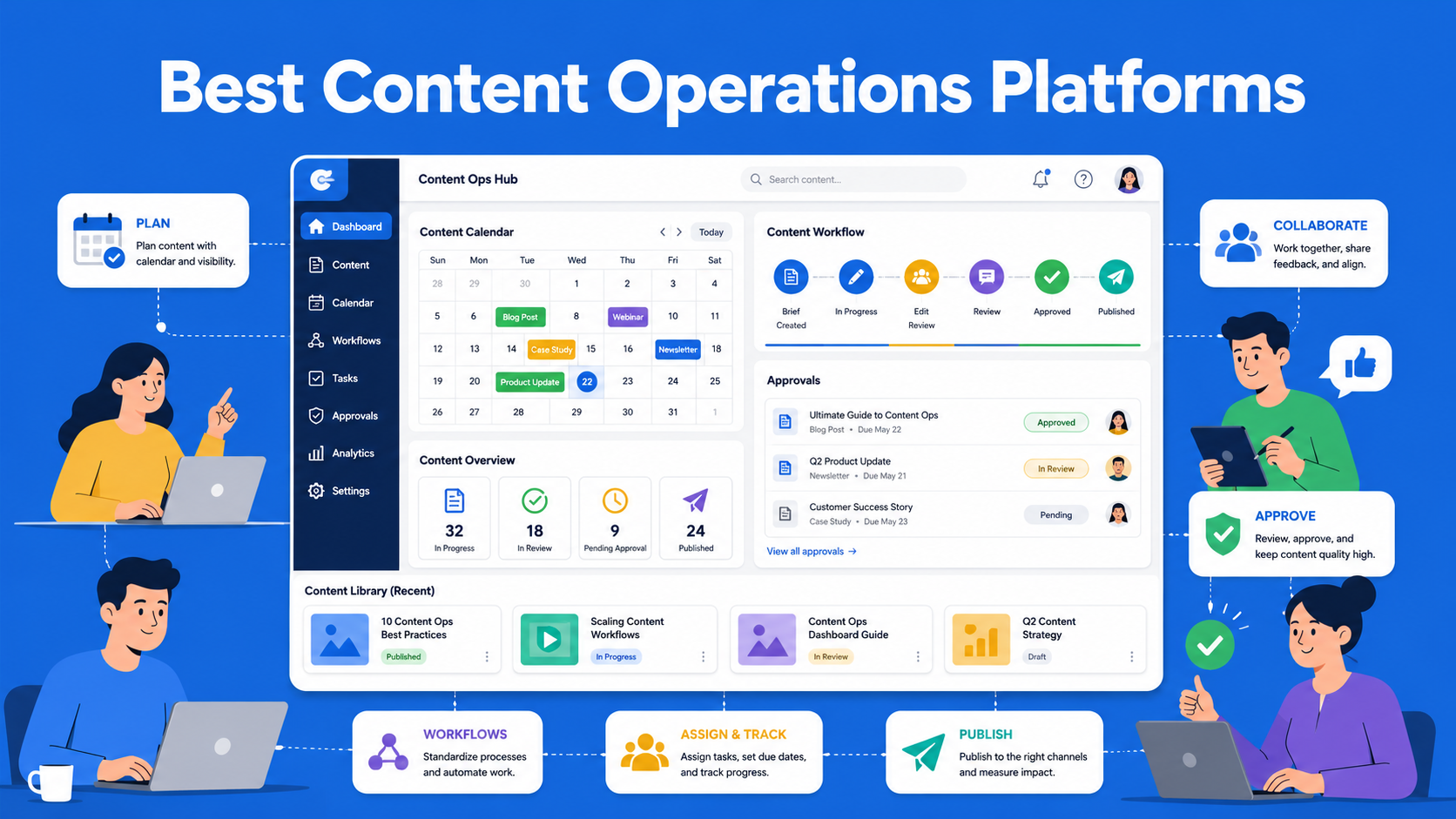
If you manage a content team, you have probably experienced at least one situation where someone published an article without approval, two people worked on the same document at the same time, or no one knew who was responsible for the final review before publication. This is exactly why an entire category of tools dedicated to content operations exists and in this article, we will go through some of the best-known options currently available on the market.
Content operations is, simply put, a system that connects every stage of the content process, from the initial idea and writing to approval and publication. Instead of teams working through emails, Slack messages, and random spreadsheets, a content operations platform brings everything together in one place. The result is less confusion, faster content production, and clearer accountability across the team.
It is important to make one thing clear from the start: there is no single tool that is objectively “the best” for everyone. Each platform has been built with different priorities in mind, so the best approach is to understand the differences and decide which one fits your process.
Key Takeaways
- Airtable - flexible database-style tool for teams that want to build a custom content workflow from scratch.
- CoSchedule - best for marketing teams focused on calendars, campaigns, and social media coordination.
- Contentful - enterprise-grade headless CMS for teams managing complex, multi-channel content systems.
- EasyContent - built specifically for content workflows, approvals, and structured content production.
- GatherContent (Bynder) - strong choice for structured website content and teams working within a DAM ecosystem.
- Monday.com - general project management tool that teams adapt for content workflows.
What a Good Content Operations Platform Should Do
Before comparing specific tools, let’s define what we are actually looking for. A good content management platform should cover the following areas:
- Planning and calendar - a clear overview of what is being written, who is responsible for it, and when it needs to be completed.
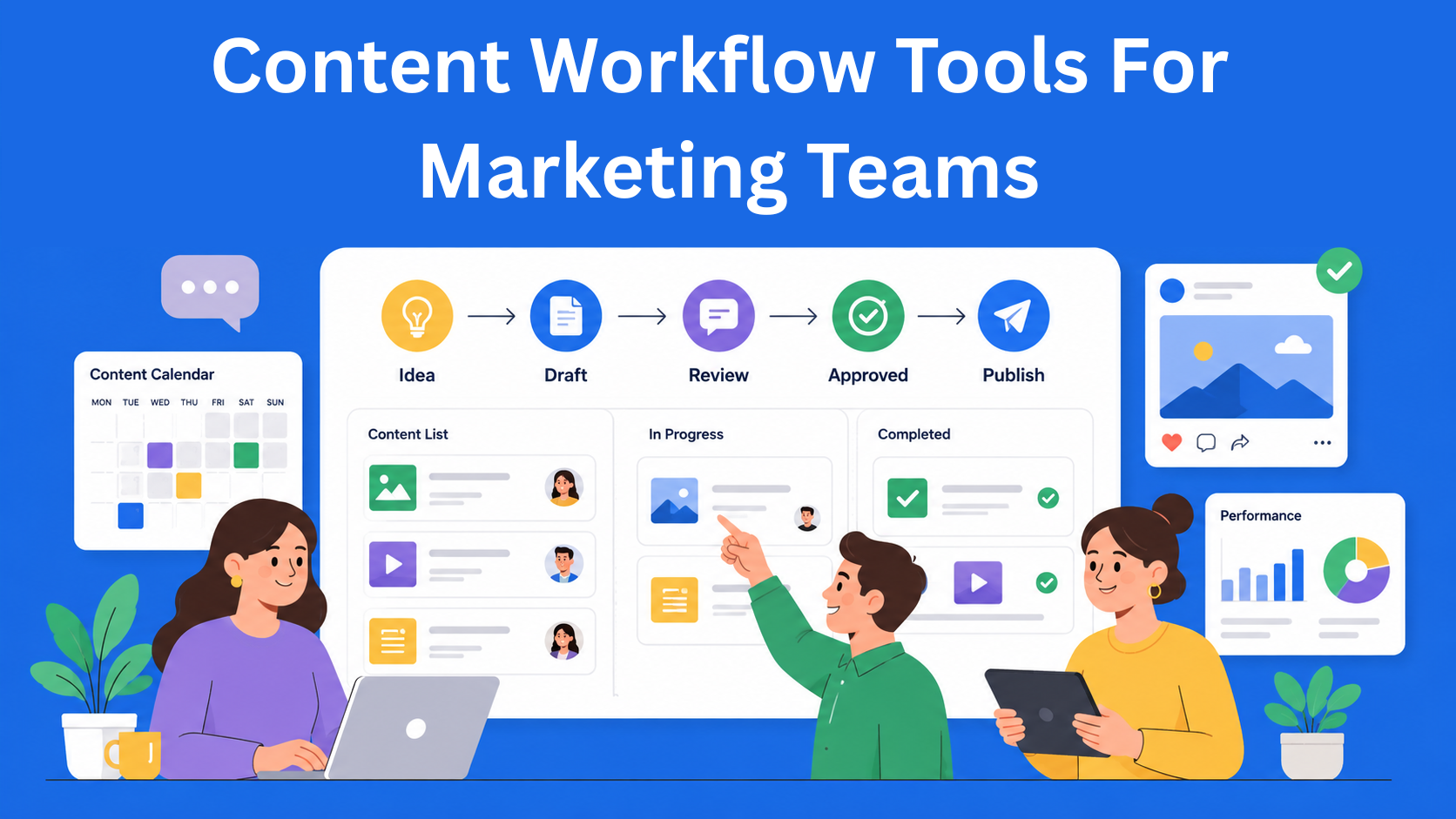
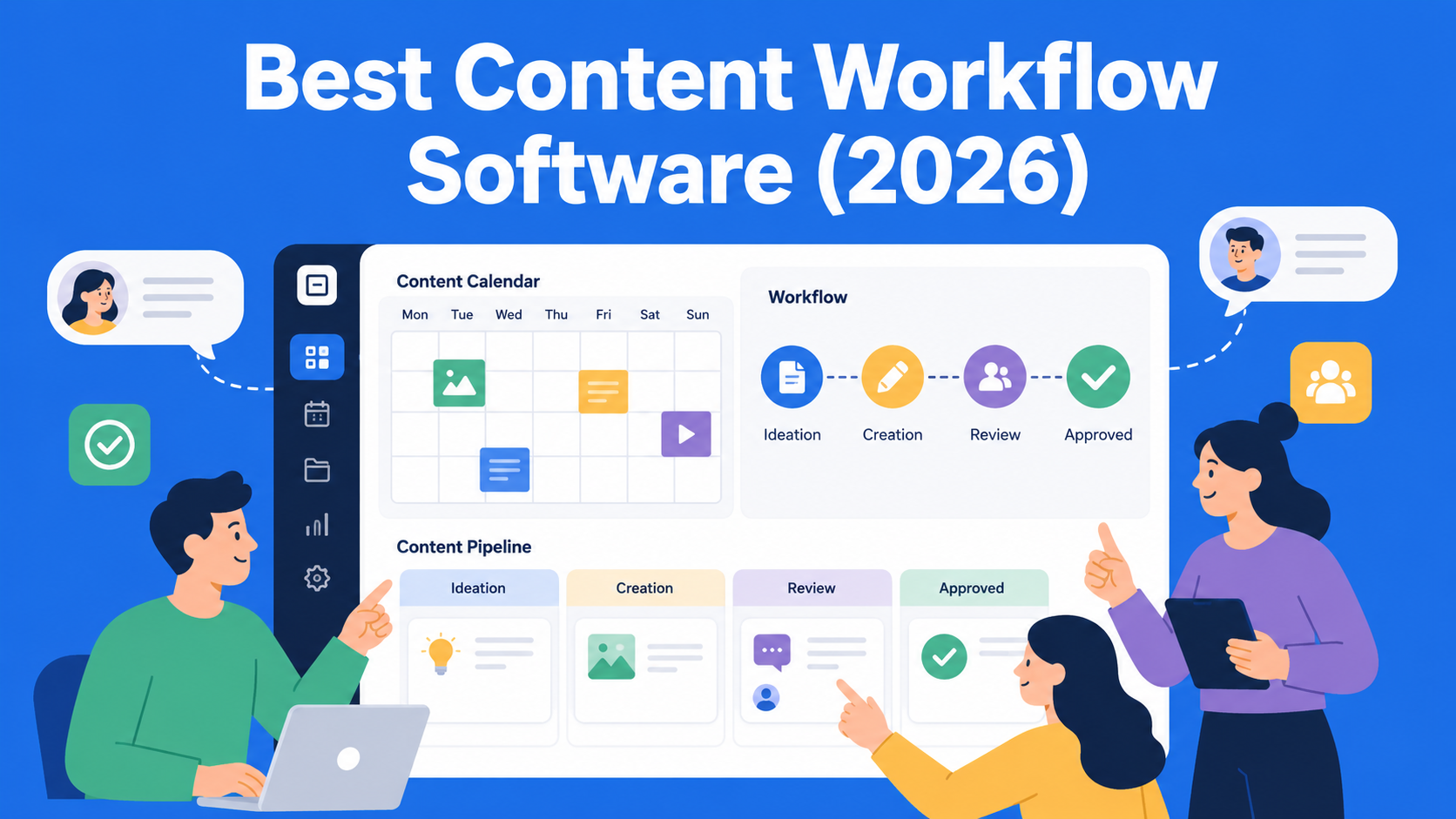
- Approval workflows - an automated process that moves content through different stages, such as draft, review, approved, and published, without requiring people to send manual reminders.
- Real-time collaboration - the ability for multiple people to work on the same content simultaneously, with comments and suggested edits.
- Integrations - connections with CMS platforms, design tools, and other software the team already uses.
- Reporting - visibility into how much content is being produced and where delays are occurring.
- Asset management - a central place for images, documents, and other files related to the content.
Platforms vary considerably in how well they cover each of these areas, so it is important to know what your team prioritizes before you start comparing tools.
What to Consider When Choosing a Platform
There is no universal answer to the question of which content operations platform is the best. It all depends on the size of your team, your budget, and the type of content you produce. Here are a few questions worth asking:
- How many people will use the platform, and does the price increase with the number of users?
- Do you only need to manage blog content, or do you also work with video, social media, and other formats?
- Do you need AI support for writing and content optimization?
- How important is ease of use to your team?
- Are you planning to grow your team and therefore need a platform that can scale with you?
With these questions in mind, it becomes easier to evaluate specific options. Let’s go through them in alphabetical order so that it does not appear that any particular platform is being given an advantage.
Airtable
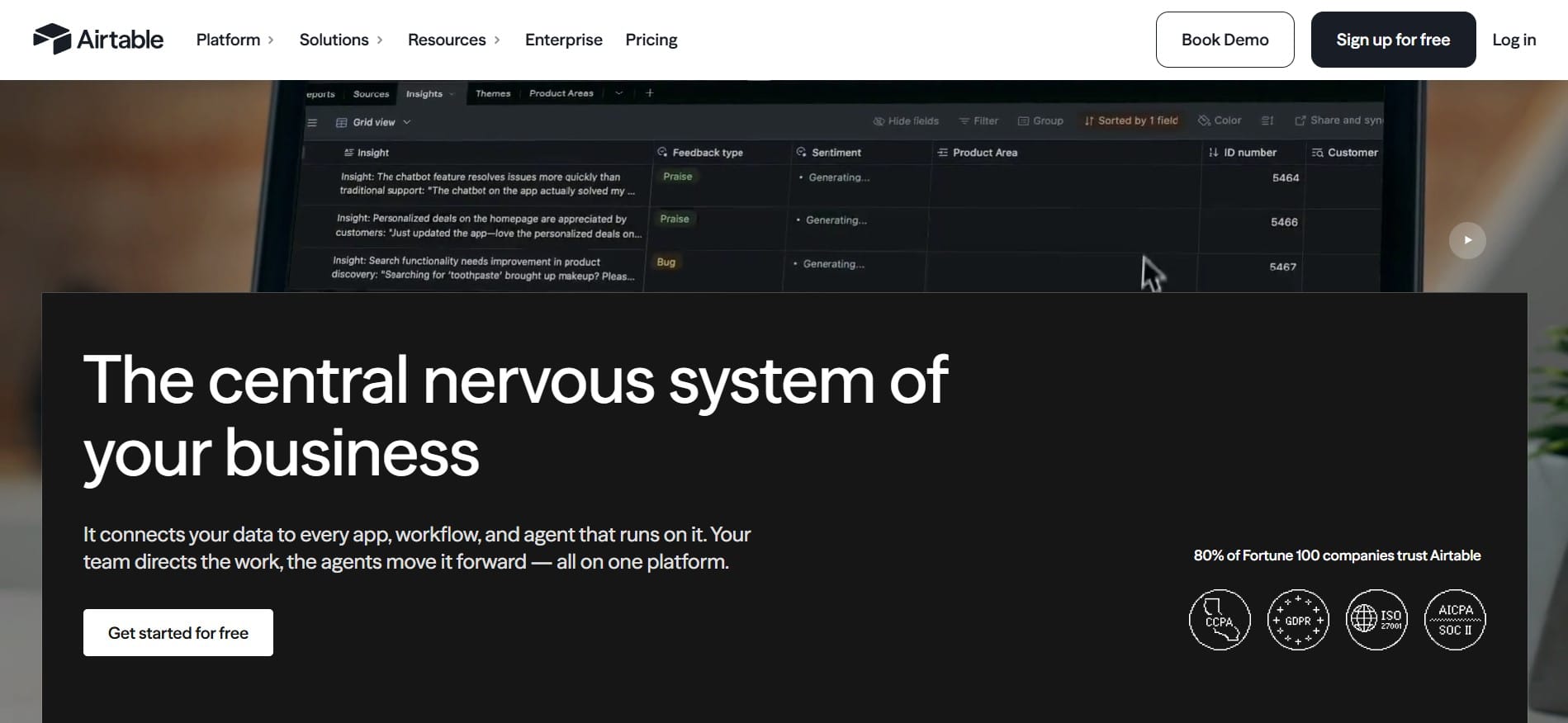
Airtable was not originally built as a content operations tool. It is a flexible database with a spreadsheet-style interface, known for allowing teams to adapt it to almost any process, including content production.
Key features:
- Databases with relationships between tables, such as connecting writers, content pieces, and distribution channels
- Multiple ways to view the same data, including grid, Kanban, calendar, and gallery views
- Automations that can trigger notifications or status changes
- AI features included in all paid plans, such as content generation, summarization, and sentiment analysis
Pricing: A free plan is available for smaller teams, supporting up to five editors and a limited number of records per database. The Team plan starts at $20 per user per month, the Business plan starts at $45 per user per month, while the Enterprise Scale plan offers custom pricing for larger organizations.
Advantages: It is extremely flexible and allows you to create exactly the type of system your team needs.
Disadvantages: It takes time to set up, and the per-user pricing can increase quickly as the team grows. For example, a team of ten people on the Business plan would pay around $450 per month.
Best for: Small to midsize teams that value flexibility and are prepared to build and configure their system from scratch.
CoSchedule
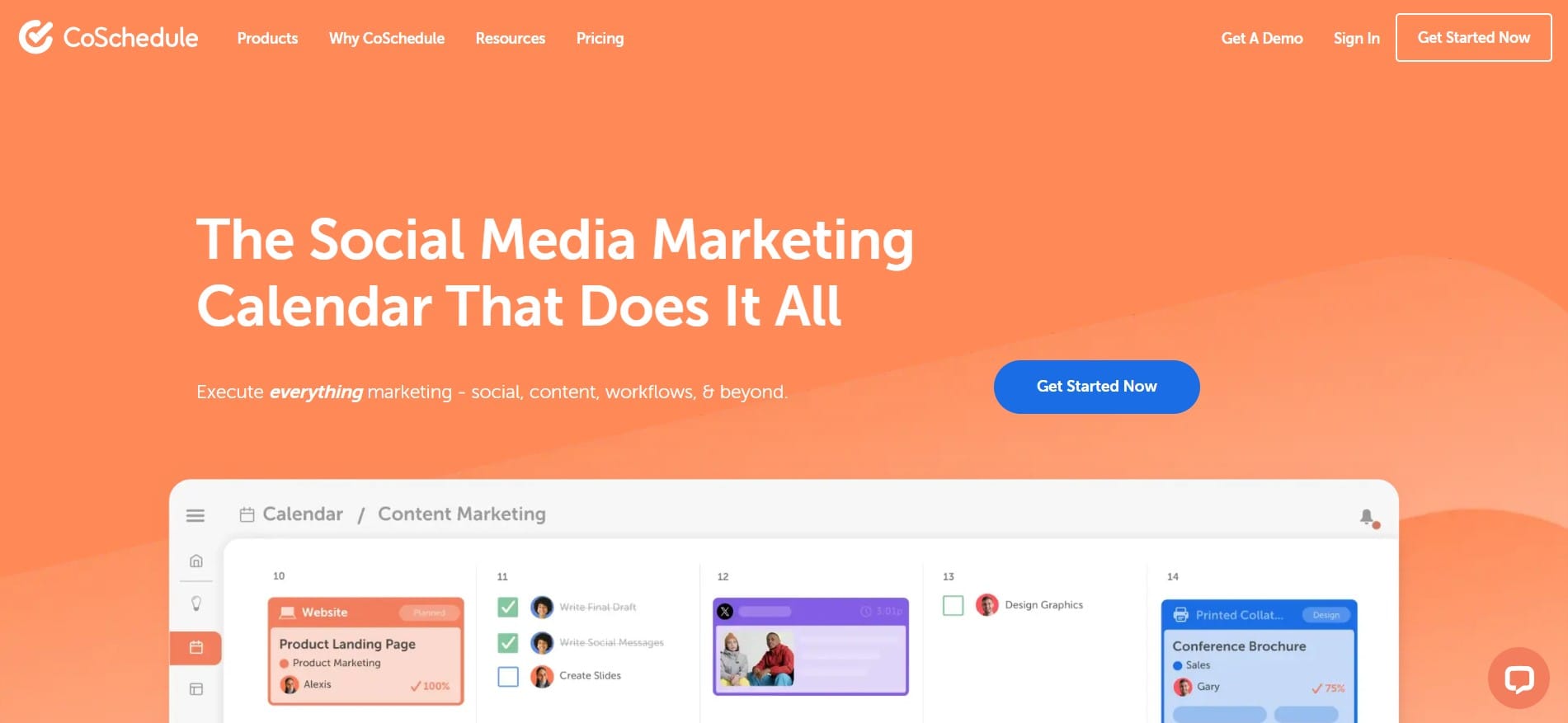
CoSchedule is one of the older and better-known tools in this category. Its main focus is marketing calendars and campaign coordination rather than advanced content approval workflows.
Key features:
- A marketing calendar that brings content, social media, and campaigns together in one place
- A Headline Analyzer tool for optimizing SEO headlines
- A ReQueue feature that automatically reshares older evergreen content
- Basic AI support through Mia for generating first drafts and content ideas
Pricing: A free calendar is available for one user. Paid plans vary significantly depending on the source and included features. The Social Calendar starts at approximately $19 per user per month, while the complete Marketing Suite can cost more than $200-$750 per month, depending on the number of users and modules included.
Advantages: It provides an excellent overview of the entire marketing strategy in one place, with a strong focus on calendars and social media.
Disadvantages: Users often mention that the price is high for smaller teams and bloggers, while the interface can feel overloaded because of the large number of features.
Best for: Marketing teams whose main priority is coordinating campaigns and social media rather than only writing and approving content.
Contentful
Contentful is primarily a headless CMS-a content management system in which the content is separated from the way it is displayed. However, it is also frequently used as the foundation for broader content operations processes within larger companies that manage sophisticated digital products.
Key features:
- A flexible content model that can be adapted to almost any type of data
- An API-first approach that allows content to be distributed to websites, applications, and other channels from a single source
- Content versioning and change history
- Roles and permissions, including SSO for larger organizations
Pricing: The pricing structure can vary considerably depending on the source and when the information is checked. Some plans reportedly start at around $300 per month, while other sources mention prices of up to $850 per month for the basic paid tier. Premium and Enterprise plans are negotiated directly with the company and can cost several thousand dollars per month, depending on the number of users and API calls. A free plan is also available for individuals and smaller projects.
Advantages: It offers highly flexible content structures and is a strong choice for teams that distribute content across multiple platforms.
Disadvantages: The price can increase quickly with the number of users and the volume of content. The platform also requires technical knowledge and is not designed for teams looking for a simple plug-and-play solution.
Best for: Enterprise teams and developers who prioritize flexible data structures over a simple text editor.
EasyContent
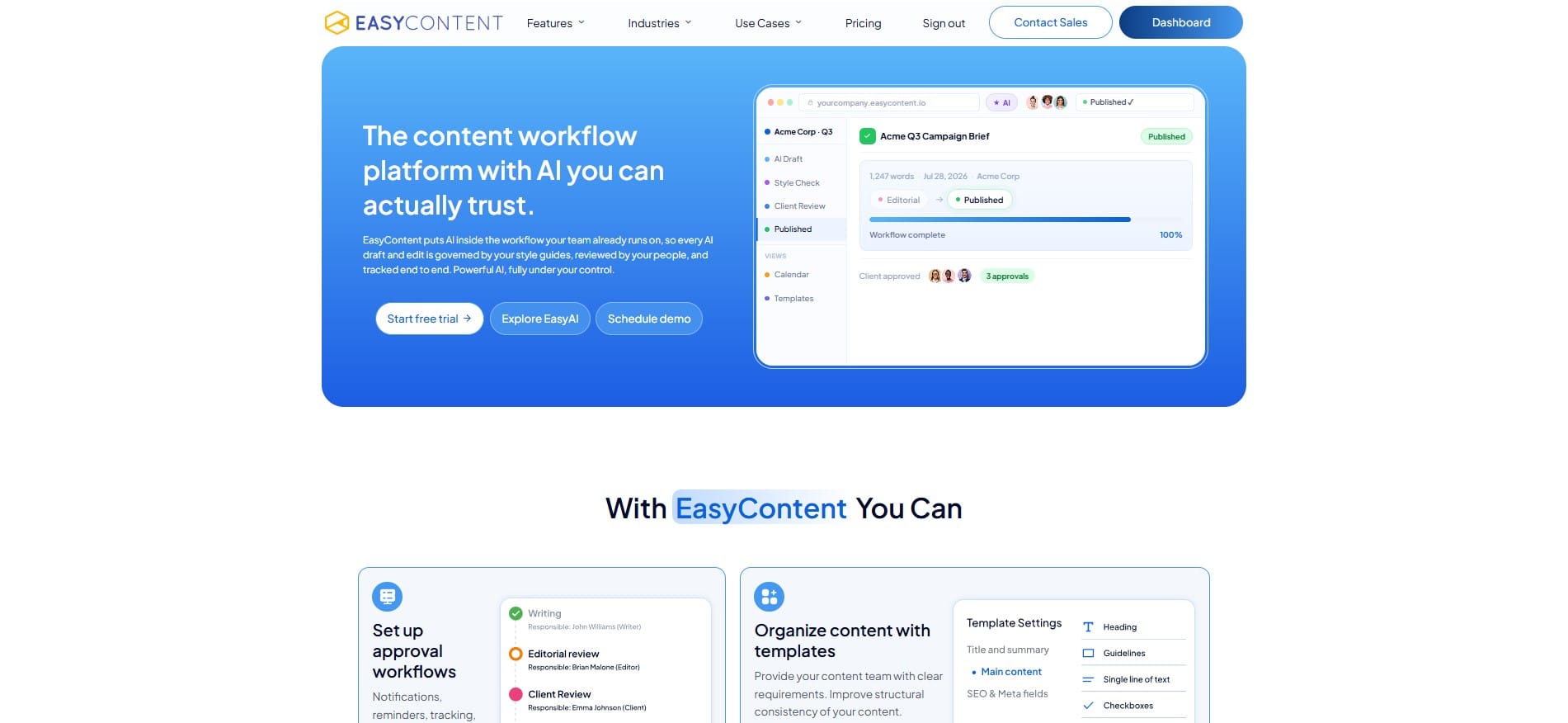
EasyContent is a platform built specifically for teams involved in creating and approving content, unlike broader project management tools that have later been adapted for content operations.
Key features:
- Fully customizable approval workflows that allow you to define stages and assign responsible team members, while the system handles notifications, reminders, and deadlines
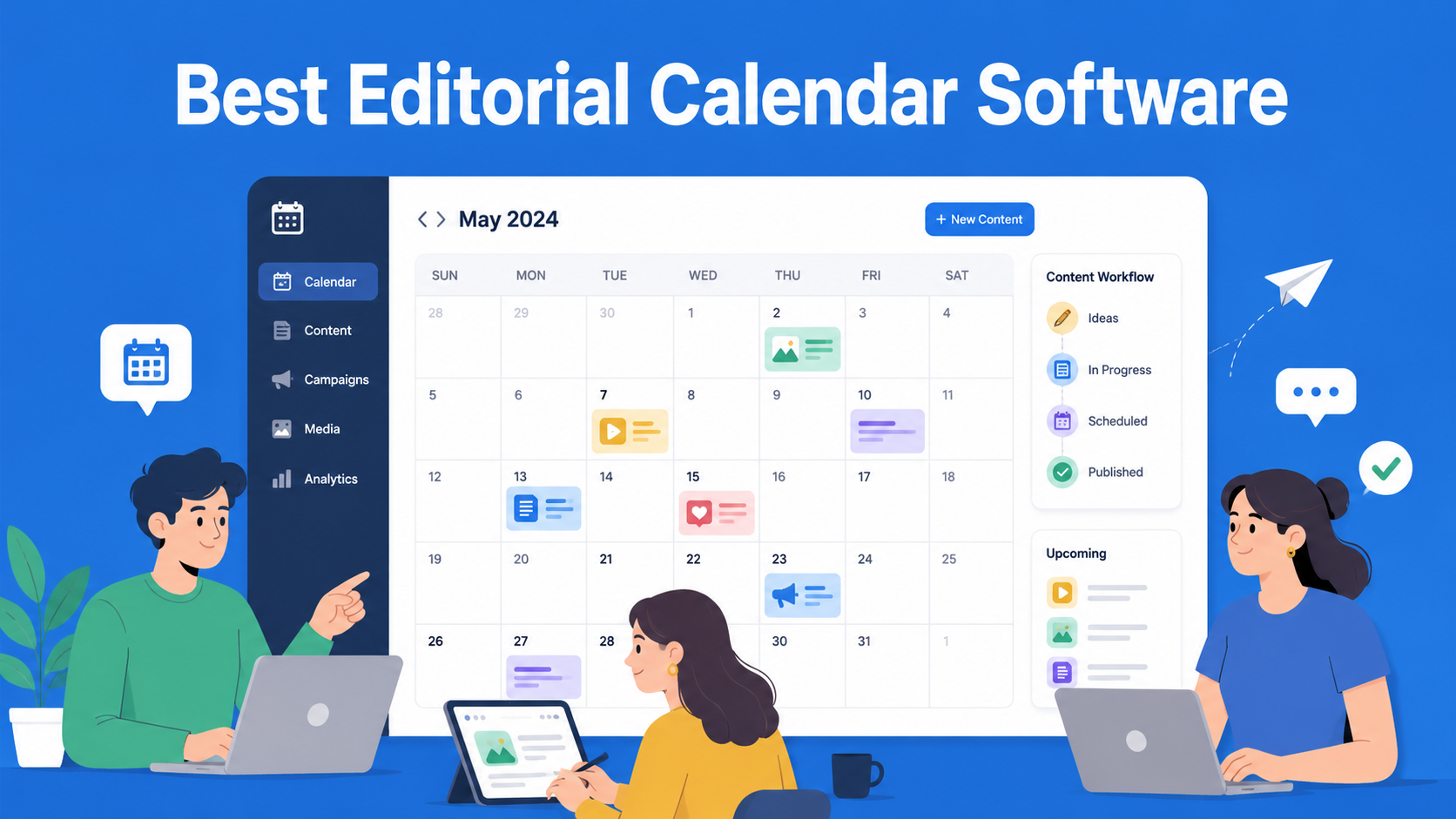
- A content calendar with drag-and-drop functionality and filters based on team members or workflow status
- A template system with customizable fields, instructions, and word count limits
- Real-time collaboration and change tracking within the content editor, with the ability to restore previous versions
- EasyAI, a built-in AI layer with two tools: EasyAI Writer for research and creating content from scratch, and AI Editor for optimizing and checking the quality of existing content
- Integrations with WordPress, Zapier and more than 8,000 applications, a Figma plugin, and tools such as Grammarly and Jasper
Pricing: There are three main plans: Starter at $47 per month with annual billing, Team at $167 per month, and Business at $399 per month, along with a custom Enterprise plan. A 14-day free trial is available without requiring a credit card.
Advantages: It is focused specifically on content production and approval, without unnecessary features intended for broader project management.
Disadvantages: It is less well known than competitors such as Contentful or Monday.com, which means there are fewer independent reviews and case studies available for comparison. Plan limitations, such as the number of projects and templates, may also become restrictive for larger teams using the lower-priced plans.
Best for: Teams that want a platform focused specifically on content workflows without having to adapt a generic project management tool.
GatherContent, Now Bynder Content Workflow
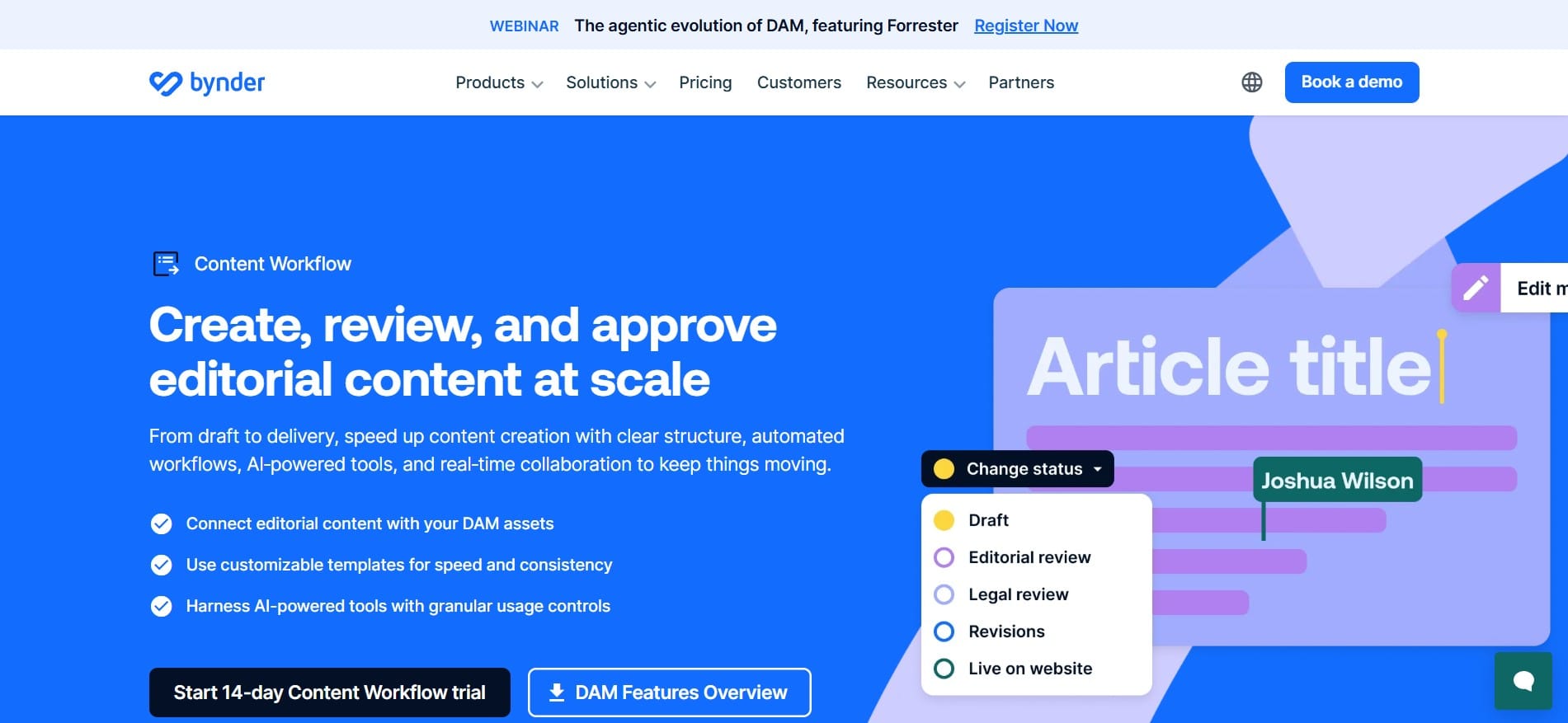
GatherContent was originally a standalone platform specializing in content operations for website projects. Bynder acquired it in 2023 and integrated it into its platform as Content Workflow.
Key features:
- Customizable multi-step approval workflows with clearly defined roles
- Templates that establish structure and brand consistency before the writing process even begins
- Real-time collaboration with comments placed directly within the context of the content
- Integrations with Bynder’s DAM system, Google Drive, Dropbox, Jira, Slack, WordPress, and other tools
Pricing: According to available sources, pricing starts at approximately $83–$99 per user per month. However, since its integration into Bynder, the platform has shifted toward enterprise customers, meaning the final price often depends on negotiation and the scale of usage.
Advantages: It offers a well-established approval workflow and template system that has long been considered a reference point in this category.
Disadvantages: Its integration into Bynder has changed its market positioning. Teams that are not already using the Bynder ecosystem should carefully consider whether the new enterprise-oriented pricing structure is suitable for them.
Best for: Agencies and teams managing content strategies for websites with many pages, particularly those already using or planning to use Bynder DAM.
Monday.com
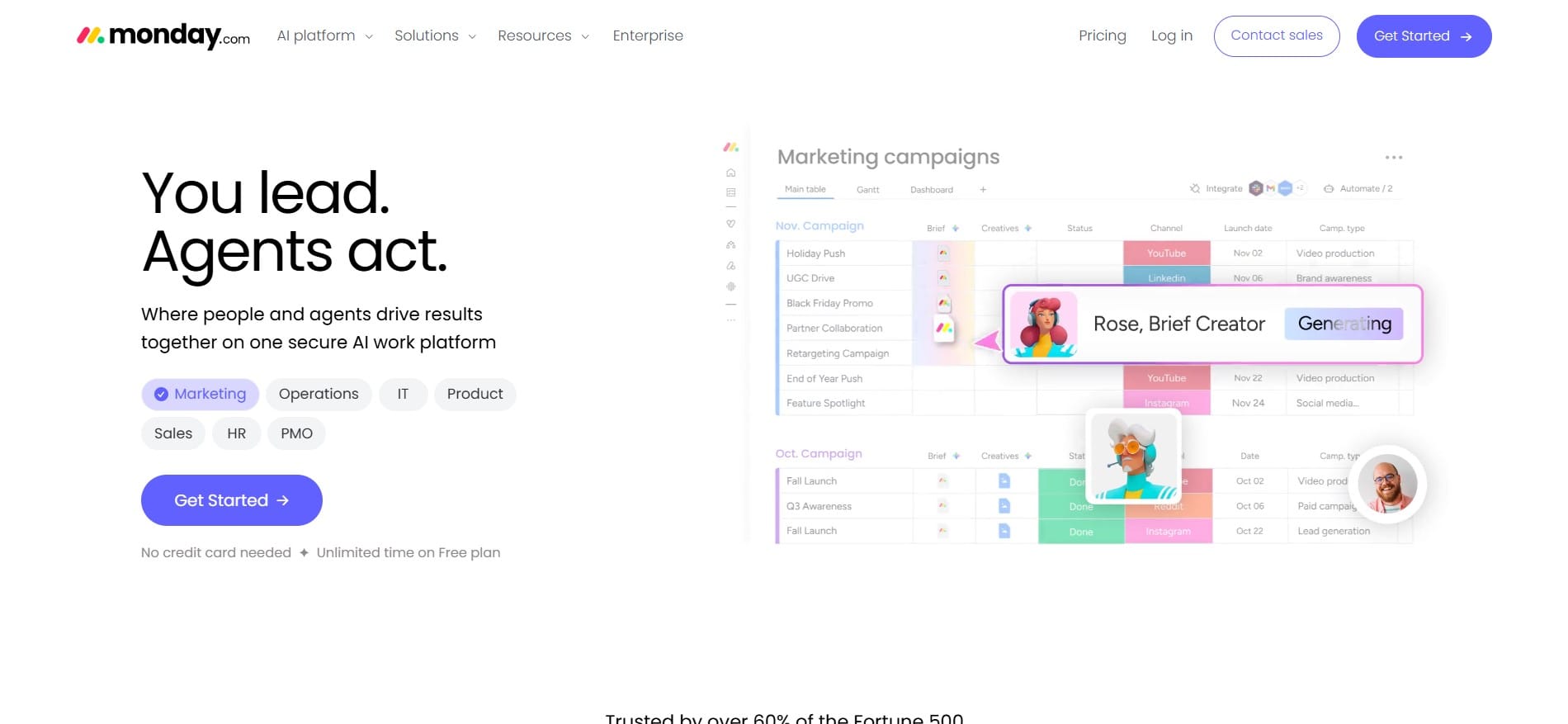
Monday.com is a general project management tool built around visual boards. Many marketing and content teams use it to organize their workflows, even though it was not originally designed specifically for content management.
Key features:
- Visual boards with columns that can be customized for almost any process
- Automations for notifications, status changes, and task assignments
- Calendar, Gantt, and Timeline views
- Integrations with a wide range of external tools
Pricing: A free plan is available for two users. The Basic plan starts at $9 per user per month, Standard at $12, and Pro at $19. However, subscriptions are sold in seat packages, such as 3, 5, 10, or 15 seats. This means that a team of six people, for example, may need to pay for ten seats.
Advantages: It offers an affordable starting price and an intuitive visual interface that does not require extensive training.
Disadvantages: It is not specialized for content workflows, so teams need to build their own approval processes and templates that some other platforms provide out of the box. Its seat-based pricing structure can also result in teams paying for unused seats.
Best for: Teams that already use Monday.com for other purposes and want to avoid introducing another platform solely for content management.
Comparison Overview
| Platform | Starting Price | Best For | Key Feature |
|---|---|---|---|
| Airtable | From $20/user/month | Flexible, customizable processes | Relational database |
| CoSchedule | From approximately $19/user/month | Marketing teams and campaigns | Marketing calendar |
| Contentful | From approximately $300–$850/month | Enterprise and development teams | Headless CMS and API-first architecture |
| EasyContent | From $47/month | Teams focused on content workflows | Approval workflows and built-in AI |
| GatherContent / Bynder | From approximately $83–$99/user/month | Agencies and website projects | Templates and approval processes |
| Monday.com | From $9/user/month | Teams already using the platform for other purposes | Visual boards and affordable pricing |
Note: Pricing may change and often depends on the number of users, contract length, and negotiations with the sales team. These figures should be treated as estimates rather than final prices. It is best to check the official website of each platform directly.
How to Choose the Right Platform for Your Team
There is no need to immediately purchase an annual subscription for any of these platforms. Most of them offer a free trial, so the best approach is to create a shortlist of two or three candidates based on the features that matter most to you, such as workflows, pricing, and integrations.
Test each platform using a real project rather than a fictional example. This will quickly show you whether the tool actually fits the way your team already works or forces you to change your entire process to accommodate the software.
You should also involve your team in the decision. They will be using the platform every day, so their experience during the trial period is more valuable than any list of features.
Conclusion
As you can see, each of these platforms solves a slightly different problem. Airtable and Monday.com are flexible general-purpose tools that can be adapted for content operations, but they require additional setup. Contentful and GatherContent/Bynder are more focused on enterprise customers and structured website content. CoSchedule is particularly strong in marketing campaign coordination. EasyContent is more specialized and focuses specifically on content production workflows.
Which platform is “the best” depends entirely on what your team does and how large it is. Try a few options through their free trial periods before making a final decision. That is the fastest way to determine what actually works for your team rather than what simply sounds best on paper.
EasyContent structures every piece of client content the same way
- Templates with custom fields keep every writer working to the same brief
- Recommended word and character counts guide writers on the fields that need them
- Content is organized page by page against the sitemap
- Custom structures let a single item flex when a template does not fit