Best Content Workflow Software (2026)
Looking for the best content workflow software? We compare EasyContent, CoSchedule, Airtable, ClickUp, monday.com, and GatherContent by features, pricing, approvals, and use cases to help you find the right fit for your team.
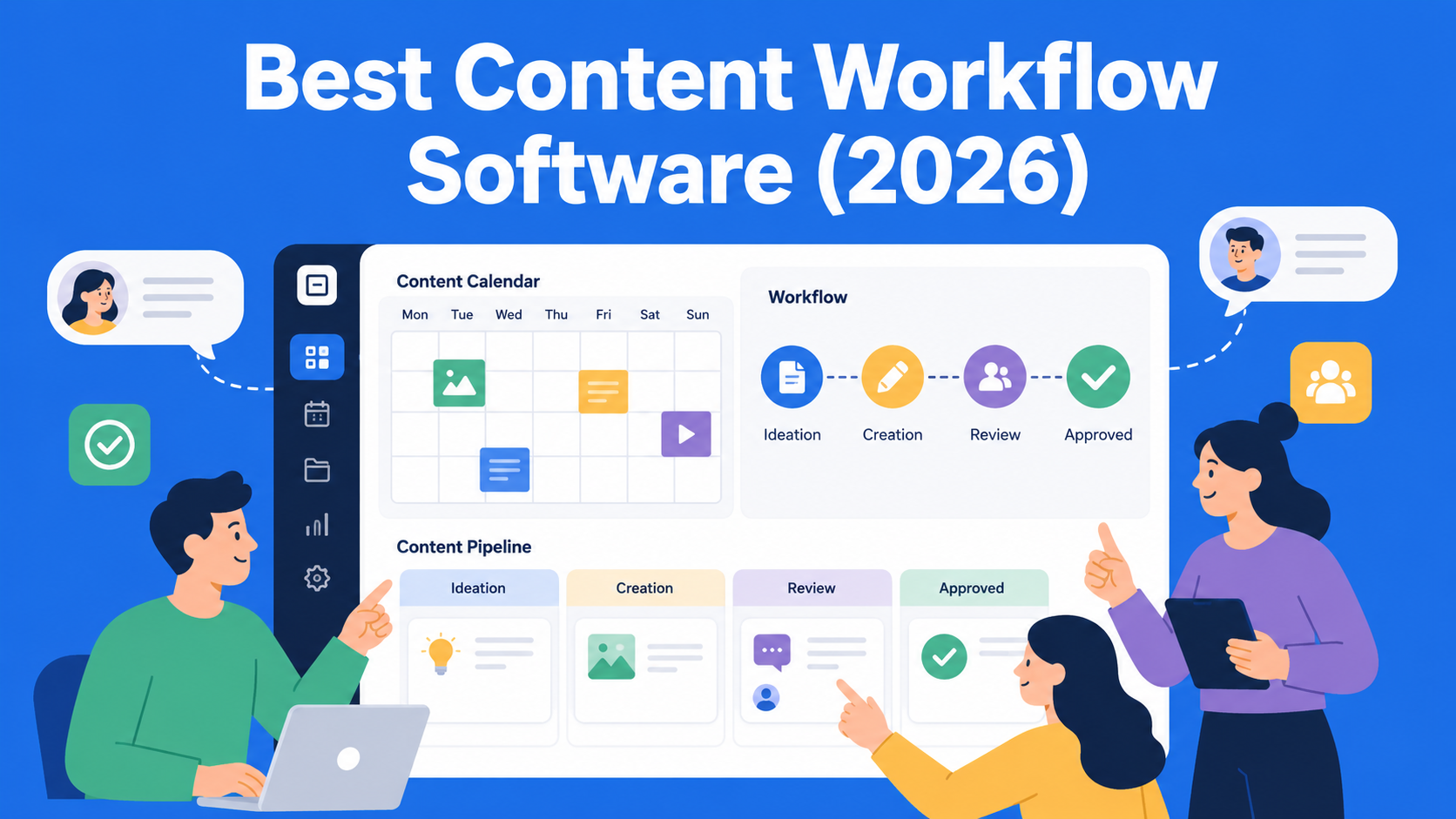
If you manage a content team, you probably know the feeling when a blog post sits waiting for approval for three days because no one is sure who is supposed to review it next. Or when the same piece of content gets four different versions of feedback in Slack, email, and Google Docs comments, and in the end, no one knows which version is the latest. That is exactly where content workflow software comes in, and in this article we’ll go through tools that solve these problems in different ways, so you can choose the one that actually fits your team.
I’m not going to give you a generic list of the “best tools in the world.” Instead, every tool follows the same structure: what it does, its key features, who it is best for, how much it costs, and its real drawbacks. That makes it easier to compare apples to apples rather than marketing copy to marketing copy.
Key Takeaways
- EasyContent - best for content teams and agencies that need customizable workflows and multi-step approvals.
- CoSchedule - best for marketing teams managing content calendars and multiple marketing channels.
- Airtable - best for teams that want the flexibility to build their own custom content workflow.
- ClickUp - a good fit for teams already using it for project management that also want to manage content workflows.
- monday.com - best for teams that want a visual way to track content progress, deadlines, and responsibilities.
- GatherContent (Content Workflow by Bynder) - best for agencies and larger teams that need structured content and repeatable approval processes.
What Does “Content Workflow Software” Actually Mean?
Before we get to the list, it’s worth clearing up one thing. Content workflow software is not the same as a standard project management tool like Trello or a generic Asana board. These tools have editorial steps built into the process, statuses like “in review,” “waiting for approval,” and “ready to publish”, along with version tracking, comments directly on the content, and often a direct connection to the CMS platform, such as WordPress, where the content is eventually published.
For smaller teams, a simple planning tool is often enough. But once more people become involved in the process, a writer, editor, client, and maybe even a legal team, a standard task manager starts to fall apart. That’s where specialized content workflow software becomes useful.
How We Chose the Tools for This List
We evaluated every tool using the same criteria: how well it covers the full process from idea to publication, how easy it is to use for non-technical teams, what the pricing looks like, and whether it provides real value for the money. The order of the list is not a ranking from best to worst, it is more of a logical overview of the available options, since each tool has its own niche.
1. EasyContent
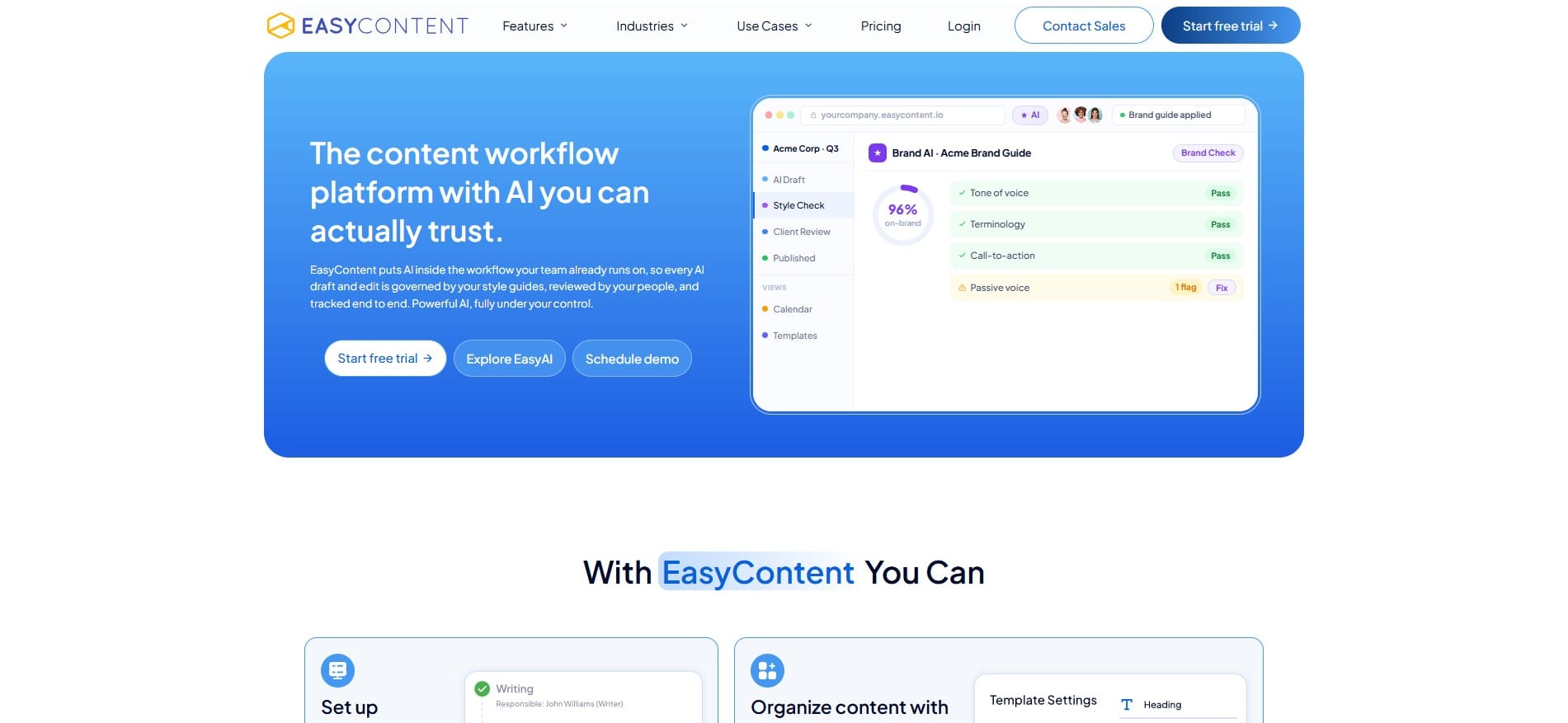
What it is: EasyContent is a platform built specifically for content teams, with a strong focus on collaboration and, above all, the content approval process. Unlike the more general tools on this list, the entire system is designed around how content moves from the initial idea to publication.
Key features:
- Fully customizable approval workflows, you choose the steps and who is responsible for each one, while the platform handles reminders, deadlines, and notifications
- Editorial calendar with filters by team member and content status, plus drag-and-drop for quickly moving deadlines
- Real-time collaboration, multiple people can edit the same piece of content at the same time
- Content templates that help ensure every piece follows the same structure
- EasyAI, a built-in AI assistant that helps with both writing and editing, with a focus on fact-checking before suggestions reach the editor
- API, webhooks, and WordPress integration (available from the Team plan and above)
Best for: Agencies and in-house teams where the approval process is a key part of the workflow, for example, when a client or multiple internal roles need to approve content before it is published.
Pricing: Three main plans, Starter ($47/month with annual billing), Team ($167/month), and Business ($399/month), plus an Enterprise plan with custom pricing. All plans include a 14-day free trial with no credit card required.
Pros: The approval system is more detailed and flexible than what you get with general-purpose tools on the list, while the built-in AI assistant saves time both when writing and reviewing content before publication.
Cons: The Starter plan does not include API access, webhooks, or WordPress integration, and the number of projects and templates is limited on lower-tier plans, so growing teams will probably want to move to the Team plan relatively quickly.
2. CoSchedule
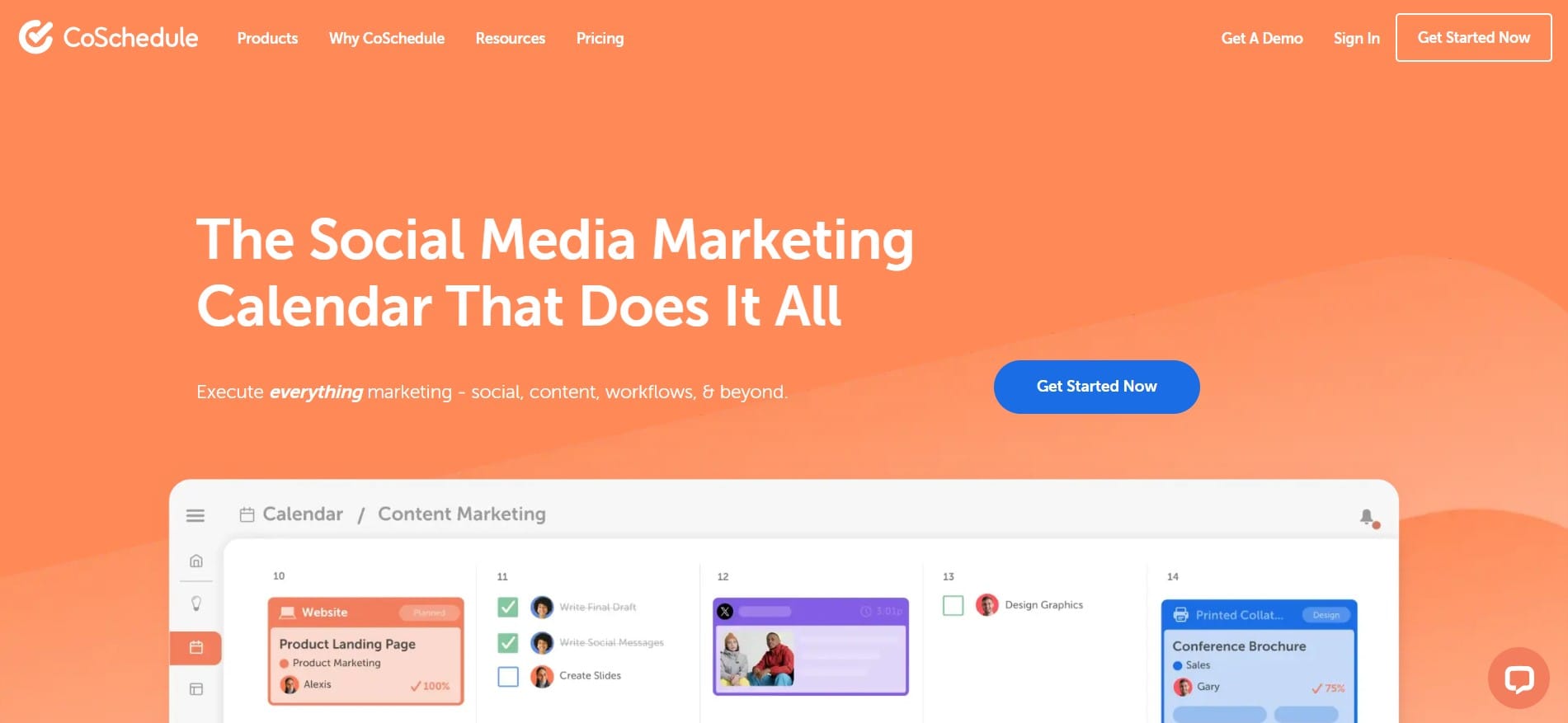
What it is: CoSchedule is a marketing calendar with additional workflow features, best known for bringing blog planning, social media, and email campaigns together in one place.
Key features:
- Visual marketing calendar
- Social media publishing automation
- Team workflows with assigned tasks
- Strong WordPress integration
Best for: Marketing teams managing multiple channels at the same time, blog, social media, newsletter, and wanting to see everything in a single calendar.
Pricing: Plans start at just over $20 per user per month, with more advanced plans for larger teams available at custom pricing.
Pros: One of the strongest tools when your main focus is calendar-based planning and multi-channel marketing rather than text content alone.
Cons: The approval system is simpler than what you get with specialized content approval tools, so teams with more complex processes may find it limiting.
3. Airtable
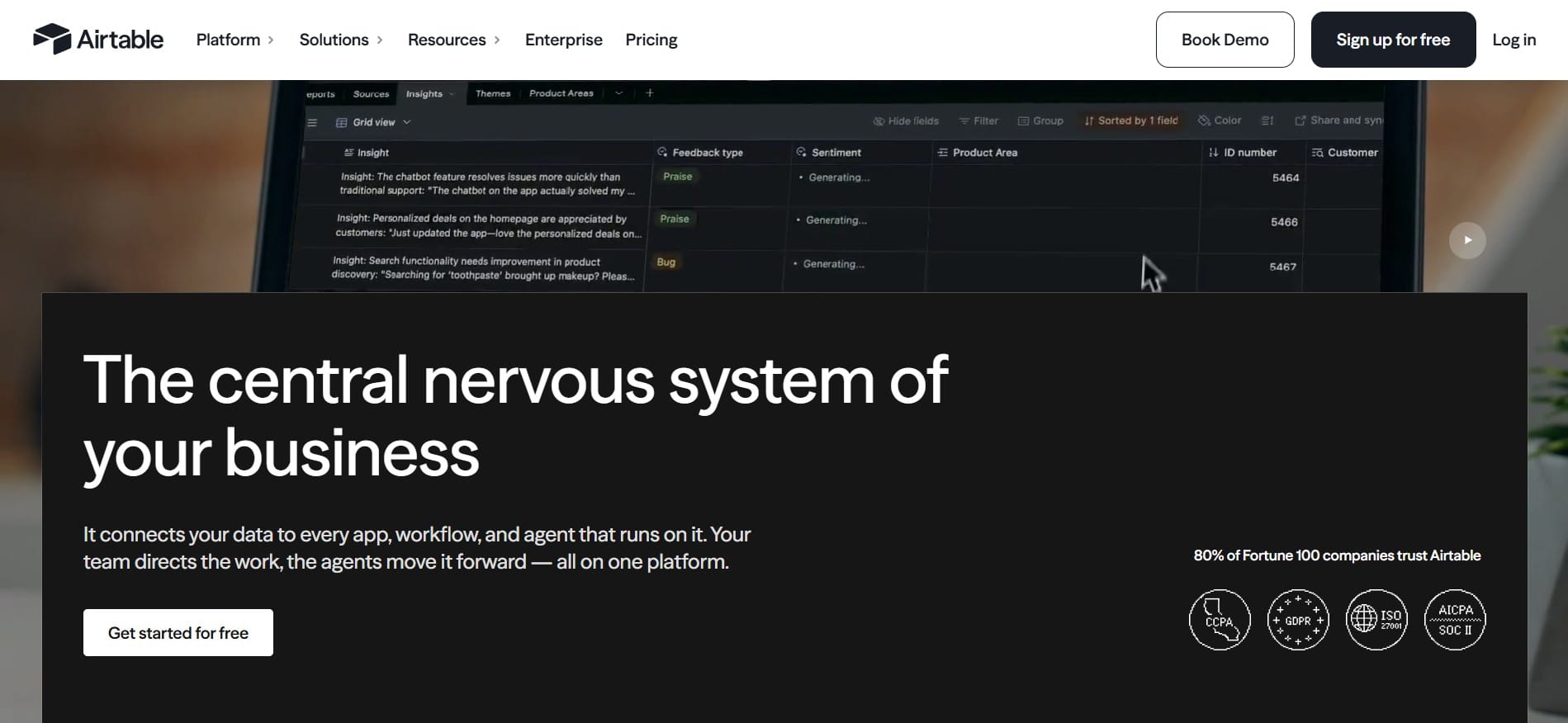
What it is: Airtable is not built specifically for content. It is a flexible database with a spreadsheet-like visual interface. Because of that flexibility, many content teams use it as the foundation for their own custom workflows.
Key features:
- Fully customizable databases and views (table, kanban, calendar)
- No-code automations
- Ability to connect multiple databases, such as content, writers, and clients
- Large number of integrations through Zapier and similar tools
Best for: Teams that like building their own system from scratch and have the time to configure it to fit their needs.
Pricing: A free plan is available for smaller teams, while paid plans start at around $20 per user per month.
Pros: Incredible flexibility, you can literally build your own content calendar, idea database, and approval system exactly the way you want.
Cons: That same flexibility is also a drawback. It takes time to set everything up, and new team members can take longer to learn the system because it is not a ready-made content product but a platform you build yourself.
4. ClickUp
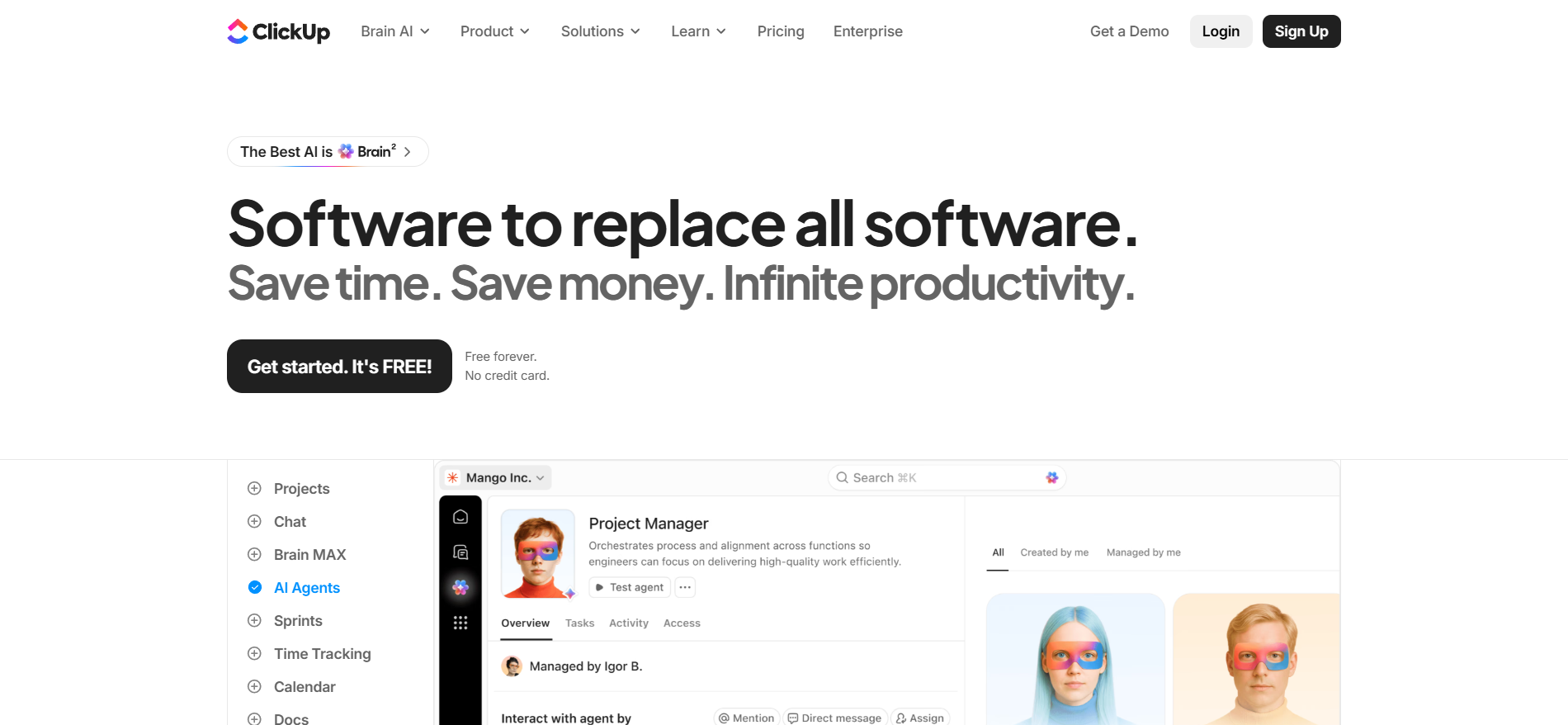
What it is: ClickUp is a general project and task management tool, but it offers enough templates and customization options that many marketing teams also use it for content workflows.
Key features:
- Templates designed for content calendars and editorial processes
- Custom task statuses such as idea, in progress, in review, and published
- Built-in Docs for writing and collaboration
- Dashboards for tracking team progress
Best for: Teams that already use ClickUp for other projects and do not want to introduce a separate tool just for content.
Pricing: A free plan is available for basic needs, while paid plans start at around $7 per user per month.
Pros: Great value for the price, and having tasks, content, and communication in one place can save time.
Cons: It was not built primarily for content, so some features, such as detailed text version tracking, are nowhere near as advanced as in specialized content tools.
5. monday.com
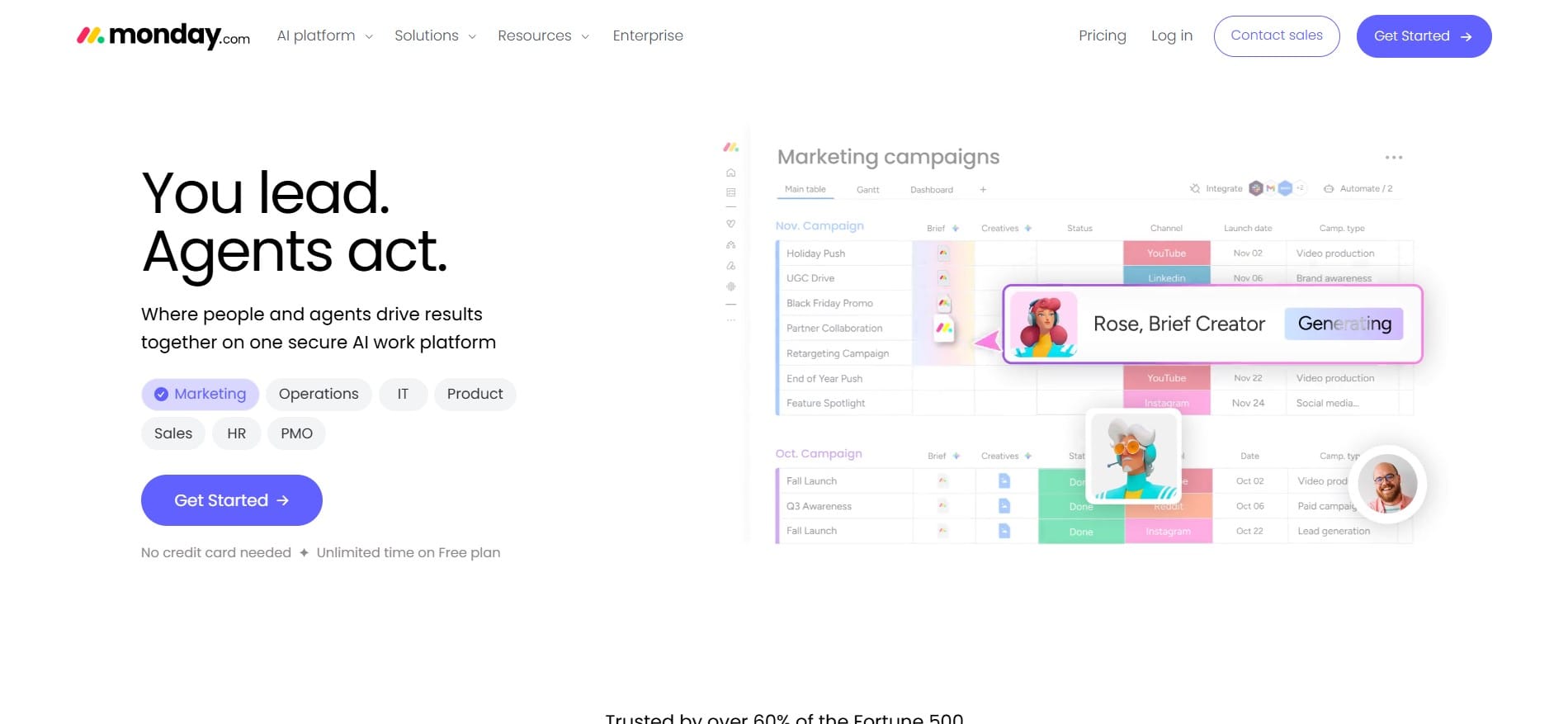
What it is: Similar to ClickUp, monday.com is a general work management platform, but it has a strong visual approach that marketing teams often use for content planning.
Key features:
- Visual boards with colors and statuses for easy progress tracking
- Automations, such as sending an automatic notification when content changes status
- Integrations with tools like Slack, Gmail, and Google Drive
- Team capacity and deadline tracking
Best for: Teams that want a clear visual overview of where every piece of content is in the process, while also connecting content work with broader business goals.
Pricing: Paid plans start at around $9 per user per month, with more advanced options for larger teams.
Pros: Intuitive interface, easy to learn, and automations reduce a lot of manual work.
Cons: Like ClickUp, it is not specialized exclusively for content, so advanced editorial features, such as detailed revision tracking, are not on the same level as dedicated content tools.
6. GatherContent (Now Content Workflow by Bynder)
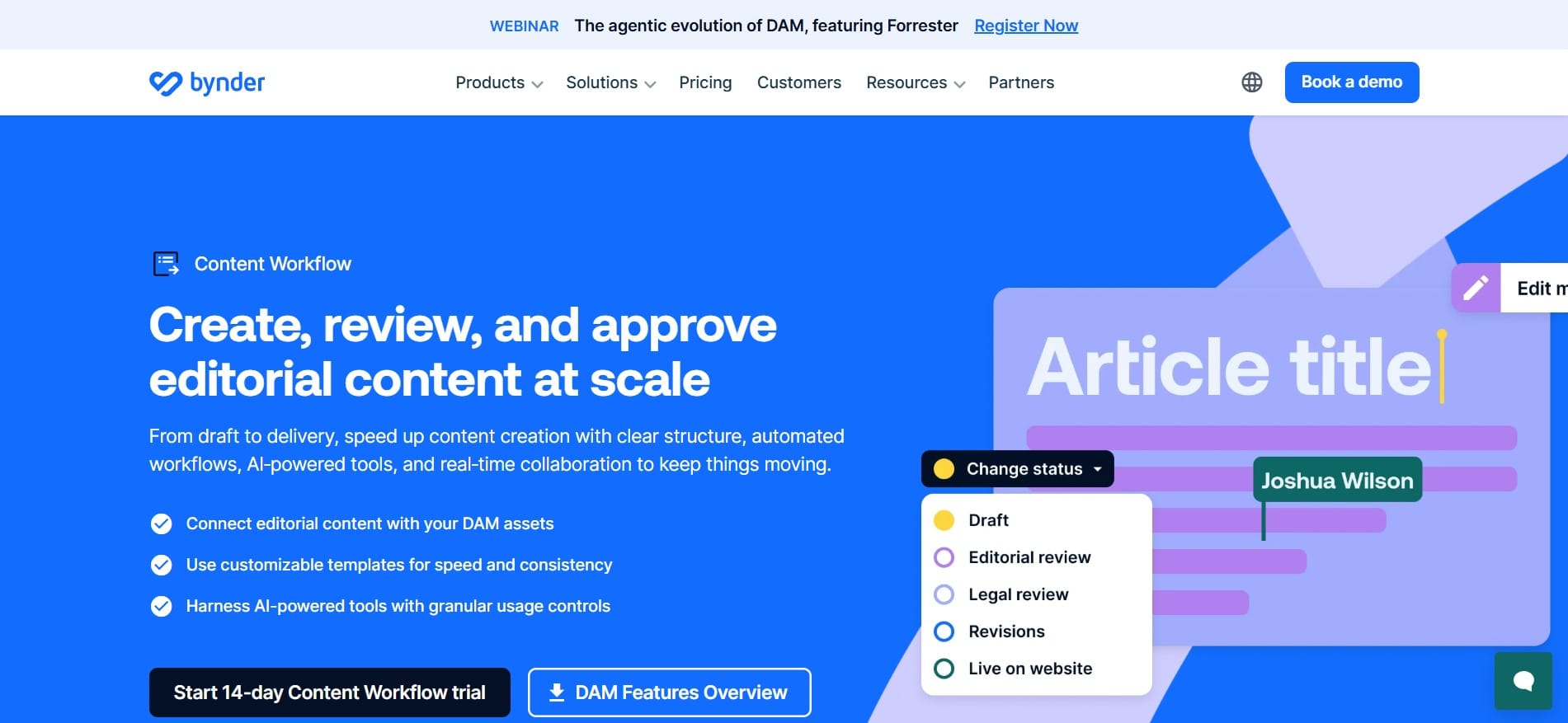
What it is: GatherContent is one of the pioneers in this software category. It started as a solution for agencies and teams working with a large number of pages and clients, and today it is part of the Bynder ecosystem.
Key features:
- Structured content templates with separate fields for title, meta description, and body copy
- Multi-step approval system
- Comments and revisions directly on the content
- Integrations with leading CMS platforms
Best for: Agencies and larger in-house teams working with dozens or hundreds of pages that want a strict, repeatable process.
Pricing: Pricing is provided individually through the sales team, with no publicly available self-service plan.
Pros: Excellent structure for teams working with strict editorial standards, with a strong focus on content consistency.
Cons: The lack of transparent pricing makes quick decision-making harder, and some users may find the interface less modern compared with newer tools.
Quick Pricing Comparison
| Tool | Starting Price | Best For |
|---|---|---|
| EasyContent | From $47/month | Teams focused on approvals |
| CoSchedule | ~$20/month per user | Multi-channel marketing teams |
| Airtable | Free / from ~$20 | Teams building their own system |
| ClickUp | Free / from ~$7 | Teams already using ClickUp |
| monday.com | From ~$9/month per user | Visual project tracking |
| GatherContent | Custom quote | Agencies, large teams |
Conclusion
There is no single right answer, it all depends on where your process is currently breaking down. If your biggest problem is that content gets lost between Slack, email, and Google Docs, you need a tool with clear statuses and comments in one place, ClickUp and monday.com are solid, affordable options. If you work with clients and need a strict multi-step approval process involving several people, EasyContent or GatherContent will be a better fit because that is exactly what they were built for. And if you want complete control and have the time to configure the system to your liking, Airtable gives you the most freedom.
The best way to figure out what actually works for you is to try the free trial of two or three tools from the list using the same piece of content and see which one feels most natural for your team. In the end, the tool your team actually uses will always beat the one that only looks best on paper.
An infographic we prepared: https://claude.ai/public/artifacts/dc4fe929-444b-4030-9961-0f2a503df46d
EasyContent lets an agency scale its team without renegotiating its plan
- Unlimited users on Team and Business, at one flat monthly price
- Storage, projects, and templates scale with the plan you choose
- Guest users never count against your seat limit
- Upgrading takes effect immediately, with no sales conversation required