Best Editorial Calendar Software
Compare the best editorial calendar software for content teams and agencies. Explore features, pricing, workflows, approvals, collaboration, and publishing options to find the tool that best fits your content process.

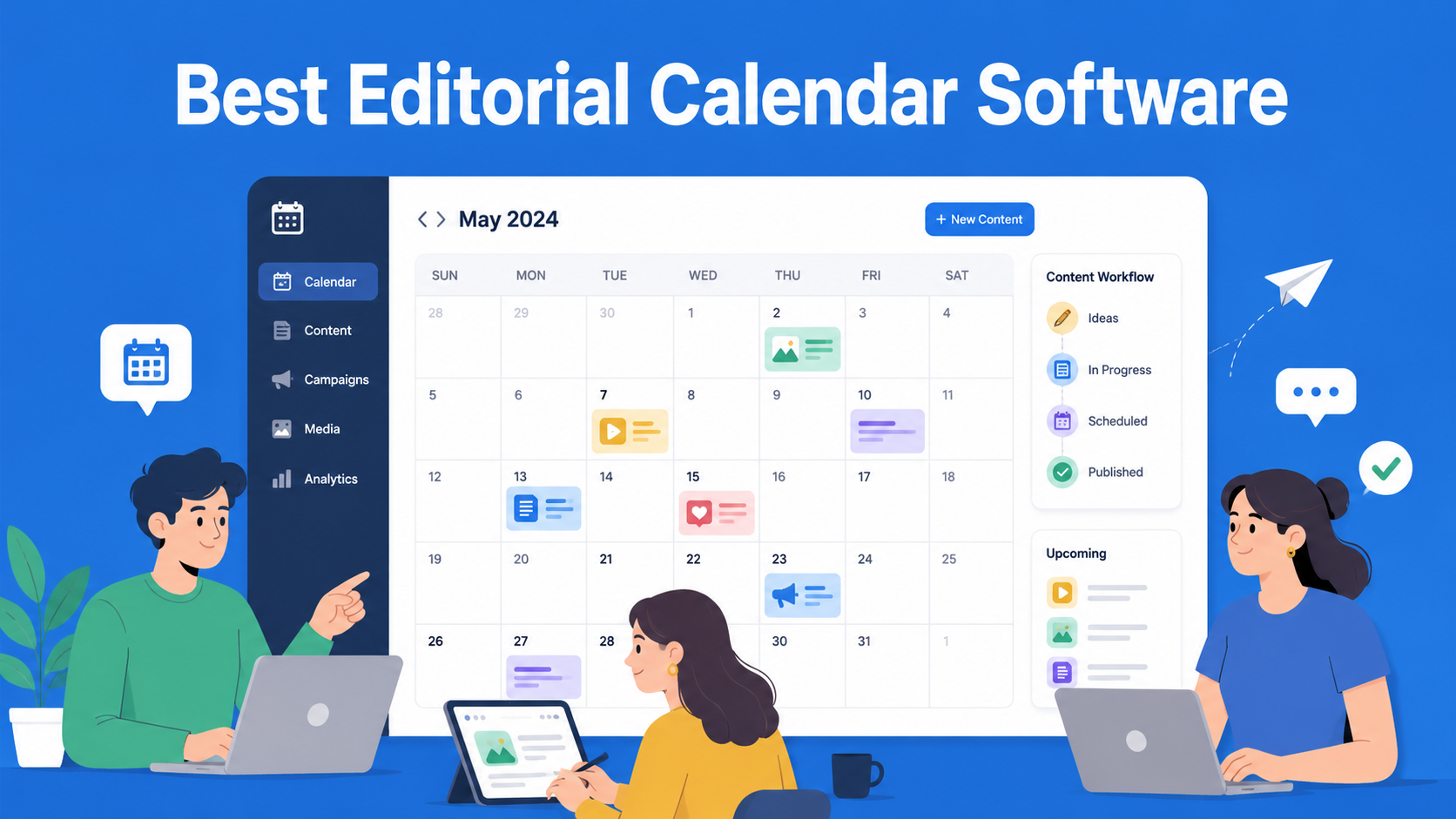
If your team is currently planning posts through a Google Sheets table, a Trello board, and a pile of Slack messages, you probably already know why you’re here. At some point, every content team reaches the stage where a spreadsheet is no longer enough. Deadlines overlap, no one knows who’s doing what, and text approvals can drag on for days because messages get lost in the chat. That’s where editorial calendar software comes in.
This article won’t be just another list of ten tools with two-sentence descriptions each. We’ve gone through every tool on the list, looked at what they actually offer when it comes to content planning, approvals, and team collaboration, and compared them against the same criteria so you can easily see the differences.
By the end, you’ll know which type of tool fits your team, whether you’re a small agency, an in-house marketing team, or a freelancer working with multiple clients.
Key Takeaways
- CoSchedule - best for marketing teams that want a broader calendar for managing content, campaigns, and social media.
- EasyContent - best for content teams and agencies that want planning, writing, editing, review, and approval connected in one workflow.
- StoryChief - best for teams that create and distribute content across multiple channels from one platform.
- DivvyHQ - best for larger content operations teams focused on long-term planning, strategy, and managing a large content pipeline.
- Planable - best for social media teams and agencies that need visual content planning, collaboration, and fast client approvals.
- Airtable - best for teams that want the flexibility to build their own editorial calendar and custom content workflow.
- Asana - best for teams that want to manage content planning as part of a broader project management process.
What actually makes a good editorial calendar software
Before we get to the list, it’s worth clarifying what separates real content calendar software from an ordinary calendar where you just enter dates.
When choosing a tool, pay attention to the following:
- Visual calendar view. Monthly and weekly overview, drag-and-drop deadline moving, and the ability to instantly see who’s responsible for what.
- Approval workflow. Whether the tool tracks content status through stages such as draft, review, approved, and published, and whether it automatically sends reminders to people who are late.
- Real-time team collaboration. The ability for multiple people to work on the same text at the same time, leave comments, and tag colleagues.
- Content templates. These help everyone on the team maintain the same tone, structure, and quality, regardless of who is writing.
- Integrations. Connecting with WordPress, social networks, Zapier, and similar tools the team already uses.
- Pricing and scalability. Whether the price grows linearly with the number of users, or whether there’s a fair option for smaller teams.
With that in mind, let’s move on to the tools themselves.
1. CoSchedule
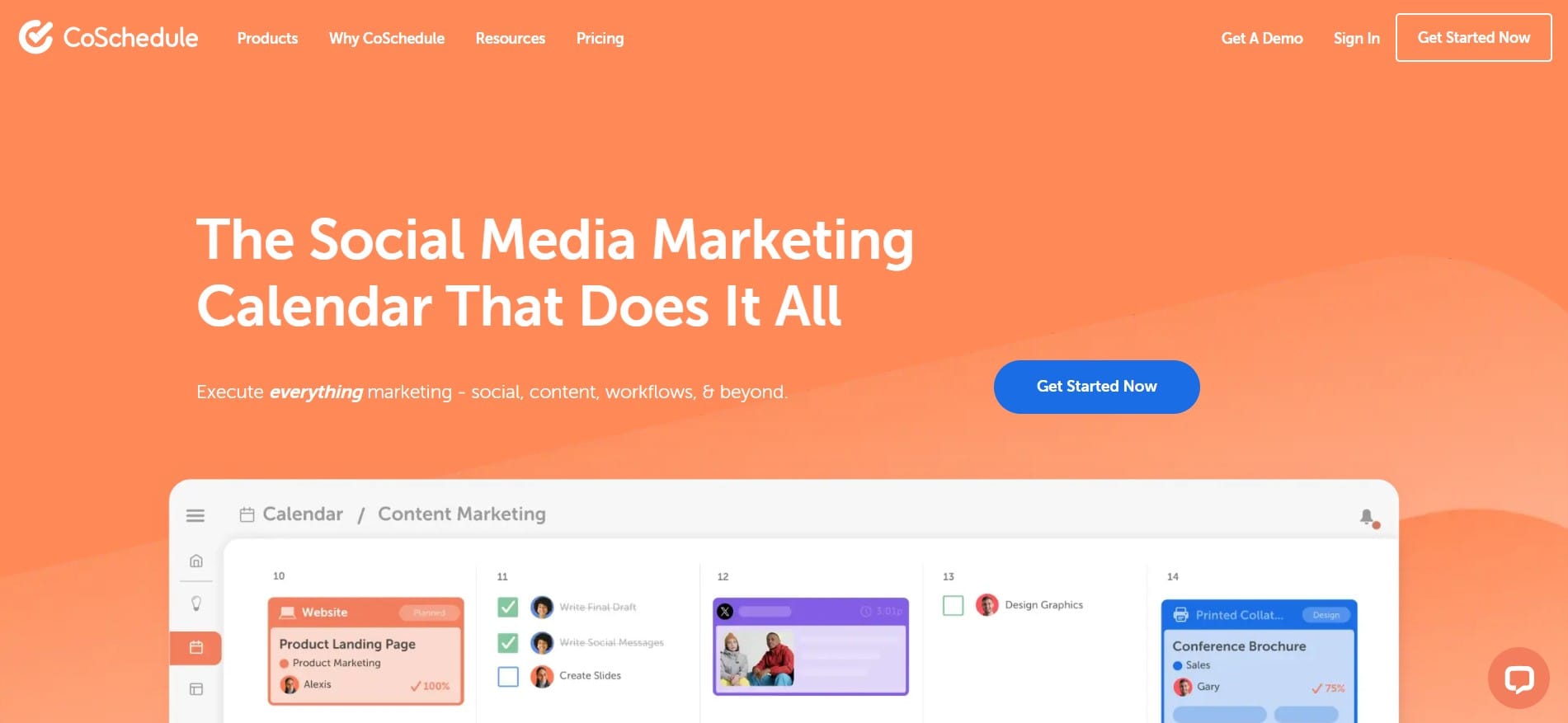
CoSchedule is one of the best-known tools for marketing planning and offers a particularly broad set of features for visual content and campaign planning.
Key features: A marketing calendar that unifies blog posts, social media, and email campaigns in one place, drag-and-drop planning, automatic publishing across multiple channels, and integrations with tools such as WordPress and Google Analytics.
Best for: Marketing teams that manage content across multiple channels at the same time and want one central overview of everything.
Pricing: CoSchedule offers a free Calendar plan, while Social Calendar starts at around $19 per user per month with annual billing. For more advanced Content Calendar and Marketing Suite options, pricing depends on the package and may require contacting the sales team.
Pros:
- Excellent visual overview
- Strong focus on publishing automation
- Good support for marketing campaigns beyond just the blog
Cons: More advanced approval features are primarily available in higher plans, so teams for whom multi-stage content review and approval processes are the main priority may be better served by platforms specialized in content workflow.
2. EasyContent
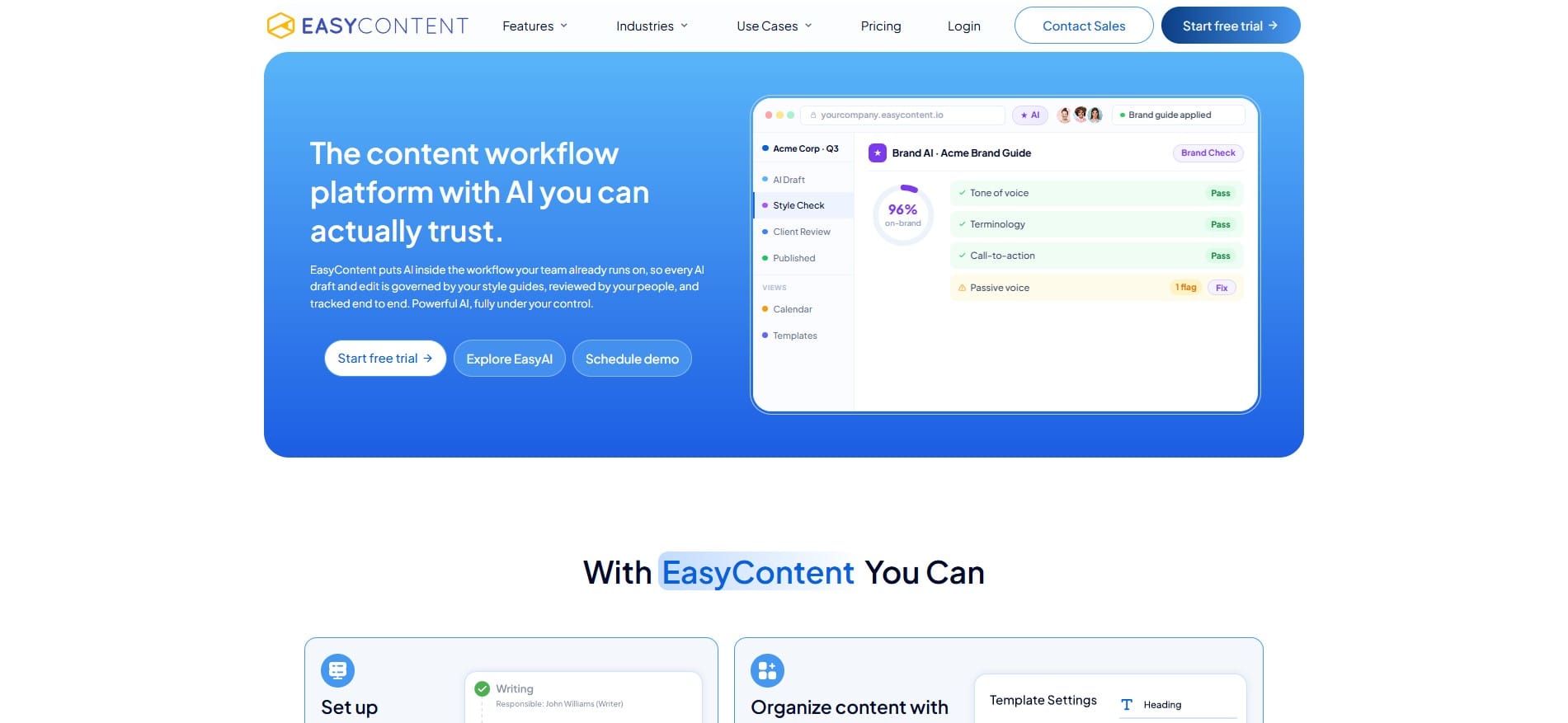
EasyContent approaches the problem a bit differently from most tools on this list. Instead of the calendar being a standalone feature, here it is part of a broader system for creating and approving content. That means your team doesn’t have to move information back and forth between the calendar and a writing tool.
Key features: Built-in content calendar with monthly or weekly view, filtering by team member or approval status, drag-and-drop deadline moving directly from the calendar, and the ability to click on an item and immediately see which approval stage it’s in.
In addition to the calendar, there is a complete approval workflow with automatic deadlines and notifications, a template system that helps the team maintain content consistency, real-time collaboration, comments, change tracking, and version history. EasyContent also includes EasyAI features for research, writing, editing, and content optimization within the same workspace.
Best for: Content teams and agencies for whom a calendar alone isn’t enough, they also need a place where content is written, reviewed, and approved, all connected to the same deadlines they see in the calendar.
Pricing: The Starter package starts at $47 per month with annual subscription. Studio starts at $103, Team at $167, and Business at $399 per month with annual billing. An Enterprise package is available by arrangement, along with a 14-day free trial with no credit card required.
Pros:
- The calendar is directly connected to the content workflow
- Writing, editing, comments, and approval all live in the same workspace
- Deadlines and content statuses are visible directly from the calendar
- A good option for teams that want to reduce the number of tools they use daily
Cons: EasyContent is not primarily built for direct scheduling and publishing of content on social networks, so teams whose main priority is social media publishing may be better served by specialized tools such as Planable.
3. StoryChief
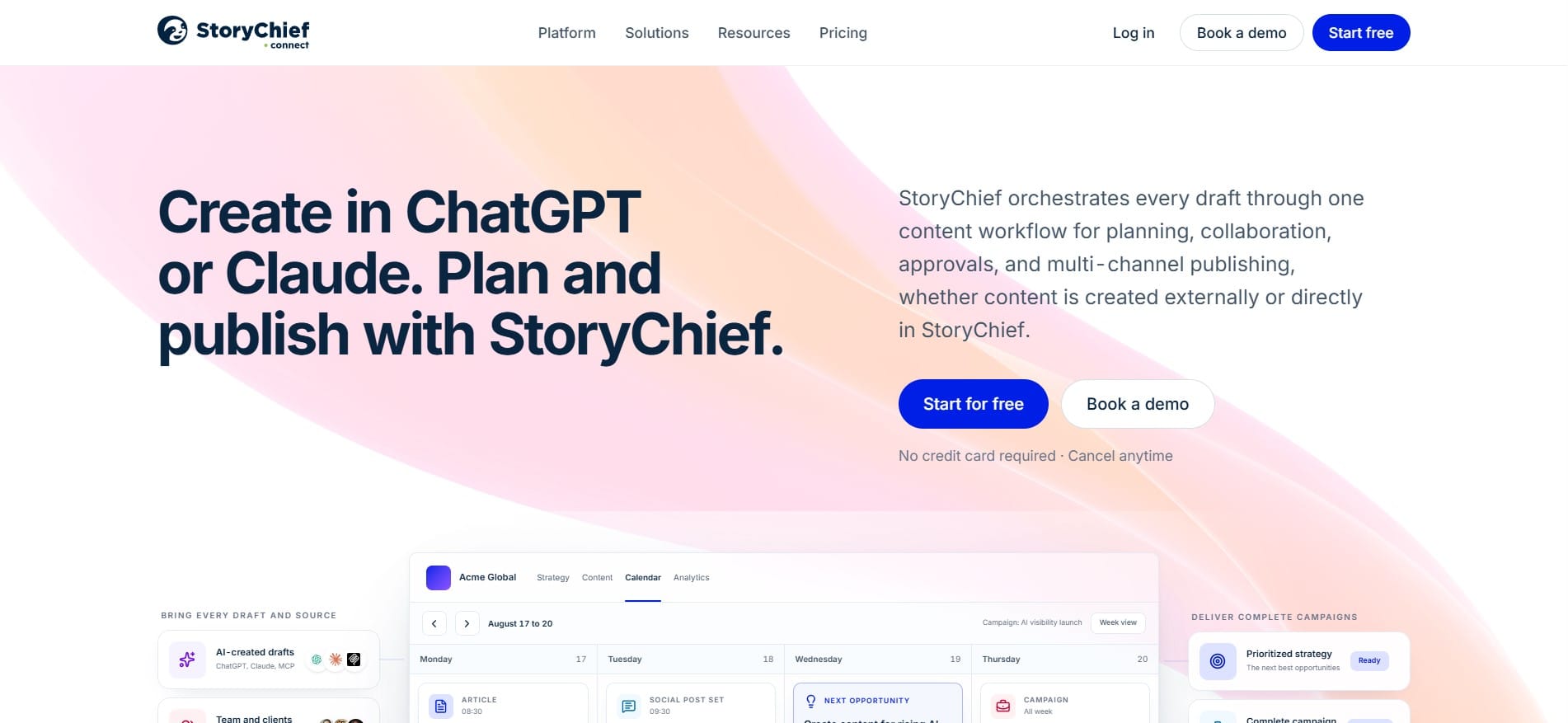
StoryChief is a platform built specifically for content marketing teams that publish across multiple channels at once, from blogs and newsletters to social networks.
Key features: Centralized editorial calendar, content creation editor, multi-platform distribution, SEO features, approval processes, and collaboration between team members.
Best for: Teams that regularly create content for multiple different channels and want to manage creation and distribution from a single system.
Pricing: StoryChief uses different pricing models depending on the chosen plan. Team plans are charged per user, while agency plans are charged per client workspace and can include an unlimited number of users. Team Editorial currently starts at around €69 per user per month with annual billing.
Pros:
- Good support for multichannel content distribution
- Editorial calendar connected to content creation and publishing
- SEO features available directly in the platform
Cons: Pricing can rise quickly for larger internal teams when using per-user plans, especially if the team doesn’t need the full multichannel publishing functionality.
4. DivvyHQ (Lytho)
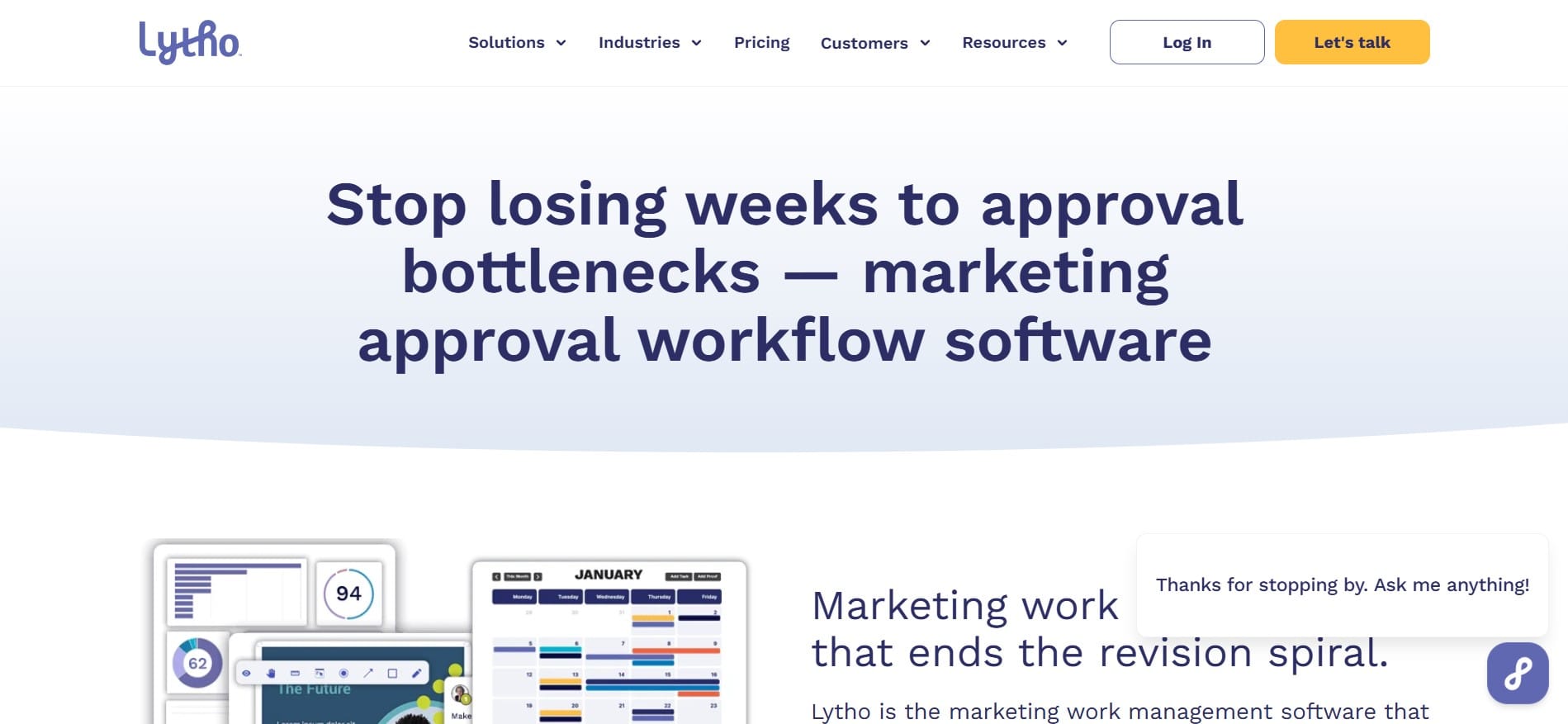
DivvyHQ positions itself as a content operations platform, with an emphasis on strategy, planning, and managing larger volumes of content, not just a calendar for the next week.
Key features: Detailed content planning far in advance, editorial calendars, content strategy fields, campaigns, task management, workflow statuses, and tracking content through different production stages.
Best for: Larger newsrooms and content teams that plan content months ahead and want a broader view of content strategy and production.
Pricing: DivvyHQ pricing depends on the chosen plan and configuration, so for current pricing it’s best to check the offer directly with the company.
Pros:
- Strong focus on strategic planning
- Good overview of the content pipeline
- Features designed for larger content operations teams
Cons: The broader set of content operations features can be more than smaller teams need when they primarily want a simple editorial calendar and basic deadline management.
5. Planable
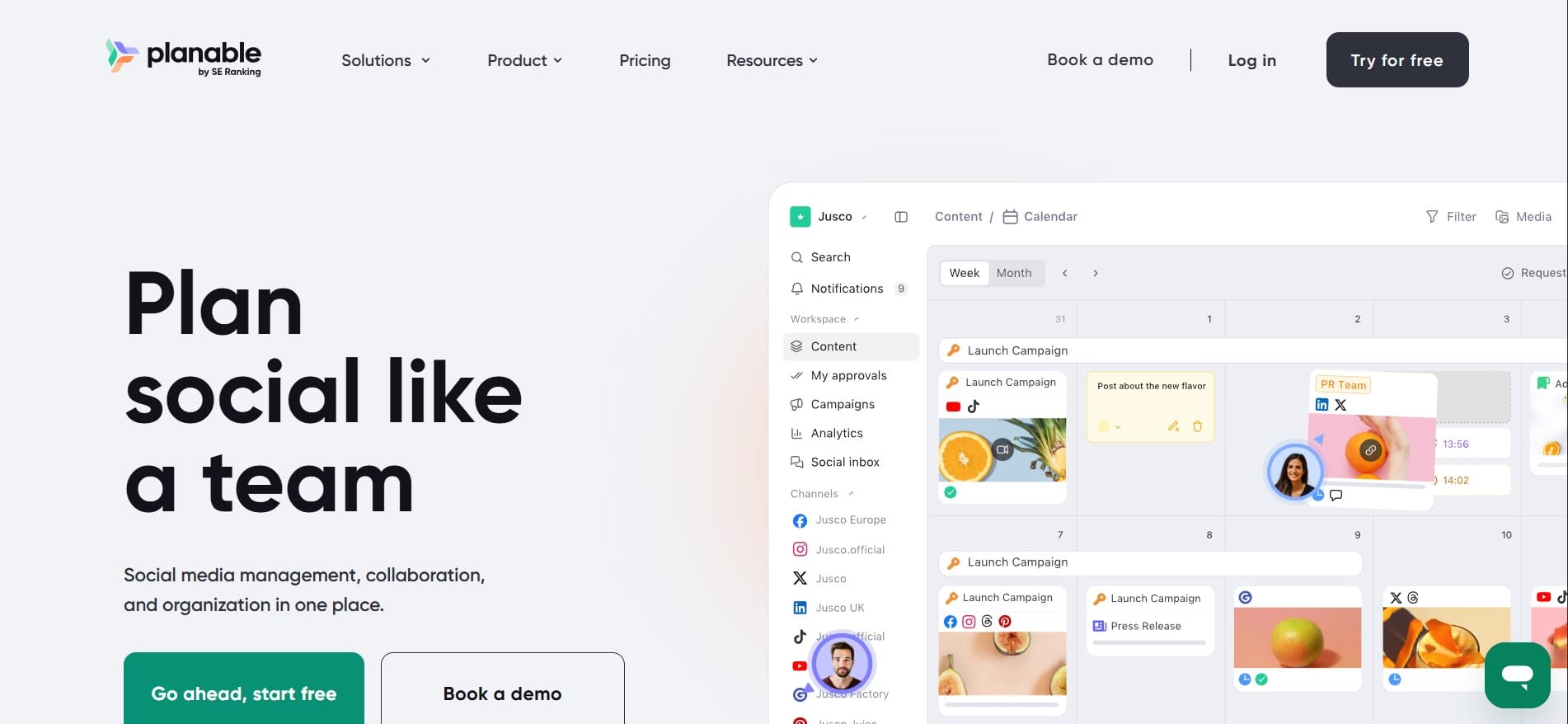
Planable is known for planning and approving social media content, but the platform is no longer limited only to social media. Universal Content allows teams to create and review other types of marketing content as well, such as blogs, newsletters, press releases, and briefs.
Key features: Visual content calendar, social media content previews, comments and annotations directly on the content, approval workflows, real-time collaboration, and a Universal Content editor for longer content formats.
Best for: Social media teams and agencies whose main priorities are visual planning and fast client approvals, but who also want to track other types of marketing content in the same space.
Pricing: The first 50 posts can be used for free with no time limit. The Basic plan starts at $33 per workspace per month, while Pro starts at $49 per workspace per month. Both plans support an unlimited number of users, while Enterprise pricing is by arrangement.
Pros:
- Excellent visual preview of social media posts
- Simple commenting and approval process
- Unlimited users on paid workspace plans
- Universal Content expands the platform to blogs, newsletters, and other formats
Cons: Universal Content can be planned and tracked in the calendar, but content such as blogs and newsletters is currently not published directly from Planable the same way social media posts are.
6. Airtable
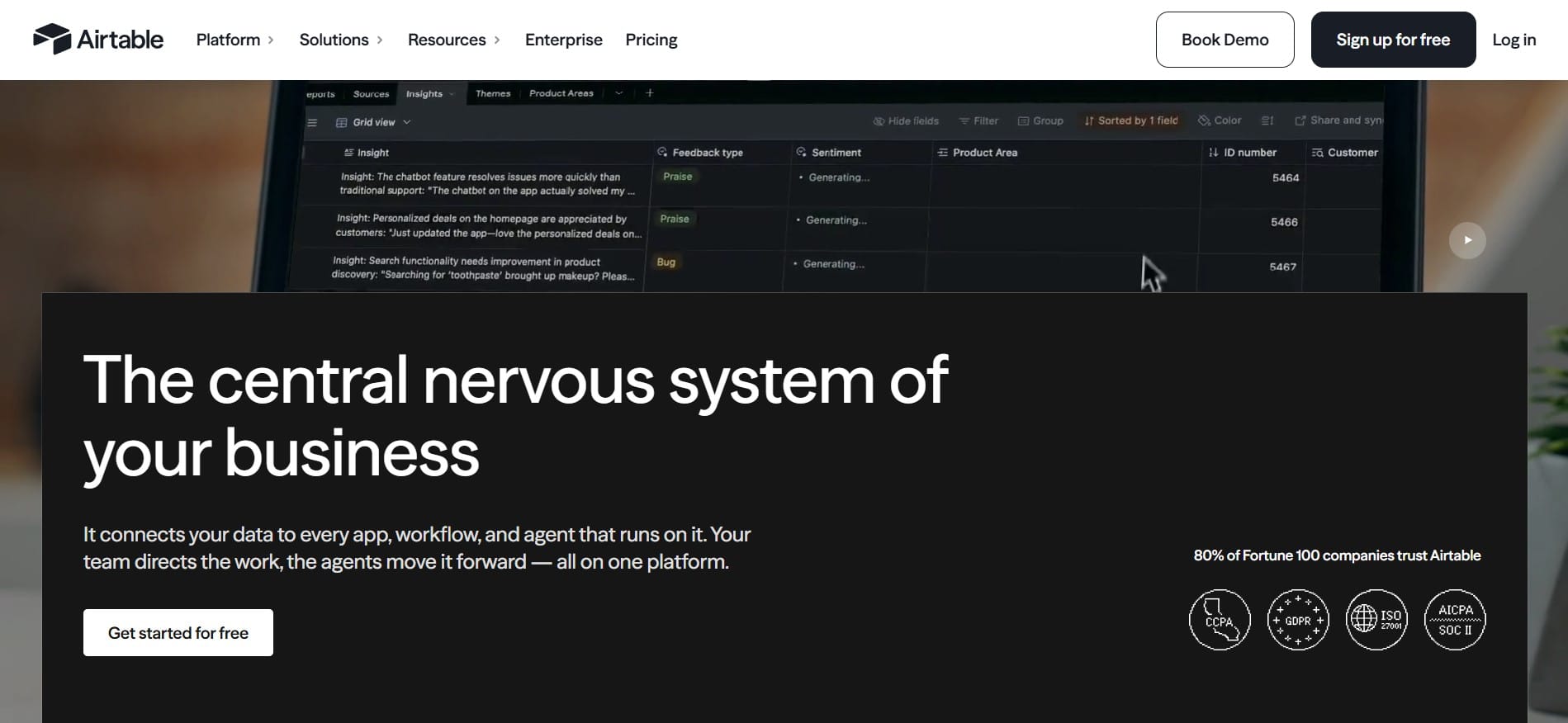
Airtable is not classic content calendar software, but many teams use it for exactly that purpose because it combines a database with different visual views and automations.
Key features: Customizable views, including Grid, Calendar, Kanban, and Timeline, automations between process steps, custom fields, and the ability to connect with a large number of other tools.
Best for: Teams that have a specific process and want to build their own content planning system, rather than adapting to a predefined content workflow.
Pricing: A free package is available, while the Team plan starts at $20 per user per month with annual billing. The Business plan starts at $45 per user per month with annual subscription, and Enterprise Scale pricing is by arrangement.
Pros:
- Exceptional flexibility
- Multiple different ways to view the same data
- Ability to adapt the system to almost any workflow
Cons: That same flexibility means you mostly have to set the system up yourself. This can require more time at the beginning compared to tools that already have ready-made content workflow features.
7. Asana
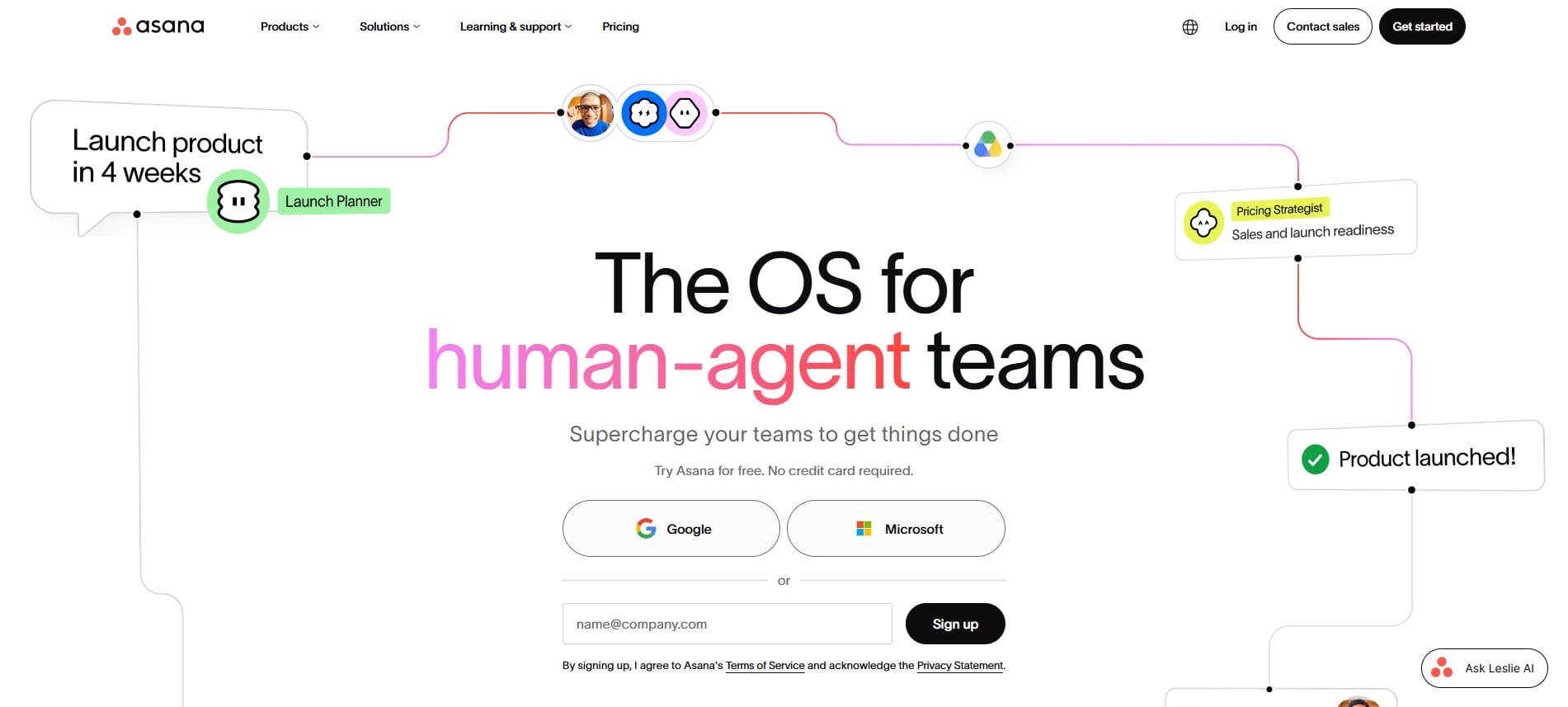
Asana is primarily a project management tool, but it is often used for content planning as well because it offers a calendar view, tasks, deadlines, and different ways of tracking work.
Key features: Calendar view of tasks, assignment of responsibilities to team members, custom workflow stages, project views, and integrations with a large number of other business tools. Timeline and Gantt features are available on paid plans.
Best for: Teams for whom content planning is just one part of broader project work, for example, marketing teams that simultaneously run content, campaigns, and other projects.
Pricing: A free Personal plan is available for up to two users. The Starter plan starts at $10.99 per user per month with annual billing, while more advanced plans include additional project management and reporting features.
Pros:
- Excellent general functionality for project management
- Large number of integrations
- The content calendar can be part of a broader marketing workflow
Cons: Asana is not specialized for content production itself, so features such as detailed text editing, change tracking, and content-specific review processes are not a central part of the platform.
Comparative overview
To make the decision easier, here’s a short summary by key criteria.
- CoSchedule is particularly strong when you need a broader marketing calendar that covers content, campaigns, and social networks.
- EasyContent stands out when a team wants the calendar, writing, editing, and content approval connected in a single workflow.
- StoryChief is a good choice for teams for whom multichannel content distribution is an important part of everyday work.
- DivvyHQ is more oriented toward larger content operations teams that care about long-term planning, strategy, and an overview of the entire content pipeline.
- Planable is especially strong for visual planning, collaboration, and fast approval of social media content, with support for other content formats through Universal Content.
- Airtable offers a lot of flexibility for teams that want to build their own editorial calendar and workflow.
- Asana makes the most sense when content planning is just one part of a broader project management process.
How to choose the right tool for your team
There is no single correct answer here, but there are a few questions that can help you narrow the choice.
If you run a small blog or a team of a few people and only need a clear overview of who is writing what and when, a simpler tool or a free plan of one of the platforms on this list will probably be enough.
If your focus is almost exclusively on social networks and you work with multiple clients, Planable can be a practical choice because of the visual preview, comments, and approval features.
If your team produces longer content such as blog posts, guides, or landing pages, and it’s important that writing, revision, and approval go through the same process without jumping between multiple tools, it’s worth looking at EasyContent.
If you publish a large number of different content formats across multiple channels and want to keep creation and distribution in one place, StoryChief or CoSchedule may better suit that way of working.
If content planning is not your team’s only job but just one part of broader project work, Asana or Airtable can be more practical choices because they also cover other types of projects.
Larger content operations teams that care about long-term planning, strategy, and tracking a large number of content projects may also consider DivvyHQ.
Conclusion
There is no universally best editorial calendar software, only the tool that best matches how your team actually works.
If you currently use spreadsheets and messages to organize content, switching to a dedicated system can help make deadlines, responsibilities, and content status much clearer.
The best way to decide is to first determine what you actually need. For some, a visual calendar is enough. For another team, social media publishing is the priority. For a third, writing, revision, and multi-stage content approval matter most.
Then you can try two or three tools that best match your process. Once you put them into the real everyday workflow, it becomes much easier to see which editorial calendar software truly solves the problem you started looking for it to fix.
EasyContent keeps a large asset library organized by project
- Folders and search make thousands of files findable without a shared drive
- Every asset stays isolated to the project it belongs to
- Sorting by upload date, name, or size keeps the library manageable
- Every asset shows who uploaded it and when