Content Workflow Tools For Marketing Teams
Compare the best content workflow tools for marketing teams, including Asana, Monday.com, CoSchedule, GatherContent, ClickUp, and EasyContent. See their key features, pricing, strengths, limitations, and which teams they fit best.

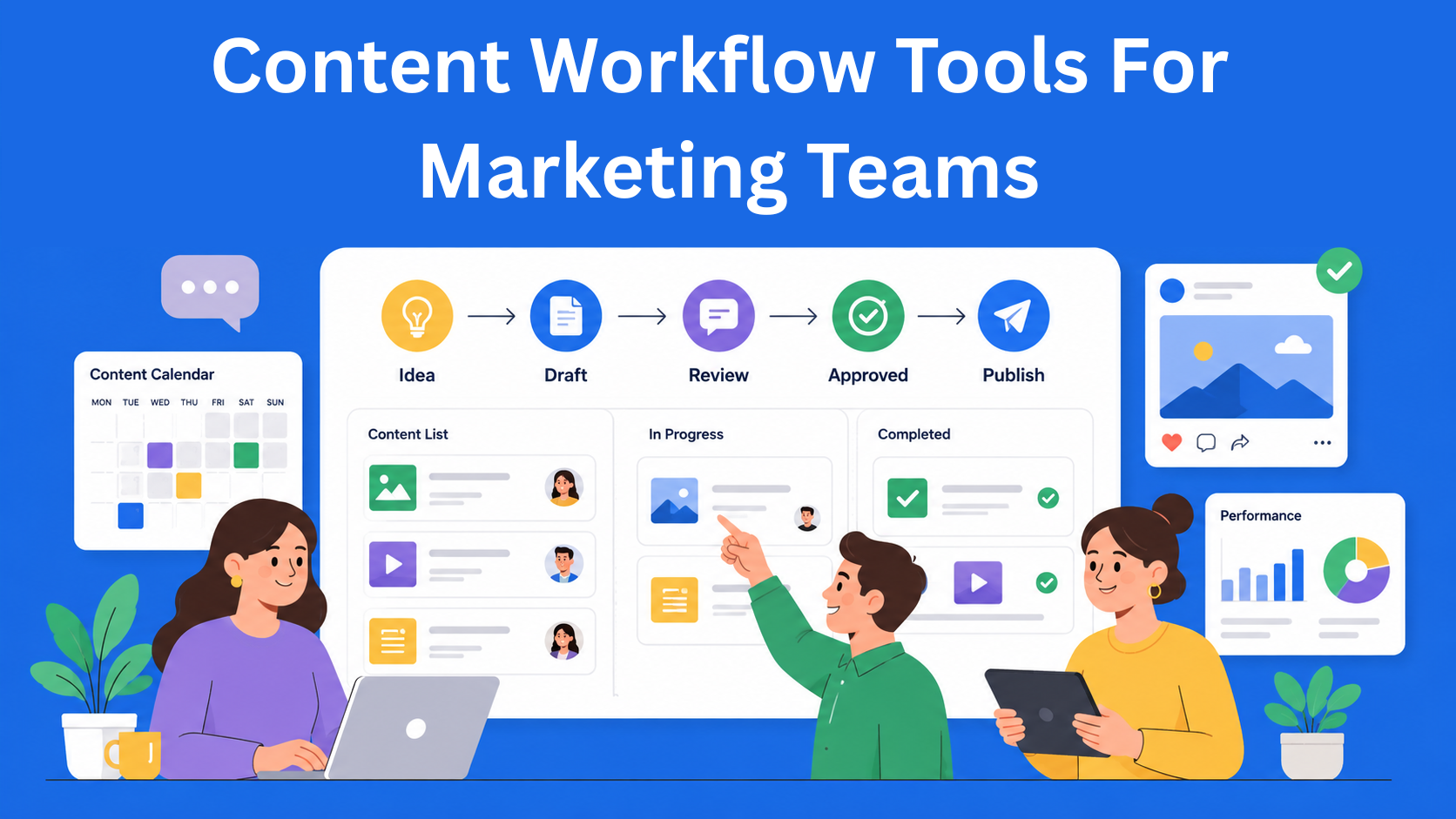
If you’re currently managing content through a mix of email, Google Docs, and a few Slack messages, you probably already know where this leads. Someone forgets to send the text for review, the version the editor approved isn’t the one that went live on the site, and the deadline passes while everyone thought someone else was working on it.
This isn’t a small problem that magically solves itself as the team grows. On the contrary, it gets harder.
That’s why marketing teams are increasingly switching to tools built specifically for this kind of work - known as content workflow tools.
In this article, we’ll go through several of the most widely used options, including EasyContent, and look at the same things for each: what they do, where they’re strong, where they have weaknesses, and which type of team they make the most sense for.
The goal is that after reading, you’ll have a clear picture - not that someone pushes one solution as the only correct one.
Key Takeaways
- Asana - best for teams already using Asana for project management that want to manage content tasks within the same system.
- Monday.com - best for teams that want flexibility and the ability to build a custom content workflow around their own process.
- CoSchedule - best for marketing teams focused on content planning, marketing calendars, campaigns, and distribution.
- GatherContent (Content Workflow by Bynder) - best for larger content teams that prioritize structured content, templates, and standardized workflows.
- ClickUp - best for teams that want to manage content, documents, and broader project management within one platform.
- EasyContent - best for agencies and in-house content teams that want writing, collaboration, review, approval, and publishing within one content workflow.
Quick overview of the tools
| Tool | Best for | Writing inside the tool | Main focus | Starting price |
|---|---|---|---|---|
| Asana | Teams already using Asana | Limited | Project management | Free / around $11 per user |
| Monday.com | Teams that value flexibility | Yes, via Workdocs | Work management | Around $9 per user |
| CoSchedule | Marketing teams focused on planning | Partially | Marketing calendar | Depends on the plan |
| GatherContent | Larger content teams | Yes | Structured content workflow | Pricing on request |
| ClickUp | Teams wanting one tool for multiple processes | Yes | All-in-one work management | Free / around $7 per user |
| EasyContent | Agencies and in-house content teams | Yes | Content workflow | From $47 per month |
How we compare the tools
To make the comparison as clear as possible, we look at each tool through the same set of categories:
- Key features - what it can actually do
- Strengths - where the tool shines most
- Limitations - where it may not be the best choice
- Pricing - roughly how much it costs
- Ideal for - the type of team it suits best
1. Asana
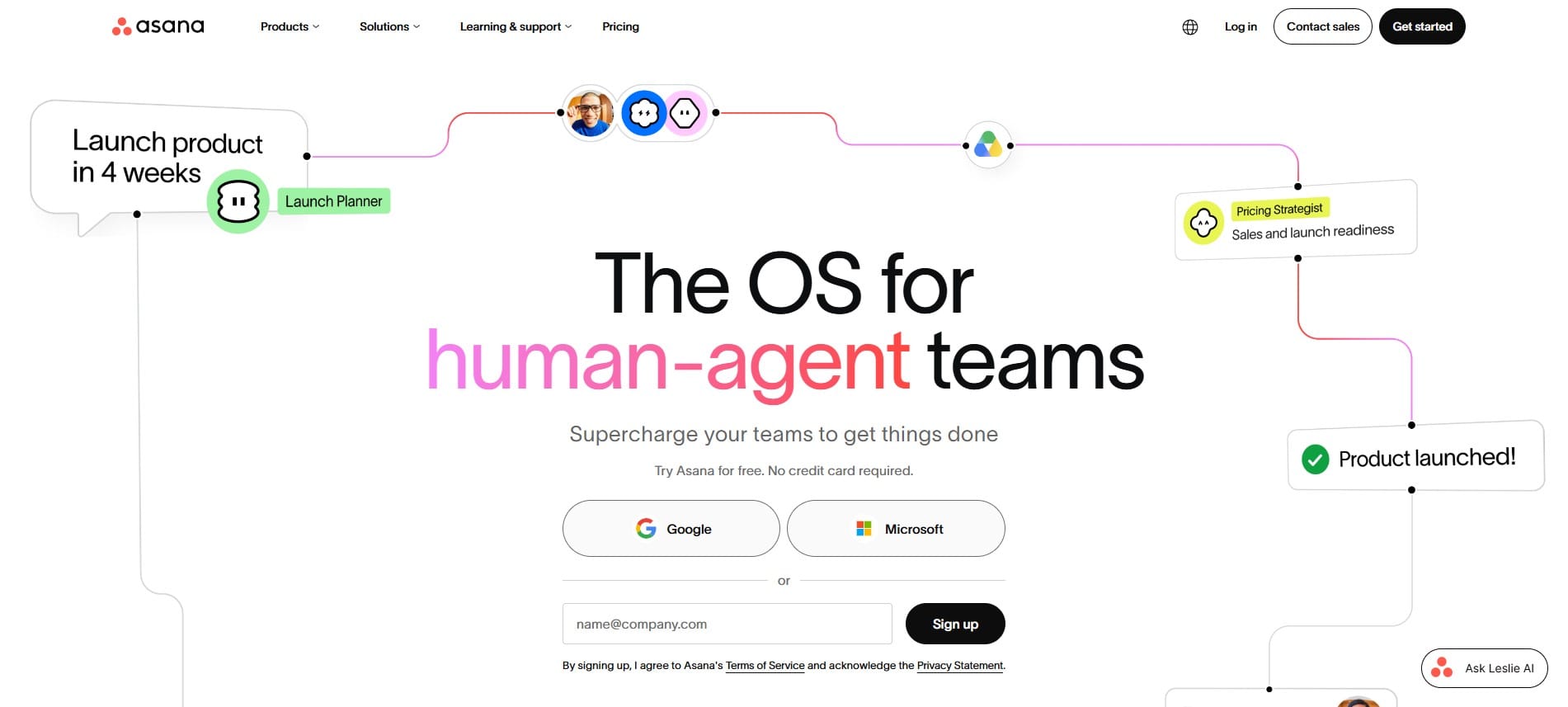
Asana is a general project management tool that has gradually gained many features useful specifically for content teams, such as custom fields, automation rules, and task request forms.
Key features Creating tasks with deadlines and assignees, custom workflows with statuses, calendar view, integrations with Slack, Google Drive, and other tools.
Strengths
- Intuitive interface
- Great for teams already using Asana for other projects
- Content tasks can be managed alongside the rest of the work
- Free option available
Limitations Asana is not a specialized content editor. Teams that need detailed writing, editing, change tracking, and an editorial review process will probably still need to combine Asana with additional tools.
Pricing A free plan is available, while paid plans start at around $11 per user per month.
Ideal for Teams that already use Asana for other projects and want to organize content tasks in the same system.
2. Monday.com
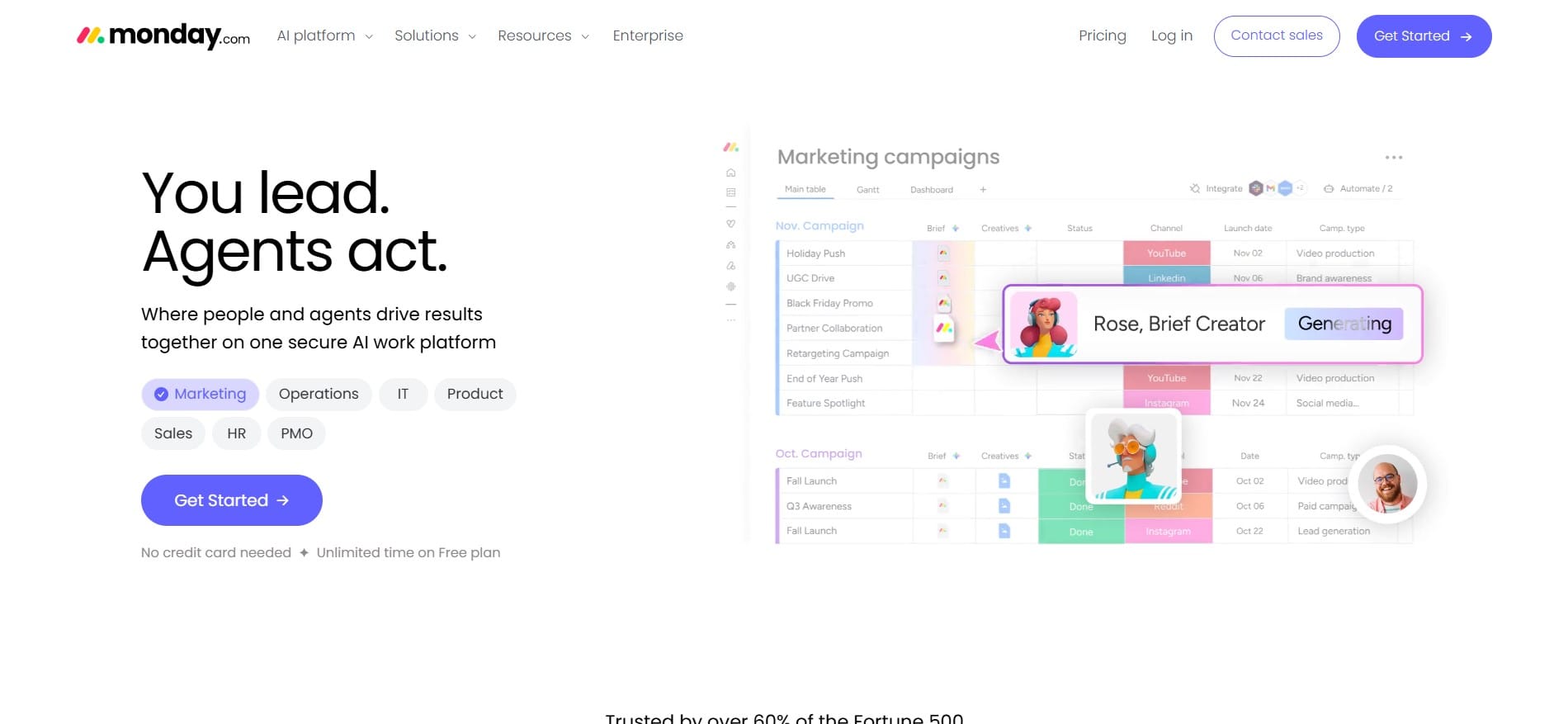
Monday.com is a flexible work management tool that easily adapts to almost any type of process, including content workflows.
Key features Visual boards with statuses, automations, progress dashboards, integrations with other tools, and Workdocs for creating and collaboratively editing documents.
Strengths
- High flexibility
- Visual tracking of content status
- Automations
- Extensive customization options
- Workdocs enables writing and collaboration within the platform
Limitations High flexibility also has a downside. The team must decide how it wants to organize the content process and adapt Monday.com to its needs. For simple processes this isn’t a big issue, but more complex workflows can require a fair amount of initial setup.
Pricing Plans start at around $9 per user per month, with a minimum number of users on paid plans.
Ideal for Teams for whom flexibility is a priority and who want to build their own content workflow inside a platform also used for other business processes.
3. CoSchedule
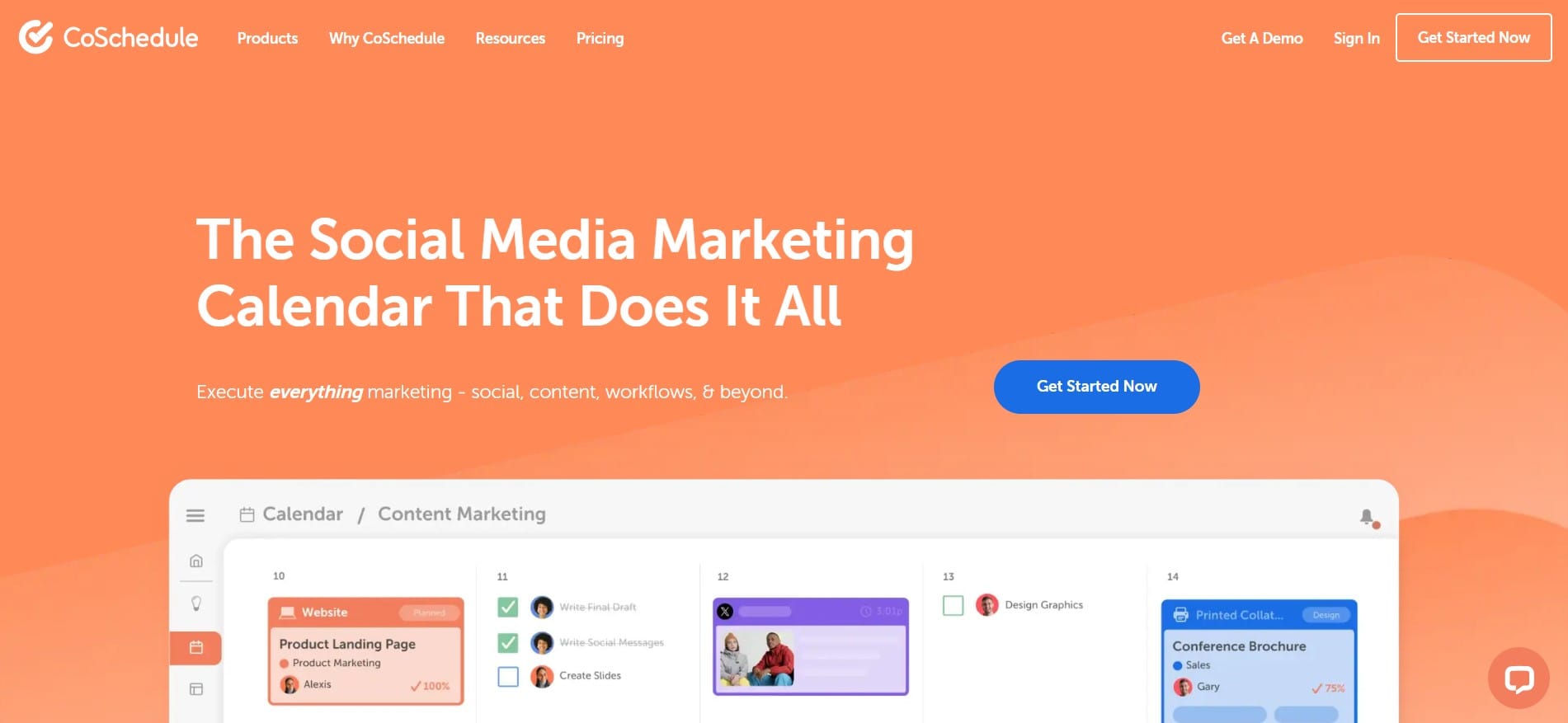
CoSchedule is a tool built from the start for marketing teams, with a special focus on the calendar and planning publications.
Key features Marketing calendar, social media post scheduling, ReQueue for resharing content, comments, and options for organizing approval processes.
Strengths
- Excellent overview of the marketing calendar
- Planning content and campaigns in one place
- Social media scheduling
- Options for organizing approval processes
- Useful for teams managing a larger number of campaigns
Limitations CoSchedule is more marketing-calendar-first than a classic content-production tool. If the team’s top priority is a detailed process of writing, editing, and reviewing content, a specialized content workflow tool may be a more natural choice.
Pricing Pricing depends on the plan. For some of the more advanced products, you need to contact sales for a specific quote.
Ideal for Marketing teams for whom planning, the marketing calendar, and content distribution are central to the process.
4. GatherContent (Content Workflow by Bynder)
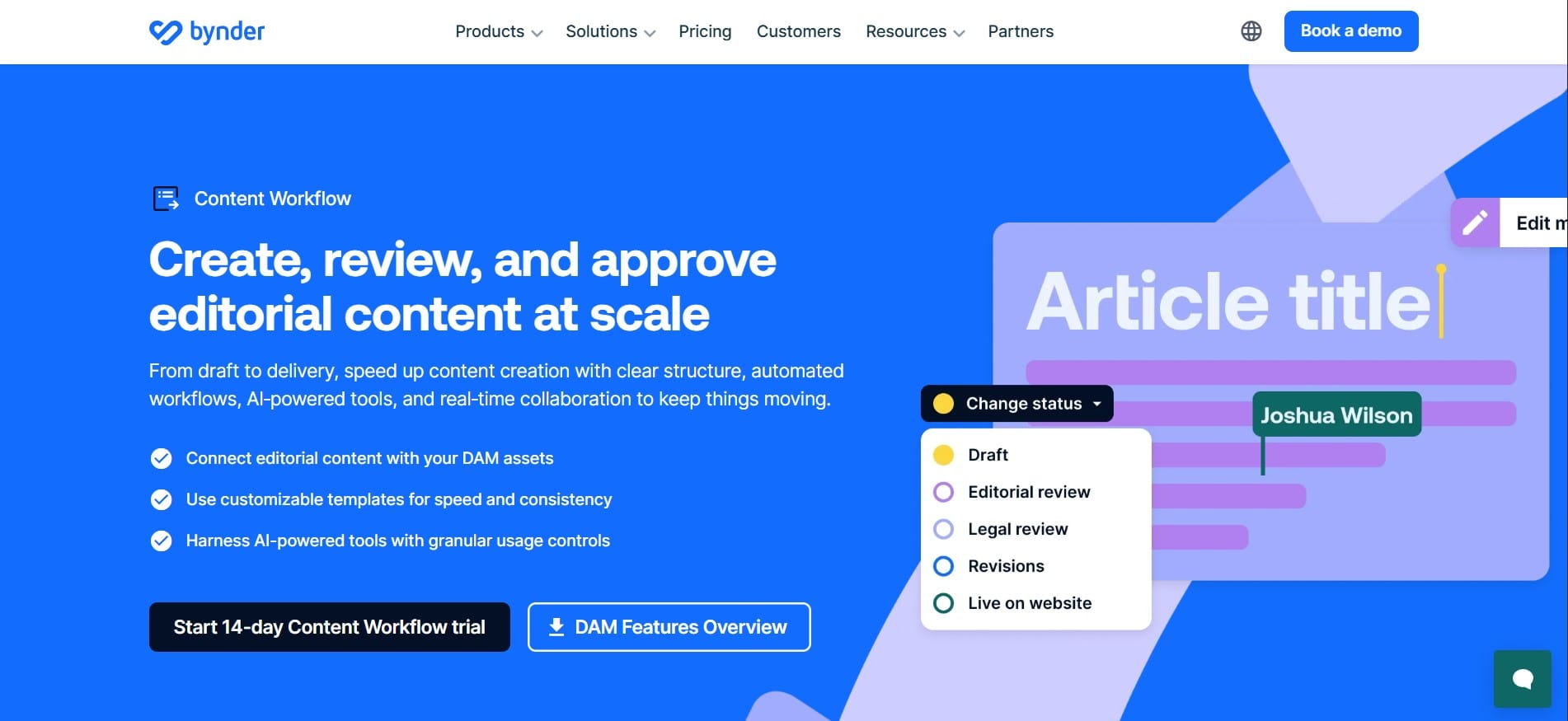
GatherContent, now part of Bynder, is one of the better-known tools for content operations, with a strong focus on structured content and templates.
Key features Content templates, workflow statuses, comments, collaboration, content organization, and various export options.
Strengths
- Strong template system
- Good content structure
- Easier maintenance of consistency
- Suitable for larger teams with multiple authors
- Built specifically for content operations
Limitations GatherContent is more oriented toward structured content production than general project management. This makes it a good choice for larger content teams, but it can be more than what’s needed for smaller teams that only require simple task and deadline tracking.
Pricing Pricing is not publicly listed, so you need to contact Bynder for a concrete quote.
Ideal for Larger content teams and organizations for whom structure, templates, and content consistency are especially important.
5. ClickUp
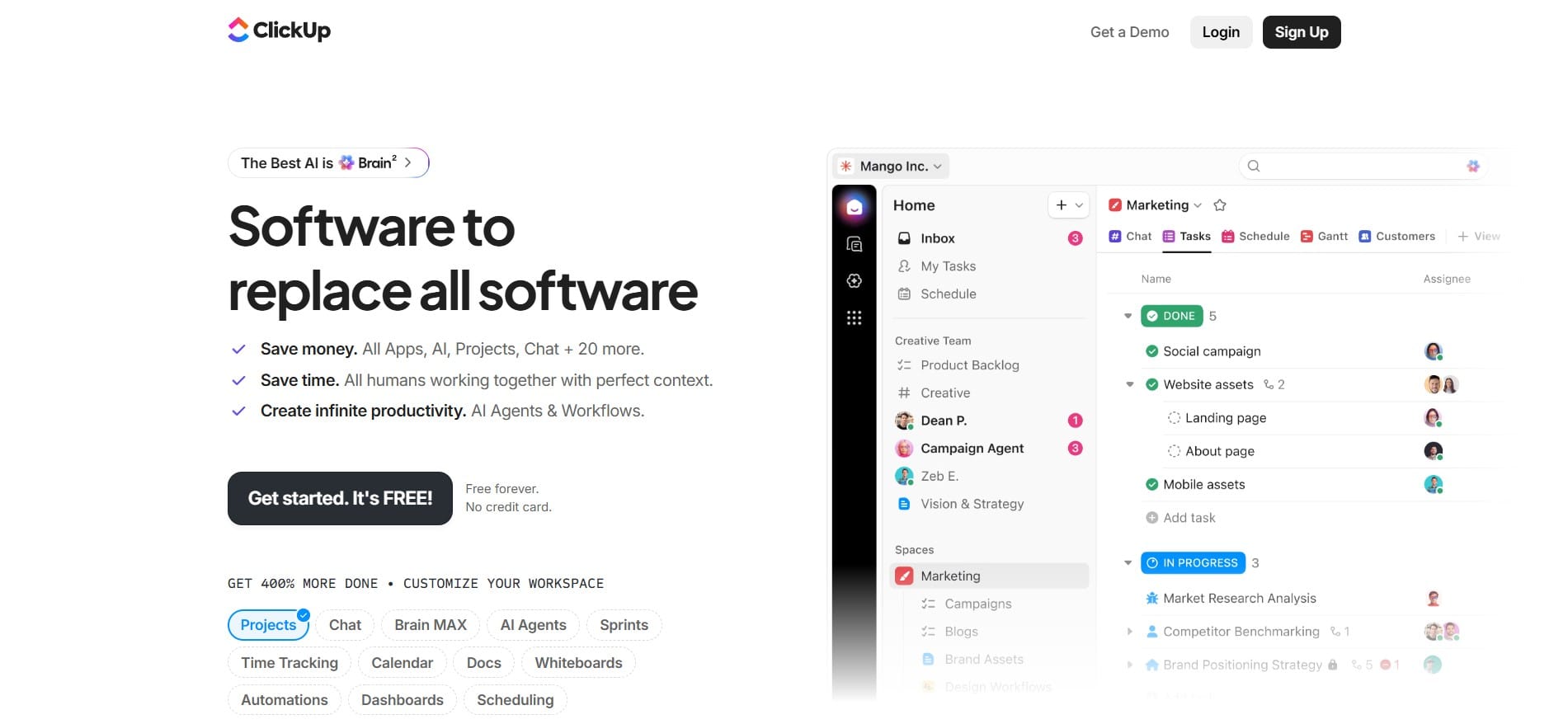
ClickUp aims to unify a large number of business functions - from tasks and documents to calendars, automations, and goals.
Key features ClickUp Docs for writing content, tasks with statuses, calendar view, custom fields, automations, and real-time collaboration.
Strengths
- Many features in one package
- Documents and project management on the same platform
- Real-time collaboration
- Flexible workflows
- Free plan available
Limitations The large number of features can also be a drawback. The interface can feel confusing at first, especially for teams that only need a content workflow. Setting up processes can also take more time.
Pricing A free plan exists, while paid plans start at around $7 per user per month.
Ideal for Teams that want one tool for a large part of their business processes, including content, project management, and documents.
6. EasyContent
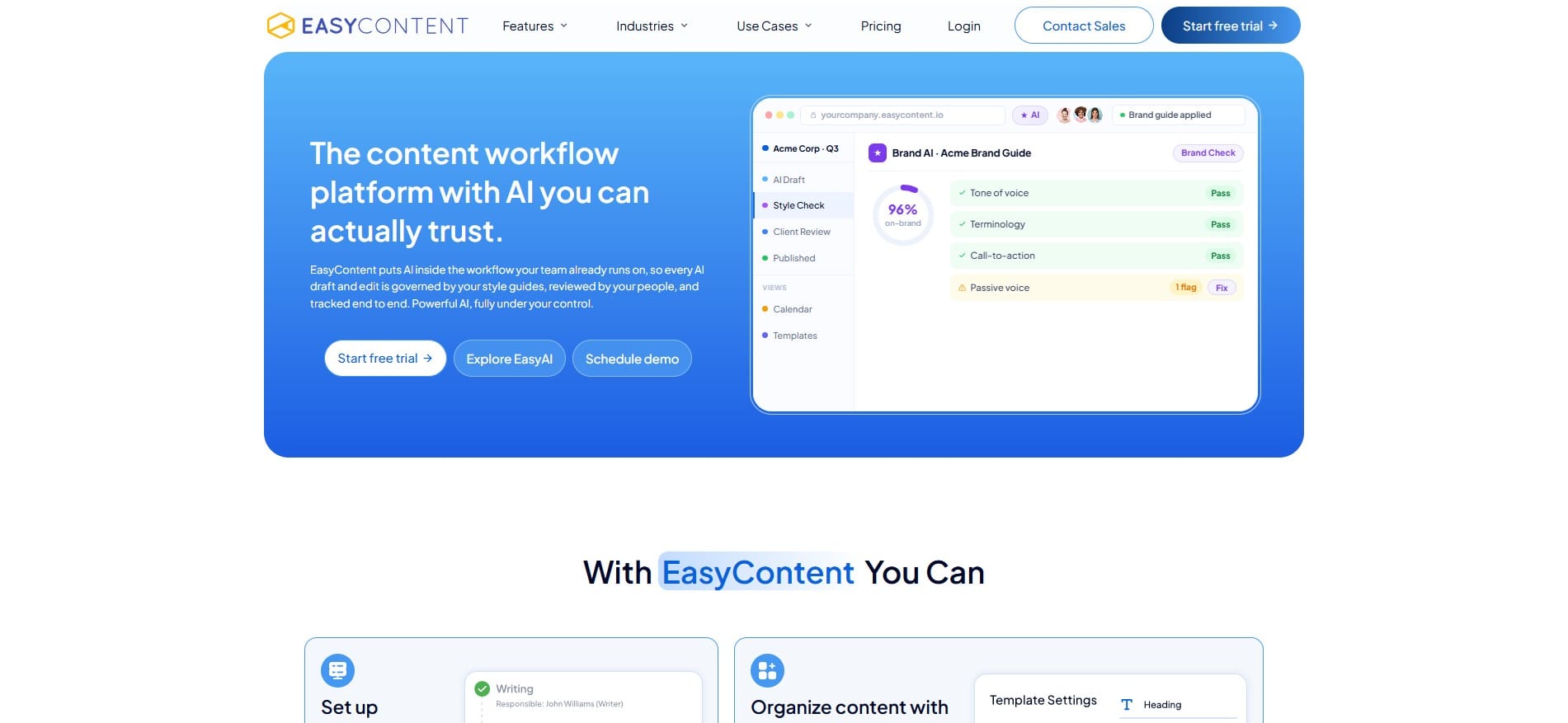
EasyContent is a platform built specifically for content creation and collaboration among content teams, with the idea that the entire process - from brief and writing to approval and publishing - stays in one place.
Key features
- Customizable content workflows
- Approval steps and automatic deadlines
- Templates with custom fields
- Rich text editor
- Real-time collaboration
- Change tracking and version history
- Content calendar
- AI features for writing and editing
- WordPress integration
Strengths The biggest difference is that the content itself and the process around the content live on the same platform. A team can create a brief, write the text, leave comments, track changes, send the content for review and approval, and then connect it to WordPress without constantly switching between several tools.
Limitations Teams that already have a long-established process in another system should expect an adjustment period. Some more advanced features, such as white labeling and more detailed reports, are available on higher plans.
Pricing The Starter plan starts at $47 per month with annual billing. Higher plans for larger teams are also available, along with a free trial period.
Ideal for Marketing agencies and in-house content teams for whom writing, collaboration, approval, and publishing need to be part of a single content workflow.
Which tool makes the most sense for which team?
If you want the shortest possible version of the comparison:
Asana Makes the most sense if you already use it for project management and simply want to add content tasks to the existing system.
Monday.com A good choice if you want a lot of flexibility and are ready to adapt the process yourself to your team.
CoSchedule Most interesting for teams for whom the marketing calendar, campaigns, and content distribution are especially important.
GatherContent (Content Workflow by Bynder) Better suited to larger content teams for whom structure, templates, and process standardization are priorities.
ClickUp Makes sense if you want one broad tool for project management, documents, and content.
EasyContent Best suited to teams looking for a platform built specifically for content workflow and who want to keep writing, review, approval, and publishing in one system.
How to choose the right tool for your team
Instead of looking for one “best” tool for everyone, look at how your team actually works.
- How many people are involved in the process? A smaller team may not need a complex multi-step workflow. With larger teams, clearly defined statuses, responsible people, deadlines, and approval steps become more important.
- Do you work with clients or external collaborators? If you work with clients, freelancers, or other external collaborators, check how easy it is to include them in the review process and how much control you have over their access.
- Where does the content actually get created? This is one of the biggest differences between the tools. If you use one tool for tasks, another for writing, a third for comments, and a fourth for publishing, you may be better off with a platform that keeps a larger part of that process in one place.
- How important is AI support to you? Some teams only need AI occasionally. For others, it means they can research a topic, create an outline, write a draft, or edit existing text without leaving the content platform.
- What’s the budget? Don’t look only at the starting price. Also pay attention to:A cheaper tool isn’t necessarily cheaper if you still have to use three other platforms alongside it.
- price per user
- minimum number of users
- features available on each plan
- additional tools you’ll still have to pay for
Conclusion
There is no content workflow tool that is the best for every team.
Asana, Monday.com, and ClickUp make sense if you want to fit content into a broader project management system.
CoSchedule is especially useful if the marketing calendar is a central part of your process, while GatherContent is better suited to teams for whom structured content production is important.
If your priority is that writing, collaboration, review, approval, and publishing are part of the same content workflow, a specialized platform like EasyContent can make more sense.
The best way to decide is to test a few options on a real project. Only then will you see how many clicks, extra tools, and manual work each system actually requires.
EasyContent keeps a large asset library organized by project
- Folders and search make thousands of files findable without a shared drive
- Every asset stays isolated to the project it belongs to
- Sorting by upload date, name, or size keeps the library manageable
- Every asset shows who uploaded it and when