Best Narrato Alternatives
Explore the top Narrato alternatives for content collaboration. Compare tools like EasyContent, ClickUp, and WriterAccess by features, pricing, and ideal use cases to find the perfect match for your content team.

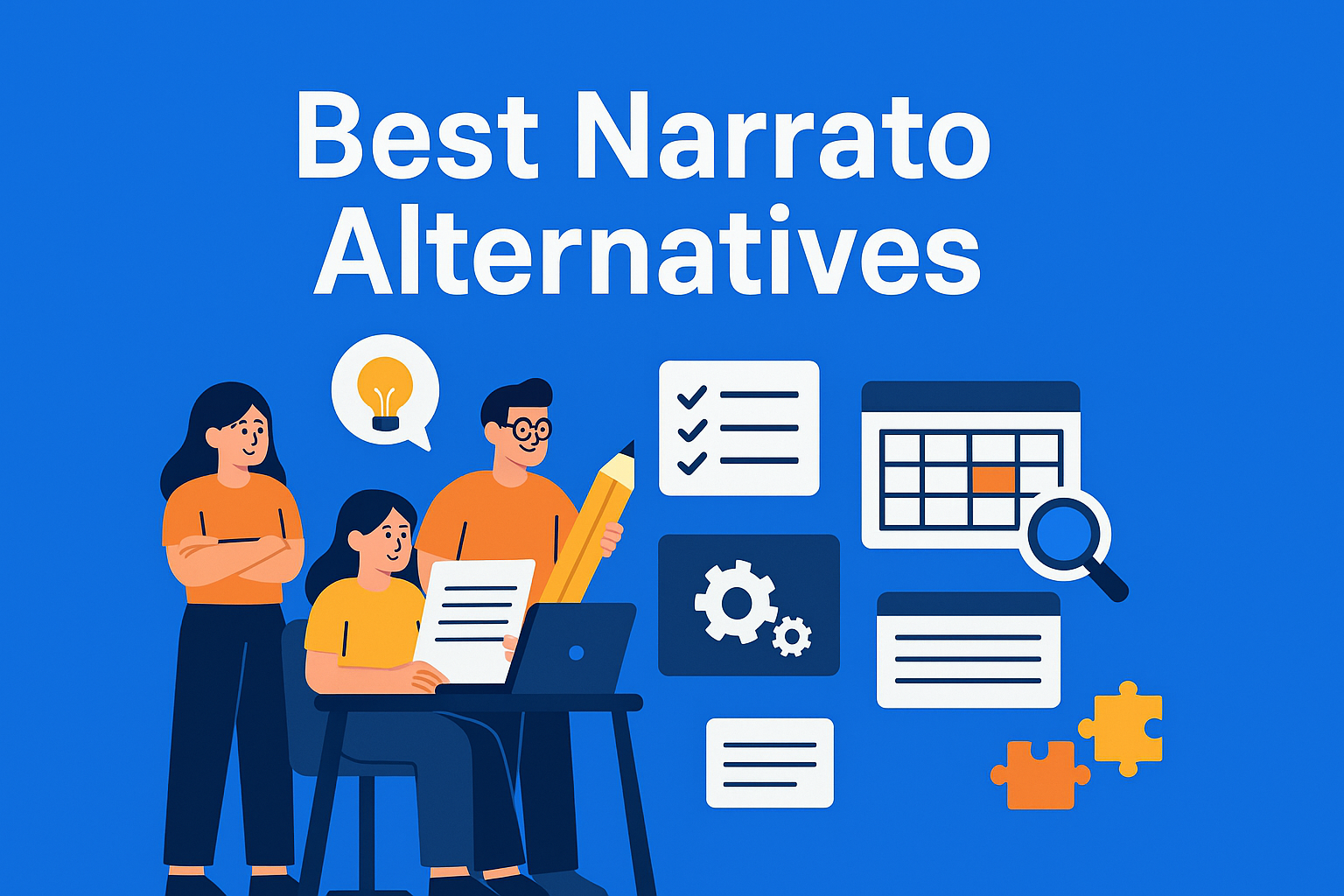
Content creation is no longer a one-person job. In modern marketing teams, agencies, and editorial groups, collaboration is essential - and platforms like Narrato have become go-to tools for streamlining that process. But Narrato isn’t the only game in town. Whether you're looking for different features, better scalability, or more competitive pricing, plenty of solid alternatives exist.
In this guide, we won’t just list tools - we’re going deeper: what sets them apart, who they’re ideal for, and how they fit into different workflows. At the end, you’ll find a table that lets you compare key features and make an informed decision more easily.
1. EasyContent
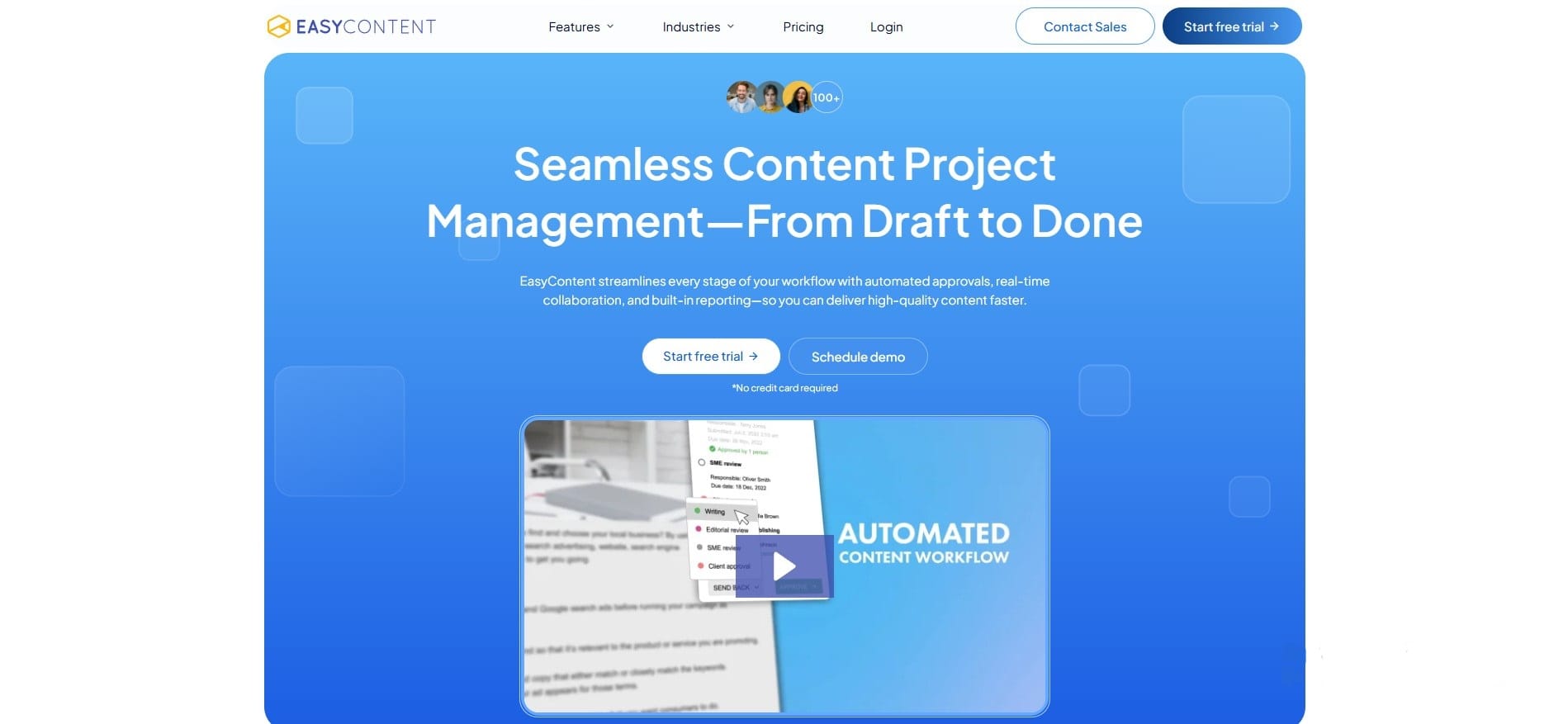
EasyContent is a dedicated content workflow platform designed to streamline the content creation and approval process. It helps marketing teams, content agencies, and brands coordinate their work with structured workflows, clear roles, and built-in collaboration tools.
Replace the remaining EasyContent information with:
Key Features:
- Fully customizable content and approval workflows
- Role-based access control and permissions
- Real-time editing, commenting, mentions, and collaboration
- Word-style change tracking with the ability to accept or reject edits
- Shareable review links for clients and external stakeholders
- Custom content templates, briefs, and structured fields
- EasyAI tools for generating, editing, and improving content
- WordPress, Figma, Zapier, API, and webhook integrations
Pros:
- Extremely user-friendly interface
- Quick onboarding with minimal setup
- Designed specifically for editorial and content approval workflows
- Built-in AI that works within the existing review process
- Transparent and affordable pricing plans
- Suitable for teams of different sizes
- Unlimited users from the Team plan onward
- Clients can review content without needing a full EasyContent account
Cons:
- Does not include advanced SEO research or content performance analytics
- Starter and Studio plans limit the number of team members, projects, templates, and workflows
- White labeling and some advanced features are available only on higher plans
The Starter plan costs $59 per month when billed monthly or $47 per month when billed annually. The plan includes up to five team members, while the Team plan and higher plans include unlimited users. EasyContent also offers a 14-day free trial without requiring a credit card.
New EasyContent customers can receive 20% off any plan for 12 months by entering the promo code NARRATO20 at checkout.
2. ContentStudio
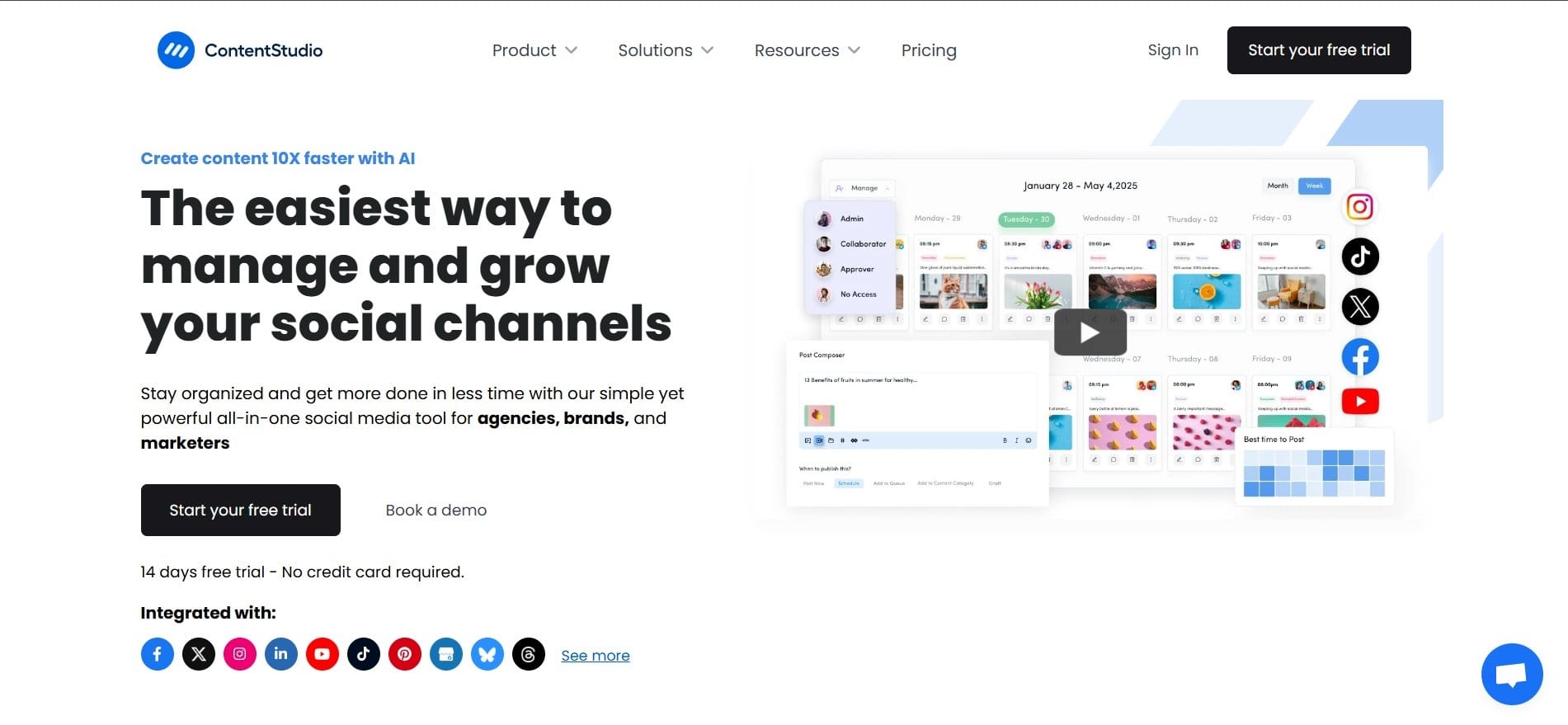
ContentStudio is a robust content marketing tool that combines creation, scheduling, and analytics with a strong focus on social media. If you're leading a team that juggles between blog posts and social campaigns, this tool can save you hours.
Key Features:
- AI Studio for generating text, images, and video content
- AI brand voice and brand knowledge tools
- Unified content calendar for planning and social media scheduling
- Unlimited social media publishing
- Automation tools, RSS auto-publishing, and post recycling
- Social media analytics and competitor tracking
- Social inbox and approval workflows on eligible plans
- Integrations with automation and publishing platforms
Keep the existing Pros and Cons sections.
Replace the Pricing section with:
The Standard plan costs $29 per month when billed monthly or $19 per month when billed annually. It includes one user, one workspace, five social accounts, AI credits, unlimited social publishing, and basic analytics.
The Advanced plan starts at $49 per month when billed annually and adds approval workflows, team collaboration, a social inbox, competitor analytics, automated reports, and additional workspaces and users.
The Agency Unlimited plan starts at $99 per month when billed annually and includes unlimited users and workspaces. ContentStudio offers a seven-day free trial without requiring a credit card.
3. ContentSnare
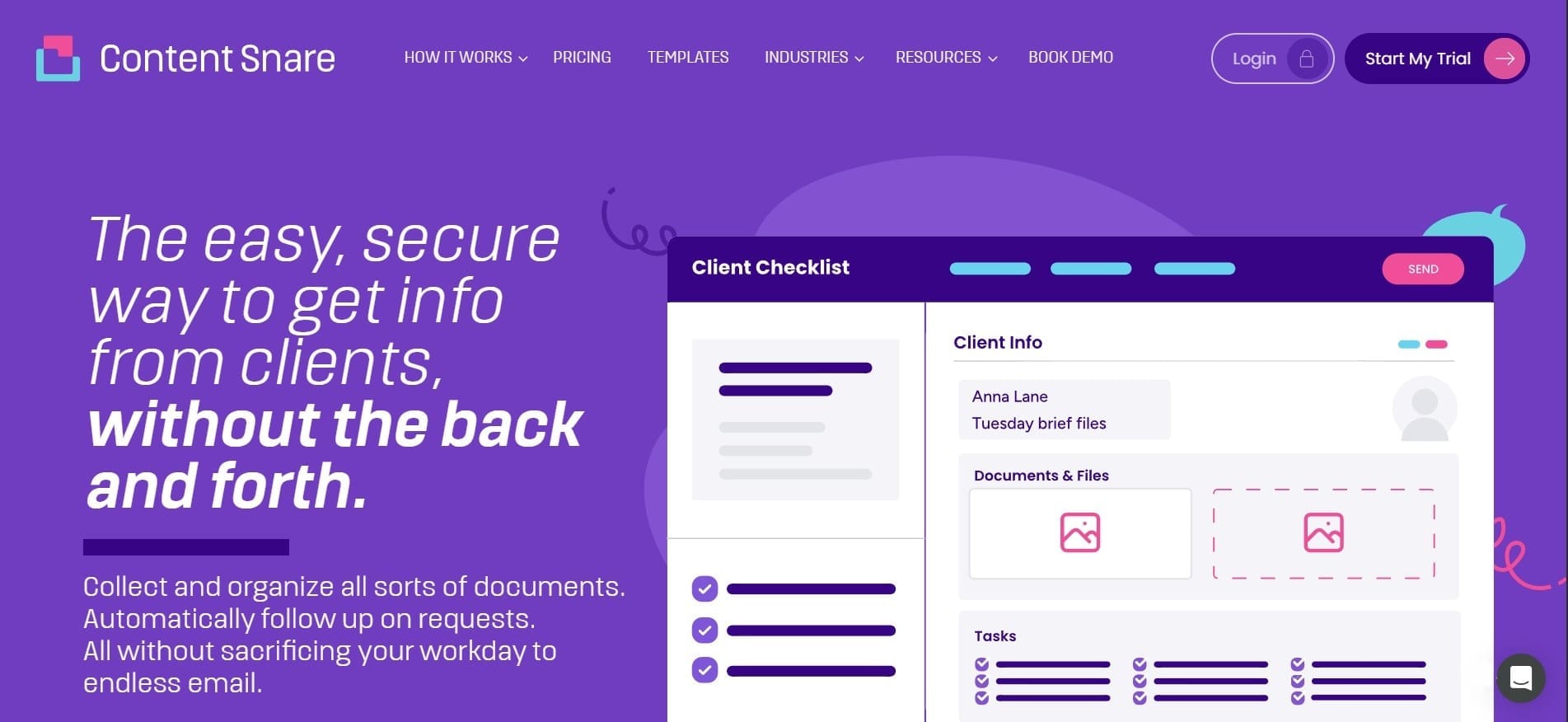
Is a specialized tool that simplifies the process of collecting content and files from clients. It’s not a complete CMS or editorial platform but excels at structured content intake, especially for digital agencies and freelancers.
Key Features:
- Drag-and-drop request builder for collecting information and files
- More than 100 customizable request templates
- Automatic email and SMS reminders
- Structured forms for collecting client information
- Approval and rejection tools for requesting changes
- Secure client portal that does not require clients to create an account
- Central dashboard for tracking active requests
- AI Request Builder for generating questionnaires from a description or existing form
- Zapier and other business integrations
Keep the existing Pros section.
Replace the Cons section with:
Cons:
- Not suitable for complete content writing and editorial collaboration
- Focused primarily on collecting information, files, and documents
- Does not replace a complete content workflow or publishing platform
- Plans limit the number of active requests and internal users
Replace the Pricing section with:
The Basic plan costs $42 per month when billed monthly or $35 per month when billed annually. It includes two users, 20 active requests, 20 GB of storage, automatic reminders, unlimited clients, unlimited templates, and basic integrations.
The Plus plan starts at $71 per month when billed annually, while the Pro plan starts at $119 per month when billed annually.
4. ClickUp
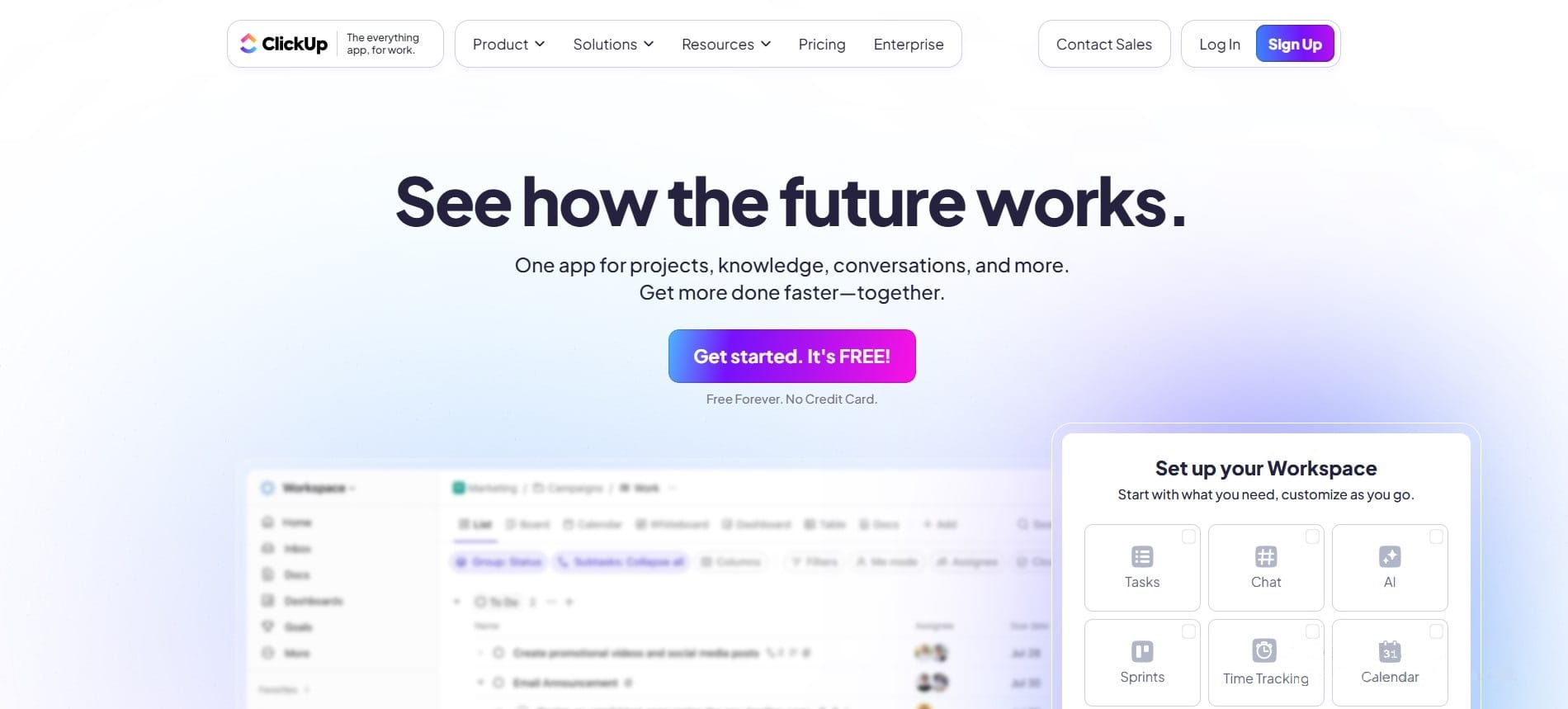
ClickUp is a versatile project management platform that also excels at content collaboration. It offers fully customizable workspaces, powerful task management, and is increasingly used by content teams for editorial planning, content production, and review workflows.
Key Features:
- Fully customizable workflows, statuses, and content calendars
- Built-in document editor with real-time collaboration
- Task management with dependencies, goals, milestones, and time tracking
- Whiteboards, dashboards, forms, and workload management
- Integrations with tools such as Slack, HubSpot, Google Drive, and Zapier
- ClickUp Brain AI for writing, workspace search, summaries, automation, and AI agents
- Advanced permissions and governance features on higher plans
Keep the existing Pros and Cons sections.
Replace the Pricing section with:
ClickUp offers a Free Forever plan. The Unlimited plan starts at $7 per user per month when billed annually, while the Business plan costs $12 per user per month when billed annually.
ClickUp’s advanced AI functionality is offered separately. Brain AI starts at $9 per user per month when billed annually, while the Everything AI plan costs $28 per user per month.
5. Content Workflow by Bynder (ex GatherContent)
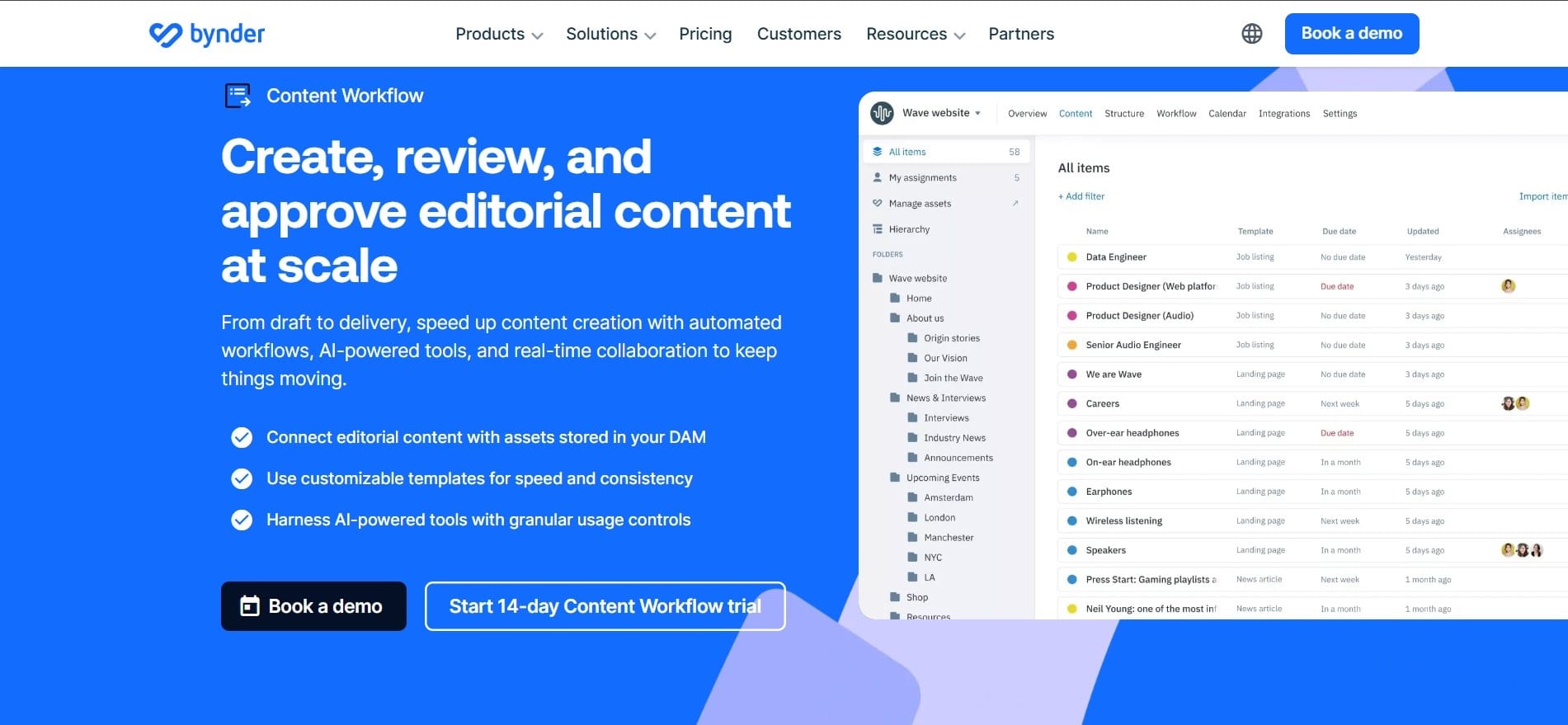
GatherContent was acquired by Bynder in 2022 and later renamed Content Workflow by Bynder. The GatherContent brand and website have been retired, but the product continues as part of Bynder’s wider content operations platform and is also available as a standalone solution.
Content Workflow is designed for teams that need to create, structure, review, approve, and manage large volumes of written content. It can be used for blog posts, website projects, social media content, newsletters, documentation, and other structured content formats.
Key Features:
- Customizable workflows for content production and approval
- Structured templates for blogs, web pages, and other content types
- Real-time content editing and collaboration
- Comments, review processes, and access controls
- AI Assist for writing and editing content
- Shareable links for pages and projects
- Integration with Bynder’s digital asset management platform
- CMS integrations and API access for custom connections
Pros:
- Clearly structured content production and approval processes
- Suitable for teams managing large volumes of content
- Strong templates, roles, permissions, and governance controls
- Can connect editorial content with assets stored in Bynder
- Supports complex website projects and enterprise content operations
- Available as either a standalone product or part of the Bynder platform
Cons:
- Pricing is not publicly displayed
- May be more complex than necessary for smaller teams
- Some organizations may require onboarding and training
- Costs depend on the selected products, number of users, storage, usage, and support requirements
Bynder no longer publishes a fixed starting price for Content Workflow. Pricing is customized according to the organization’s required products, users, storage, integrations, usage, and level of support.
A 14-day Content Workflow trial is available, but businesses need to contact Bynder to receive an exact quote.
Comparison Table: Key Differences at a Glance
| Tool | Key Strength | Workflow | AI Features | Pricing |
|---|---|---|---|---|
| EasyContent | Structured content collaboration and approvals |
From $47/month, billed annually |
||
| ContentStudio | Social media planning and publishing |
From $19/month, billed annually |
||
| Content Snare | Client information and file collection |
From $35/month, billed annually |
||
| ClickUp | Flexible project and task workflows |
From $7/user/month, billed annually |
||
| Content Workflow by Bynder | Enterprise content operations | Custom pricing |
Conclusion
Narrato was once a popular option for AI-assisted content creation and workflow management, but it is no longer available as an independent platform. Typeface acquired Narrato in September 2024 and integrated its content collaboration and workflow technology into its wider enterprise marketing AI offering. The Narrato website now redirects to Typeface, making it necessary for former Narrato users to find a replacement that fits their content production process.
EasyContent is built for agencies managing many clients at once
- Every client's content, templates, and calendar stay isolated in their own project
- White labeling, on Business, keeps your own agency's brand in front of every client
- Client approvals happen through a shareable link, with no seat required
- You pay for a content workflow platform sized for what an agency actually needs