Content Approval Workflows for Nonprofits: Simple Systems for Small Teams
Struggling with slow content approvals? Learn how small nonprofit teams can build simple content approval workflows to reduce delays, avoid mistakes, and publish faster, without adding complexity.

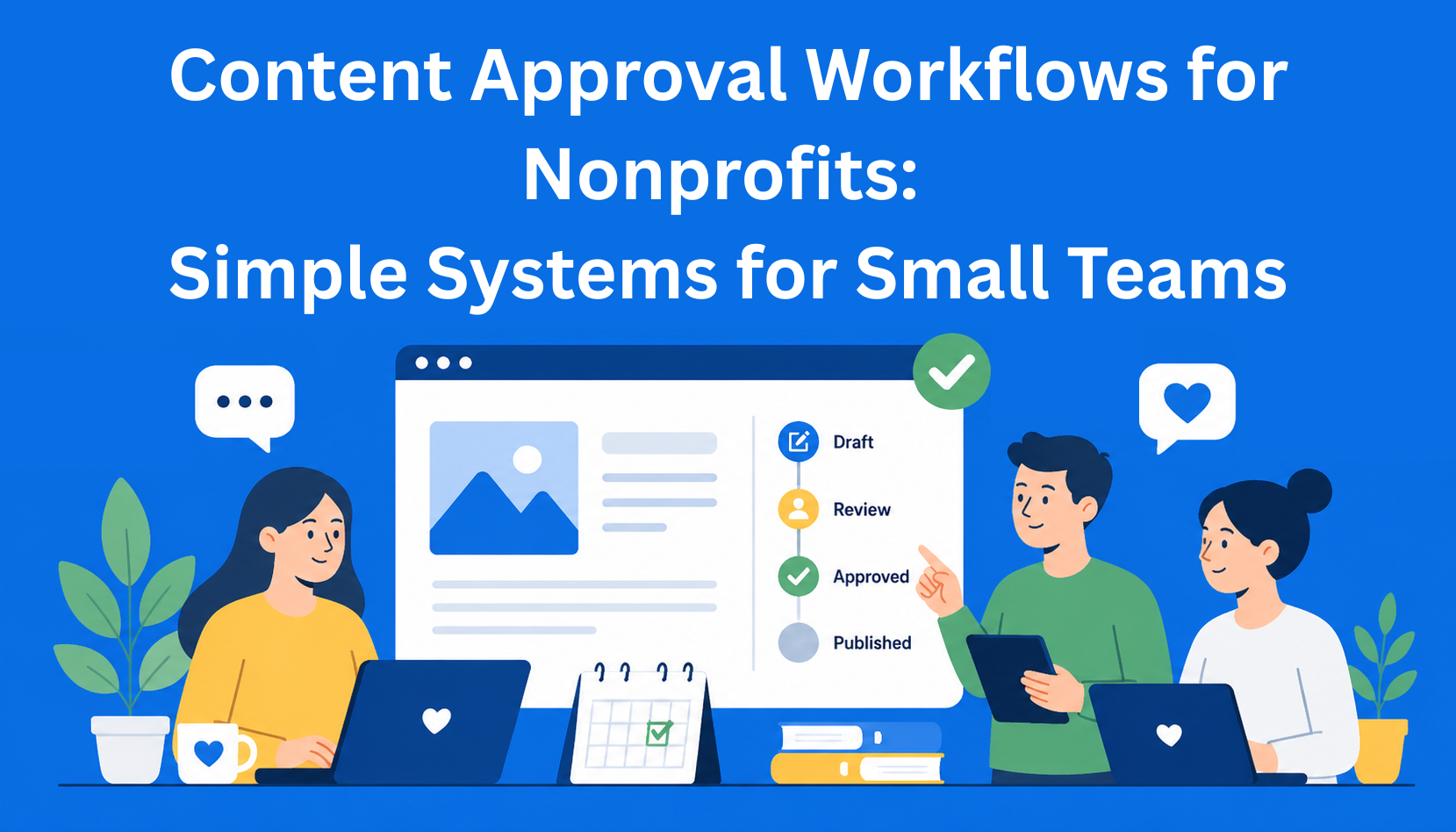
In small nonprofit organizations, the same thing often happens: someone writes a social media post, sends it by email, and then waits. They wait for a response from the program coordinator, then from the director, then again because someone added something. In the end, a week passes and the post is late. People get frustrated, and an important message doesn’t reach the people it was meant for.
Content approval workflows (or simply put, the process of approving content) are meant to solve this exact problem. It’s a system that defines who does what, in what order, and how quickly. For small teams of three to twelve people, nothing complicated is needed. It just needs to be clear, fast, and understood by everyone.
Many nonprofit organizations work with limited budgets, a small number of full-time staff, and a lot of volunteers. That’s why they need a system that saves time, not wastes it. A good content approval process reduces mistakes, protects the organization’s reputation, and allows more energy to go into the mission instead of emails and back-and-forth communication.
Key Takeaways
- Simple approval workflows prevent delays in small teams - clear steps and roles reduce waiting time and missed publishing deadlines.
- Too many reviewers slow everything down - limiting the number of people involved keeps the process fast and manageable.
- Defined roles eliminate confusion - creators, reviewers, and final approvers must each know their responsibilities.
- Visual systems improve clarity and speed - simple tools like status labels or “traffic light” systems make progress easy to track.
- A basic system is enough to get results - small teams don’t need complex tools, just clear rules, deadlines, and consistency.
Why small nonprofit teams get stuck with content approval
You’re preparing news about a successful campaign. A volunteer writes the text and sends it forward. One person says it’s good, another asks for changes, a third adds something, and the director finally asks to shorten it. By the time everyone agrees, a few days have passed and the news is no longer relevant.
This is a common problem. The most frequent pain points are:
- The text sits for days without a response
- Too many messages and emails, and things get lost easily
- Everyone has a different opinion and there’s no clear agreement
- Mistakes slip through because no one checks everything
- Volunteers don’t know who to send the text to
The result is fewer posts, more stress, and the feeling that everything is done at the last minute.
Basic rules for a simple content approval system
It doesn’t have to be perfect. It just needs to be simple. Here are a few basic principles that work for small teams:
- Keep the number of steps as low as possible.
- Everyone knows exactly what they need to check.
- Everyone can see where the content is in the process.
- Deadlines are clear and known in advance.
The key is to separate who approves what. One person checks if the information is correct, another checks if the message sounds right and matches the organization’s values, and a third gives the final “yes” for publishing.
Four simple content approval workflow models for small teams
Model 1: Two steps (usually enough for most small organizations) Someone creates the content (creator). Then they send it to the person responsible for communications or marketing. That person checks tone, grammar, and overall style. After that, it goes for final approval to the director - but only for important content (e.g., press releases or major campaigns). For regular posts on Instagram or Facebook, two steps are enough.
Model 2: Three steps
- Creator → Program coordinator (checks accuracy of information)
- Program coordinator → Communications (checks tone and style)
- Communications → Director (only if needed)
This model works well when there are more stakeholders involved, but it still stays clear and manageable.
Model 3: Parallel approval For sensitive topics (e.g., fundraising campaigns), multiple people can give feedback at the same time. Instead of waiting one by one, everyone receives the text at once. A tool can collect all comments in one place.
Model 4: “Traffic light system” Very visual and easy for small teams. Use colors:
- Red = needs more work
- Yellow = small changes needed
- Green = ready to publish
This works well in Google Docs or Notion.
Clear roles - who does what
For the system to work, everyone needs to know their responsibilities. Here’s a simple breakdown:
- Content Creator (volunteer or contributor): writes the first draft and follows the brief (short instructions).
- Content Owner (program team): checks if the information is accurate and aligned with the program.
- Communications Lead: checks tone, brand voice, grammar, and whether the message is clear and engaging.
- Final Approver (usually the director): gives the final “yes” for important content.
Create a small table with these roles and place it on a wall or in a shared folder. That way, everyone knows what is expected of them.
It’s also useful to have a short checklist: are the facts correct? Does the tone match our organization? Are there any legal or ethical issues to check?
Which tools to use on a small budget
You don’t need expensive software to have a good content approval workflow.
- Google Docs - free and familiar. Use “Suggestions” for comments and “Assign” to delegate tasks.
- Notion - a bit more advanced but still free for small teams. You can create a database with statuses (Draft, In Review, Approved).
- Trello or ClickUp - visual boards with cards. Each card represents a piece of content.
- Slack or Teams - for quick notifications, but not for managing the main process.
- EasyContent - ideal for teams of all sizes, with a discount for nonprofit organizations.
How to set up your first system - step by step
- Define the types of content you create - e.g., social media posts, newsletters, blogs, reports, or press releases. Not everything needs the same process.
- Create a simple table - who approves which type of content.
- Create a template - one document with sections for title, text, images, and links.
- Agree on deadlines - when content is written, approved, and published.
- Write a short guide - so everyone knows how the process works in your team.
Start small. Test the new process on your next five pieces of content and see what needs improvement.
Common mistakes to avoid
- Too many people involved - everyone reviews everything
- Relying on email - it’s easy to lose track
- Unclear deadlines
- No clear responsibility for who checks what
- No quick review after publishing (what worked and what didn’t)
If everyone approves everything, nothing moves fast. That’s why it’s better to have a clear structure and trust your team.
How to know if your system works
Track a few simple things:
- How many days it takes from writing to publishing (cycle time)
- How many times content is sent back for revisions
- Whether mistakes happen after publishing
- Whether the team feels less frustrated (you can ask in a meeting)
If the time from creation to publishing drops from 7 days to 2-3 days, your system is working.
Conclusion
Content approval workflows don’t have to be complicated to be useful. For small nonprofit teams, it’s enough to keep them clear, with few steps and defined roles. Once you set up a simple system, you’ll spend less time on back-and-forth communication and more on creating content that truly supports your mission.
Start with the simplest model - two or three steps. Try it on your next piece of content.
Your content matters. The approval process should help you, not slow you down.
EasyContent's pricing doesn't punish agencies for winning new clients
- No per-seat pricing on Team and above, so costs stay predictable
- Published prices from $47 a month billed annually, or $59 monthly, with no sales call needed to see them
- External stakeholders review and approve without ever taking a seat
- Try it free for 14 days, no card on file