Content Modeling 101: How to Structure Content for Reuse and Consistency
Learn what content modeling is and how to structure your content so you can reuse it across channels. Avoid duplication, stay consistent, and make your content easier to manage as your project grows.

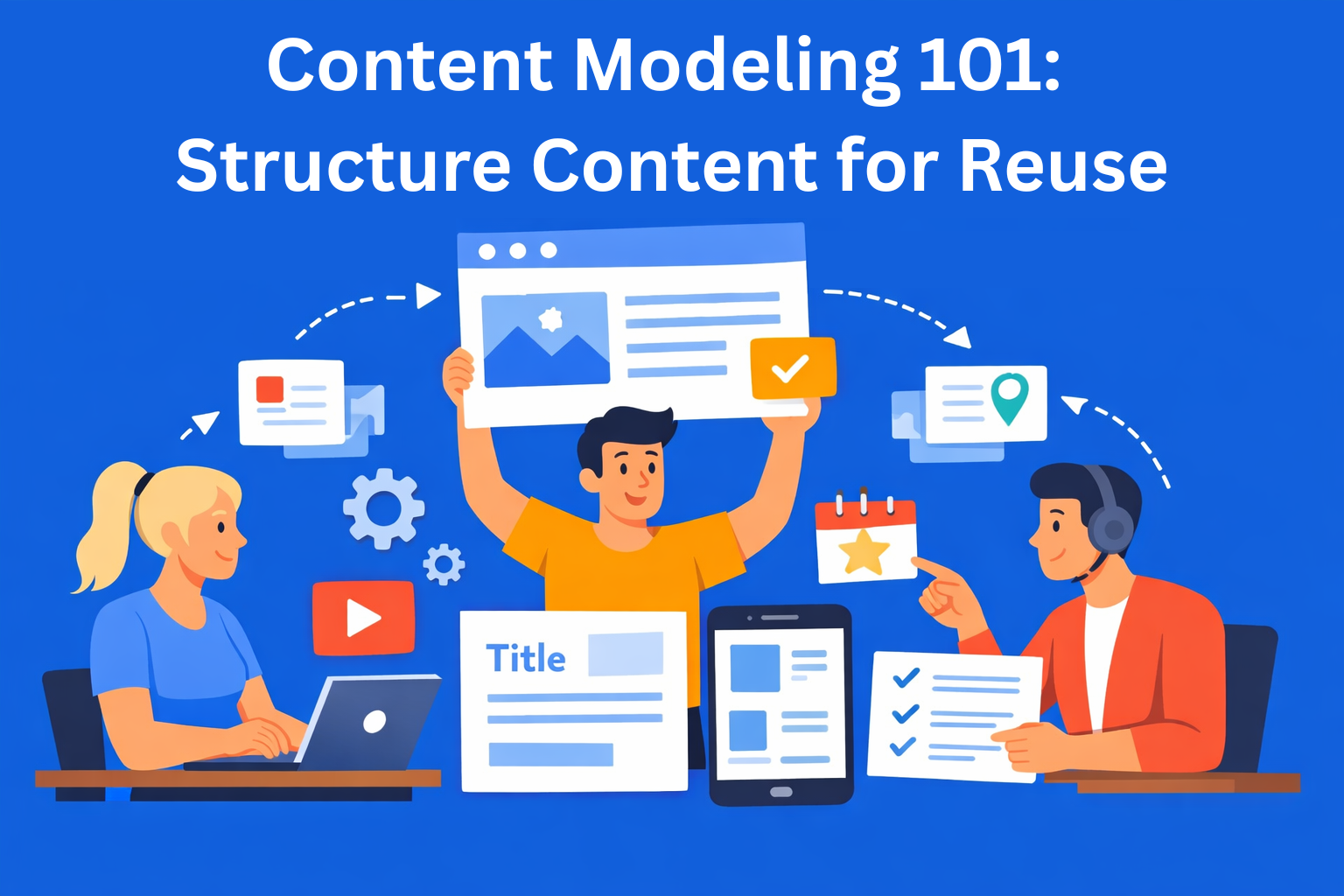
Anyone who has ever worked on a website, app, or any kind of digital project knows the feeling when the same text is copied in five different places, images don’t fit the format, and information that is updated in one place is outdated in another.
That’s exactly why content modeling exists - a way to define once how your content should look and function, and then reuse it again later.
In this blog, we’ll go through everything you need to know - from what a content model is, how to create one, to the mistakes people usually make in the beginning. No complicated terms, no jargon.
Key Takeaways
- Content modeling brings structure and reuse - defining content types and fields once allows you to reuse the same content across multiple channels.
- Without structure, content quickly becomes chaotic - duplication, inconsistency, and scaling issues appear as soon as content grows.
- Content types, fields, and relationships are the foundation - clear definitions remove guesswork and make content easier to manage.
- Good models are built around content, not design - structure should follow business logic, not how a page currently looks.
- Documentation and consistency make systems scalable - clear rules, naming, and workflows ensure teams can use the model without confusion.
What is content modeling?
A content model is, simply put, a plan for how your content is organized. It’s like creating an Excel table for products - you decide which columns exist (name, price, description), what goes into each one, and how everything is filled in. The only difference is that instead of products, you’re working with text, images, dates, links, and similar things.
For example, if you have a blog, every post probably has: a title, an author, a publish date, content, and an image. These are content types - basically, the different kinds of content you have. And things like title, author, and date are just the parts that make up that content type.
Content modeling is not the same as content strategy. Strategy defines what you’re saying and to whom. The model defines how that content is structured internally.
Why is content structure important?
Without a clear structure, content becomes like a messy drawer - socks, chargers, old receipts all mixed together. You can find what you need, but it will take forever.
Here are the main problems that happen without a content structure:
- Duplication - the same text is copied in multiple places. When you need to update it, you have to go through each one, and you’ll probably miss something.
- Inconsistency - one page says one thing, another says something slightly different. Users get confused, and it looks unprofessional.
- Project growth issues - as the project grows, everything becomes more complicated. What worked for 10 pages doesn’t work when you have 200.
On the other hand, when you have a good content model, you can reuse the same content across your website, mobile app, email newsletter, and even printed materials - without rewriting it. That’s called an omnichannel approach, and it starts with good structure.
Basic content modeling concepts
Before we move into practical steps, let’s explain a few basic concepts you’ll see all the time.
Content types are categories of content. For example: Article, Product, Review, FAQ. Each type has its own fields that describe it.
Fields and attributes are the actual pieces of information inside a content type. An article can have: title (text), date (date), author (reference to a person), content (long text), featured image (media file).
Relationships are connections between different content types. An author is a separate type that is simply “linked” to an article. The same goes for products and categories. This way, you don’t have to enter the same data over and over again.
Taxonomy is a system of categories and tags that helps you organize and search content. For example, tags like "marketing", "SEO", "content strategy" help users find relevant content.
How to create a content model? Step by step
This is the core part. Let’s go through a process you can use for any project.
Step 1: Audit your existing content
Before you create anything new, look at what you already have. Go through everything - pages, blog posts, products, FAQ sections. Write down which content types exist and what each one includes.
Step 2: Find patterns
When you look at everything together, you’ll notice the same things repeating. For example, every product has a price, description, and image. Every blog post has an author and a date.
The goal is to group these repeating elements. Everything that belongs together becomes one content type.
For example:
- if you have multiple products with the same structure → that’s one "Product" type
- if you have multiple posts with the same structure → that’s one "Article" type
This way, you don’t have to think from scratch every time - you already have a structure, and you just fill it in.
Step 3: Define fields
For each content type, write down which pieces of information it actually needs.
Think of it like creating a form someone has to fill out. What do they need to enter?
For example, for a blog post, it could be:
- title
- content
- author
- date
- image
It’s important to be clear about what each field expects:
- is it short or long text
- is it a number, date, or text
- is it one image or multiple
The more precise you are here, the easier content entry will be later - people won’t guess what to enter, they’ll just fill in the defined fields.
Step 4: Map relationships
Think about which things should be “connected” so you don’t have to keep entering the same data.
For example:
- you have an author → connected to multiple articles
- you have a category → connected to multiple products
Instead of typing the author’s name into every article, you create it once and then just link it wherever needed.
Step 5: Validate with your team
Show the model to everyone who will work with the content - designers, developers, editors. Each of them will notice something you might have missed.
Step 6: Document everything
Write down, in simple terms, what each content type is and what each field is for.
Imagine a new person joins your team tomorrow and needs to add content. Without explanations, they’ll guess what goes where.
For example:
- "title" → short text, up to 60 characters
- "description" → longer text, a few sentences
- "image" → main image for the article
It may feel like extra work now, but later it saves time for everyone - no questions, no mistakes, everything is clear.
Creating content for reuse
Create once, publish everywhere means separating content from how it looks. In other words, you write content as pure information and don’t think about design right away.
Only later do you think about design and format, depending on where and how you want to use that content.
For example, the same "Article" can be shown as:
- A full page on the website
- A small card in a "Recommended" section
- A short part of text in an email
- A short notification (title + one sentence)
The content is the same, it’s just displayed differently.
Creating content for consistency
Content consistency is not just about looks - it helps build trust. When people see the same tone, writing style, and information everywhere, they understand you better and you look more professional.
Here are a few practical things that help:
Naming conventions - use clear and consistent names for content types and fields. Don’t use "Title" in one place and "Headline" in another. Pick one and stick to it.
Required and optional fields - clearly define what must be filled in. If a featured image is required, it’s better to set that rule in the system instead of relying on someone to remember it.
Validation - many CMS tools let you set rules directly: maximum length for titles, minimum length for descriptions, required date format. Use it.
Workflow - define who approves what before publishing. A writer writes, an editor approves, a developer checks technical details. This ensures nothing unfinished goes live.
Common mistakes beginners make
No matter how carefully you plan your content model, some mistakes happen all the time. It’s better to know them in advance.
Too many small content types - you don’t need a separate type for every small thing. If two things always appear together and share the same fields, they are probably one type, not two.
Modeling for the current design - the biggest mistake is building your model based on how a page looks right now. The model should follow content and business logic, not a visual layout that will change.
Ignoring editors - content models are not just for developers. Editors who add content daily need to understand the structure and find it easy to use. If it’s too complicated, they will avoid it or use it incorrectly.
No documentation - everyone thinks they will remember why they added a field. No one does. Document everything from day one.
Tools that can help
There are many tools that support content structuring and working with content models.
For CMS platforms, popular choices include EasyContent, Sanity, Storyblok, and DatoCMS. These are so-called "headless" CMS tools - meaning they keep content separate from how it is displayed, which allows you to reuse the same content across multiple places without extra effort.
For planning and visualizing your model before building it, tools like Whimsical, Miro, or dbdiagram.io work great. Draw your model first before implementing it - it saves time and helps avoid mistakes.
Conclusion
Content modeling may sound complicated, but it really comes down to one thing: think ahead about how your content is organized, instead of figuring it out as you go.
Once you set up a good model, everything becomes easier - writing, publishing, updating, distributing. Content you create once can be reused in many different places without rewriting it. Errors and inconsistencies go down because there are clear rules.
If you don’t know where to start - start with an audit. Open a spreadsheet and list all the content types you currently have. That’s your first step toward order.
EasyContent keeps every stakeholder sign-off in one visible place
- Route pages through the exact approval stages your organization requires
- External reviewers approve through a free guest account, no paid seat needed
- Track changes records every edit by name, so nothing is anonymous
- A past approval round can be pulled back up in the item's version history