Key Must-Have Features for a Future-Proof Content Management System in 2026
Discover the must-have features of a future-proof CMS in 2026 from AI assistance and automation to omnichannel publishing and advanced security. Learn how platforms like EasyContent help teams work faster, smarter, and stress-free in an ever-evolving digital landscape.

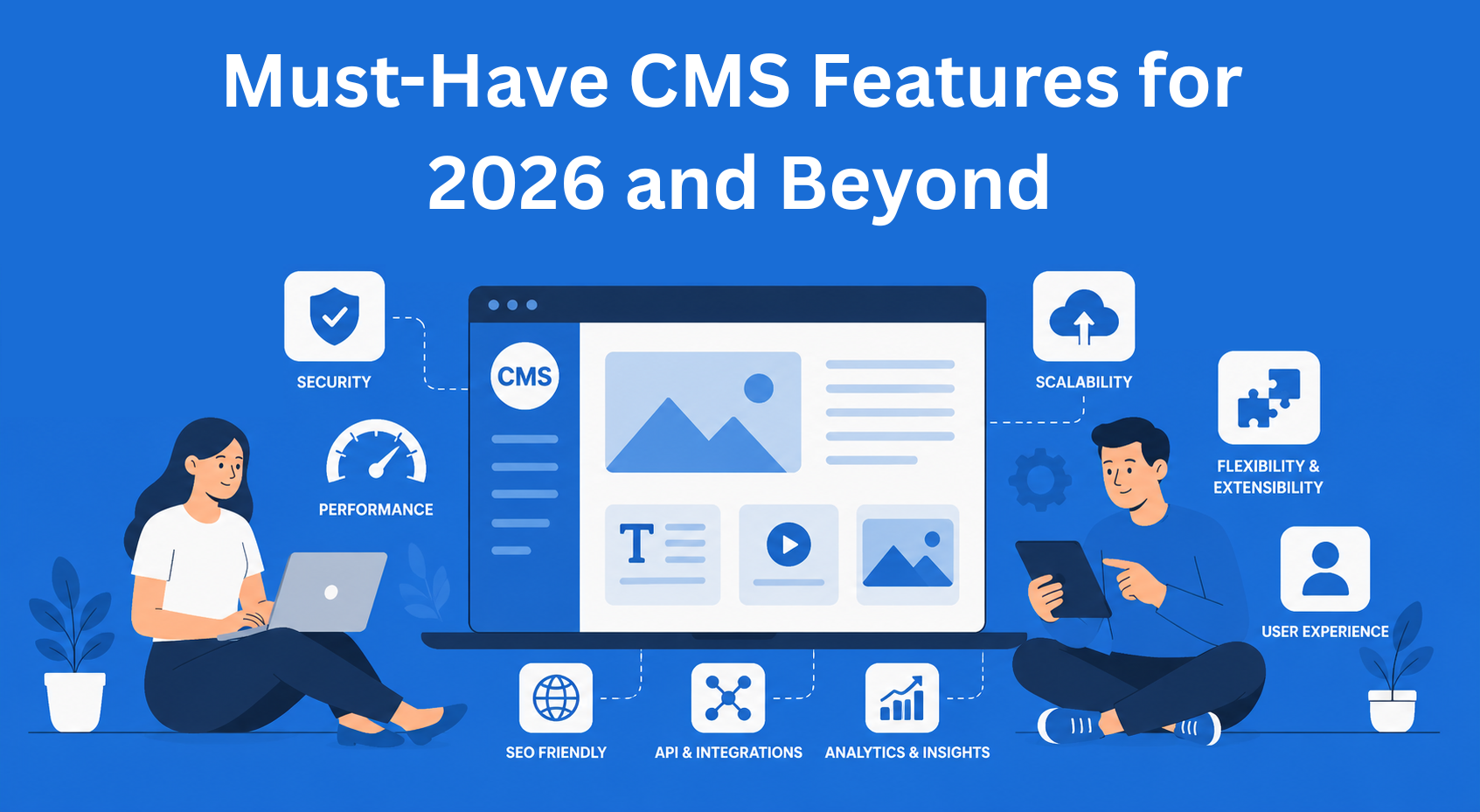
Every business that exists online somehow needs to organize and publish content across multiple places at the same time. When there is too much content, it is easy for confusion, mistakes, and wasted time to happen.
This is where a CMS, or Content Management System, helps. It is a tool that allows you to easily add and edit text, images, and video content on your website or application.
The problem is that technology moves forward very quickly. A CMS that was great a few years ago can now become slow, complicated, and make your work harder instead of easier.
In 2026, a good CMS needs to be fast, secure, easy to use, and ready for the future needs of a business.
In this blog, we will explain the most important things that a modern content management system should have.
Key Takeaways
- A modern CMS must support multi-channel content delivery - content should be created once and published across multiple platforms and devices.
- Built-in AI features improve speed and efficiency - AI assists with writing, optimization, and content organization but does not replace human input.
- Workflow and permission management are essential - clear roles, approvals, and activity tracking keep teams organized and prevent mistakes.
- Performance, scalability, and security are non-negotiable - fast loading, stable infrastructure, and strong protection are critical for modern websites.
- Flexibility and data ownership protect long-term growth - avoiding vendor lock-in and supporting integrations ensures your system can evolve with your business.
A Flexible System That Sends Content Everywhere You Need
Older CMS systems were built so that all content lived in one place together with the website design. Today, this often creates problems because the same content needs to appear in many different places, such as websites, mobile applications, televisions, and other digital devices.
A modern headless CMS works in a simpler and more flexible way. The content is stored separately from the website design, so it can easily appear across different platforms and devices. You can think of it as one central place from which content is sent everywhere it is needed.
Why is this important? Because one piece of content can appear on a website, in an application, and on social media automatically, without doing the same work twice.
Artificial Intelligence Built Directly Into the Tool
AI in CMS systems has become completely normal today. Modern tools have built-in AI features that help you write content faster, optimize text for Google more easily, and translate content into other languages.
AI can:
- Suggest titles and meta descriptions for SEO
- Automatically categorize and tag posts
- Create different versions of text for different audiences
- Warn you when content is not optimized
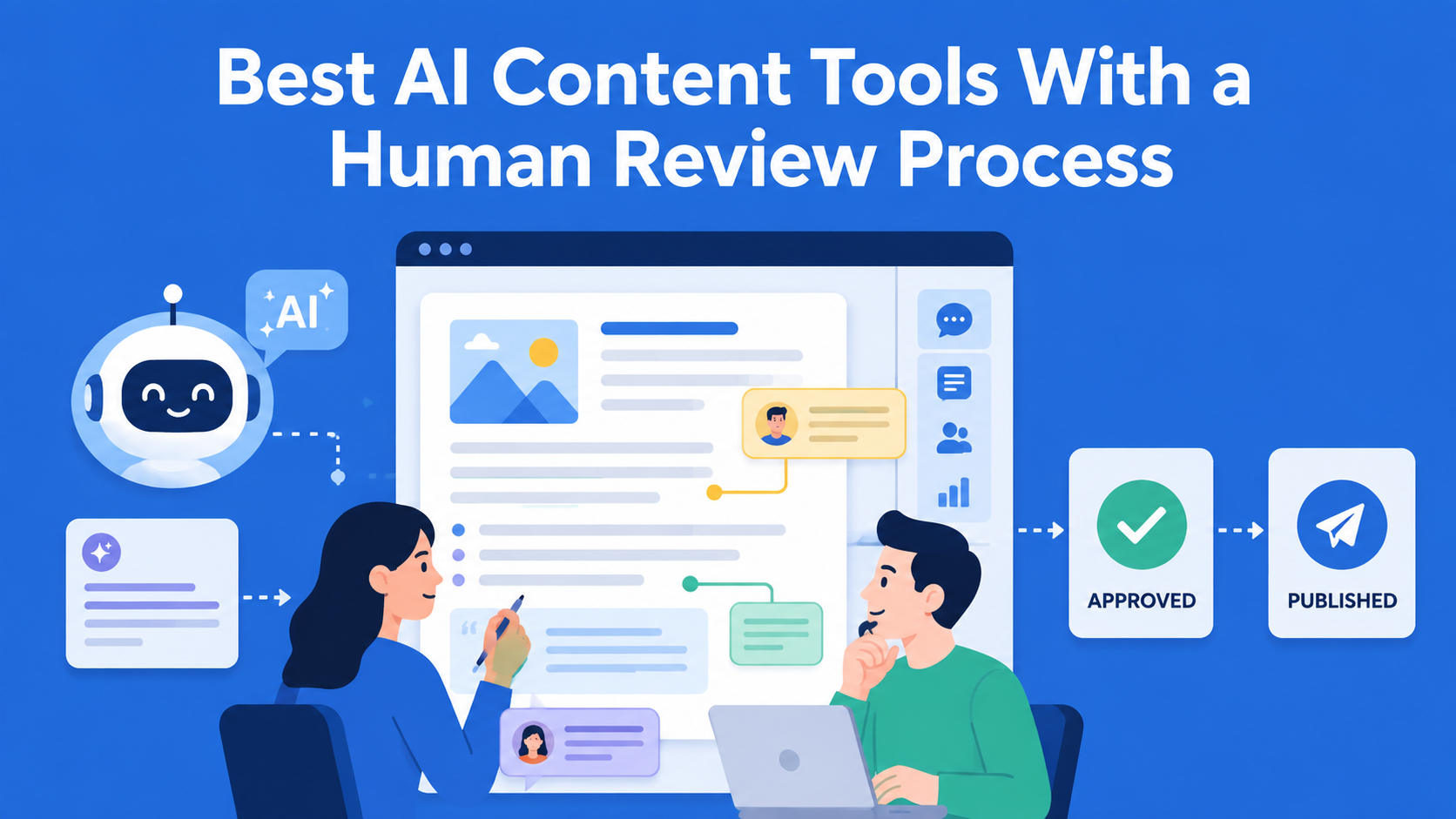
What is important to understand is that AI is there as an assistant, not a replacement. Humans still make the final decisions, while AI content optimization tools simply speed up the entire process.
Publishing Across All Channels From One Place
Imagine owning a restaurant and needing to update the menu every day on your website, delivery app, Instagram page, and the screen in front of the restaurant. Doing this manually would be a nightmare.
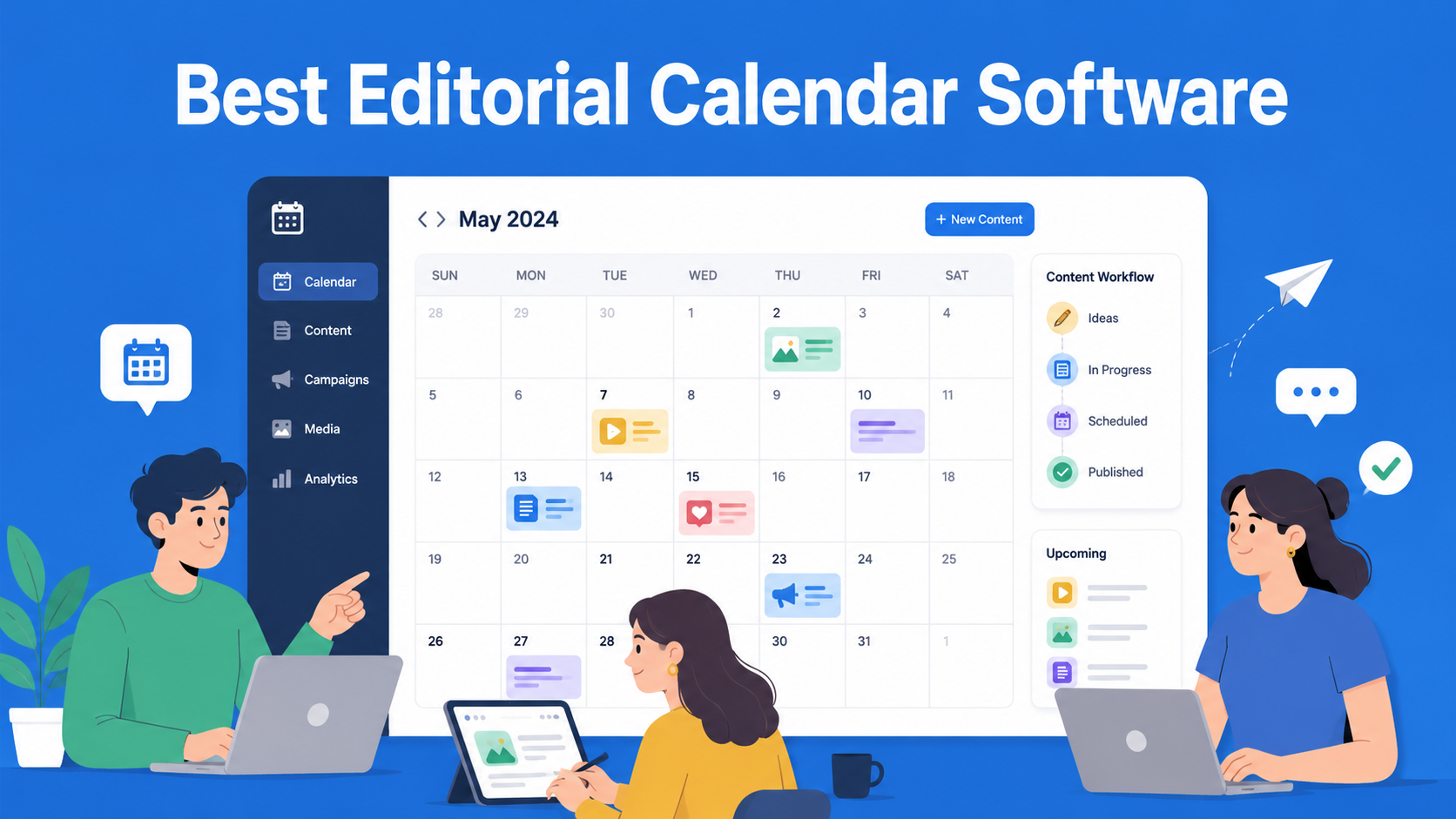
Omnichannel publishing helps you publish content across multiple places at the same time. From one CMS system, you can send content to your website, social media, applications, and other channels. You can also schedule posts in advance, check how they will look before publishing, and keep all versions of the content in one place.
This is especially important for brands that communicate with their audience across multiple platforms every day, from e-commerce websites to media companies.
Who Can Do What, Team and Permission Management
When an entire team works inside one CMS - editors, writers, designers, and managers - there needs to be order. You should not allow a junior writer to accidentally delete an important page or publish something without approval.
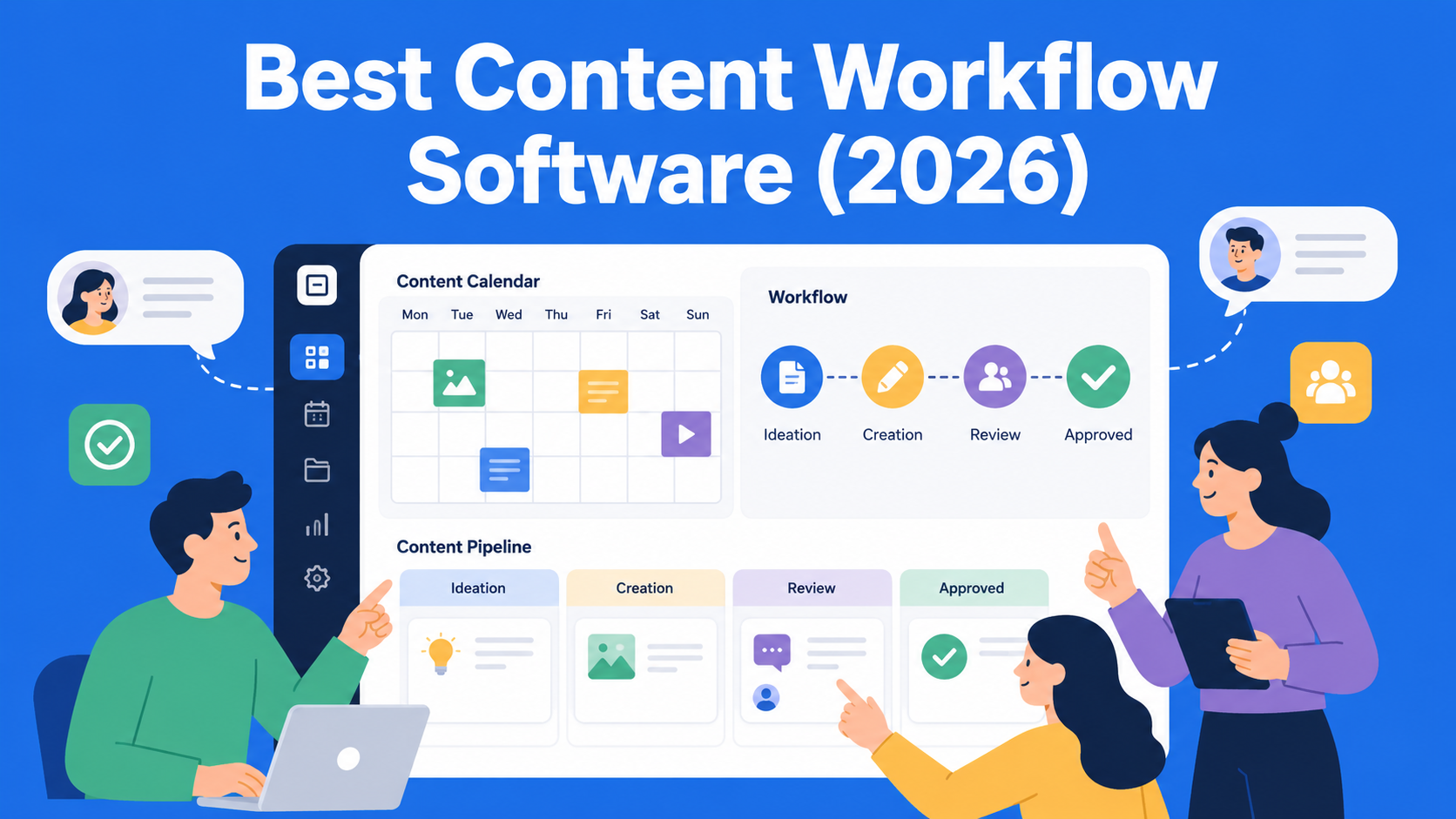
A good CMS workflow management system allows:
- Everyone to have a clearly defined role
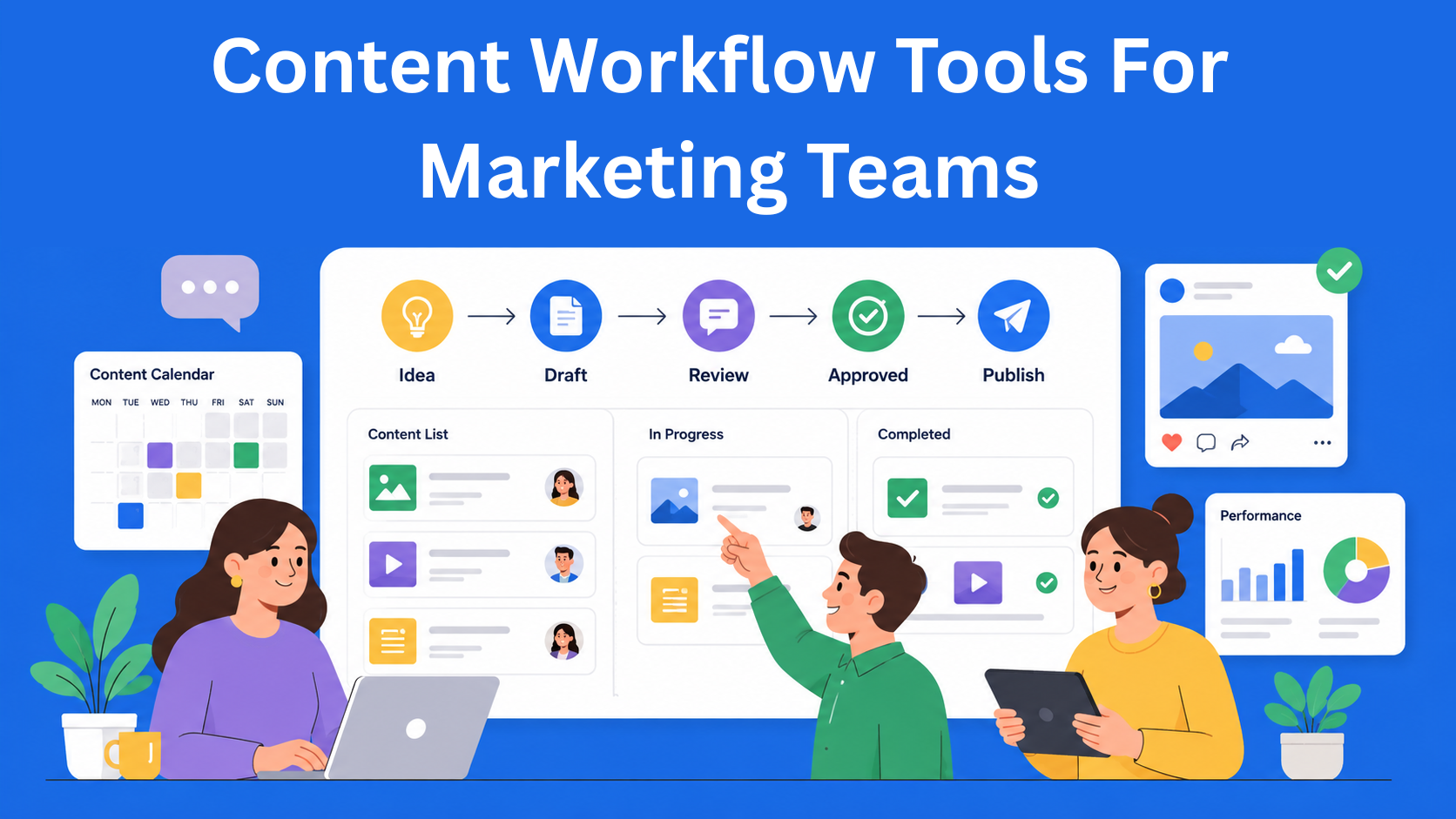
- Every piece of content to go through an approval process before publishing
- A complete activity log showing who did what and when
This helps teams work in a more organized and secure way, especially in larger companies where it is important to know who made changes to the website and when. Tools like EasyContent make this possible by allowing you to manage all of these things from one place.
Developer-Friendly, Because Developers Build Everything Else
This part may not be very important for regular users, but it is extremely important for developers working on a website or application. If a CMS is difficult to work with, the entire project can become slower and harder to maintain.
A good modern CMS includes:
- Clear API documentation that developers can actually use
- Webhook integrations that automatically notify systems when something changes
- A plugin ecosystem that allows you to add new features without building everything from scratch
- Easy testing so developers can test changes locally before going live
When the developer experience is good, projects are completed faster, mistakes happen less often, and the system becomes easier to upgrade.
Speed and Scalability, Because Slow Websites Lose Visitors
According to research, users leave websites that take longer than three seconds to load. Your CMS directly affects how fast your website is.
A modern cloud-based CMS uses a CDN, which is a global network of servers that delivers content to users from the closest possible location. If someone from Australia visits your website hosted in Europe, the CDN makes sure they do not need to wait too long.
Besides speed, scalability is also important. This means the system can handle sudden growth. If your website suddenly gets ten times more visitors than usual, the CMS needs to handle the traffic without crashing.
Security and Legal Compliance
This is something many people do not think about until problems happen. And when problems happen, it is usually too late.
CMS security in 2026 should include:
- RBAC to control who can access what
- GDPR and local regulations, especially for companies operating in Europe
- Protection against attacks, including DDoS protection and regular security testing
- Data encryption both during transfer and while stored on servers
If your CMS does not meet security standards, you risk not only hacking attacks but also large financial penalties for breaking data protection laws.
Multilingual Content, Because the World Does Not Speak Only One Language
If you want to reach audiences outside your own country, a multilingual CMS is not optional - it is necessary.
A good system allows:
- Creating and managing content in multiple languages from one interface
- Support for right-to-left languages
- Integration with professional translation tools such as Phrase or Lokalise
- Regional workflows where different teams work on different markets
Content localization is not only about translating words. It is about adapting content to the culture, tone, and context of every market.
Analytics and Measuring Content Performance
Writing and publishing content is only the first step. The real question is: does your content actually work?
A modern CMS either has built-in analytics tools or simple integrations with platforms such as Google Analytics 4 or Plausible. This allows you to track:
- Which articles get the most traffic
- How long users spend reading certain content
- Where visitors come from
- Which calls to action generate conversions
Even better, some systems support A/B testing directly inside the CMS. You can publish two versions of the same page, and the system automatically measures which one performs better.
Without data, all your content efforts are just guessing. With data, every decision has a clear reason behind it.
Freedom From One Vendor, Freedom of Choice
The last, but still very important feature, is vendor neutrality - the freedom not to become trapped with a single provider.
Many CMS platforms attract users with cheap subscriptions, but later it becomes very difficult to move your data somewhere else. This is called vendor lock-in, and it can become a very expensive problem if you decide to switch platforms in the future.
When choosing a CMS, pay attention to:
- Data export options - can you easily take all your data and leave?
- Open-source options - systems like Strapi or Directus give you full control
- Standardized formats - content stored in widely accepted formats is easier to transfer
Freedom itself has value, even if you never actively use it.
Conclusion
A good CMS in 2026 is not just a tool for writing content - it is the central foundation of your digital infrastructure. From speed and security to AI assistance and multilingual content, every one of these features directly affects how successfully you communicate with your audience.
The next time you choose or switch a content management system, do not focus only on price and interface design. Ask yourself: “Will this tool still be good enough for my business three to five years from now?”
Because choosing the right CMS is not a cost - it is an investment.
Agencies choose EasyContent to run client content work
- Clients approve pages through a shareable link, with a free guest account instead of a paid seat
- Every edit is tracked Word-style, so feedback never gets lost in an email thread
- The approval trail stays with the page itself, easy to find later
- Every approval round is saved to the item's version history