How to Implement Plain Language in Government Content for Accessibility & Trust
Plain language is key to making government content clear and accessible. This guide shows how to simplify communication, build public trust, and reduce admin errors - without sacrificing accuracy.

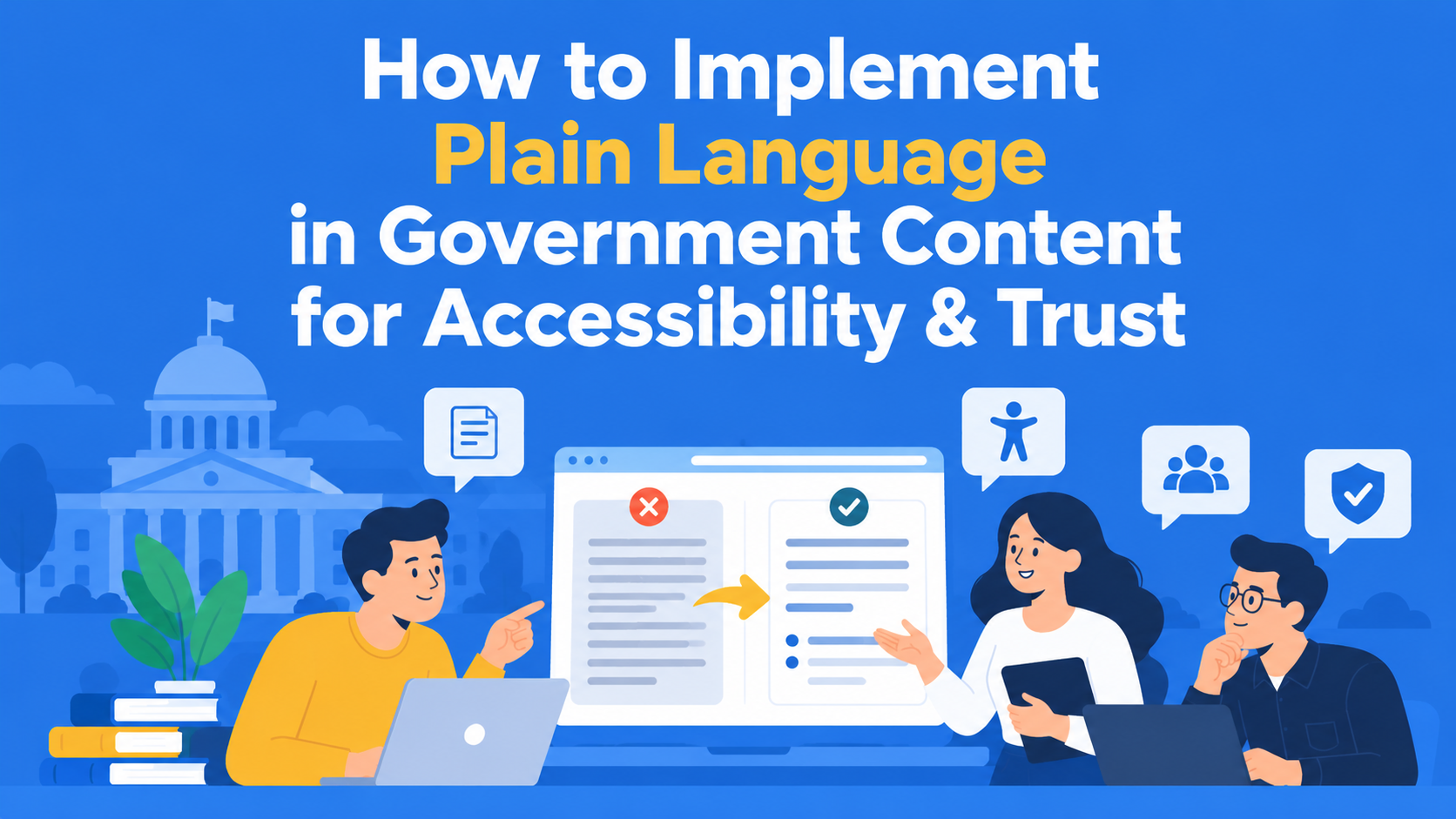
Plain language isn't just a nice-to-have for government content. It's a legal requirement in many regions, a foundational principle for digital accessibility, and one of the fastest ways to build trust with the public.
The public sector doesn't get the luxury of assuming users will "figure it out." If someone visits a government website or reads a government form, it’s likely because they have to, not because they want to. That means the burden is on the content to be as clear, accessible, and helpful as possible.
This guide breaks down what plain language actually means in a government context, why it matters, and how content teams can start implementing it today.
Key Takeaways
- Plain language isn’t optional - It’s a legal and ethical requirement for accessibility, especially in government communication.
- Clarity builds trust - When citizens understand your content the first time, they’re more likely to engage and less likely to get frustrated.
- Create a clear style guide - Define plain language rules upfront to ensure consistency across all departments and writers.
- Train, test, and revise - Support your team with training, test content with real users, and improve based on feedback.
- Use structured tools like EasyContent - Assign roles, enforce style guides, and streamline plain-language workflows from start to finish.
What Is Plain Language?
Plain language (sometimes called "plain English") is communication your audience can understand the first time they read or hear it. It's about clarity, simplicity, and purpose.
Government agencies in the U.S., U.K., Canada, Australia, and beyond have adopted plain language standards to ensure that all citizens, regardless of literacy level, cognitive ability, or native language, can understand official communications.
Plain language doesn’t mean dumbing things down. It means:
- Removing jargon, acronyms, and legalese
- Writing in active voice
- Using short, direct sentences
- Organizing information in a logical order
- Designing for scannability (e.g., bullet points, headings)
How to write a simpler and clearer notice for citizens
Imagine that the city administration is preparing a notice about applying for financial assistance for families with children.
Original notice:
“All interested persons who meet the prescribed conditions for exercising the right to financial assistance are obliged to submit an appropriate application, together with the accompanying documentation, to the competent service within the prescribed deadline.”
This kind of notice is too formal and does not give citizens clear information. It does not explain who can apply, which documents are required, or by when the application must be submitted.
Improved version:
Apply for financial assistance for families with children
Parents who have children under the age of 18 may submit an application for financial assistance if they meet the prescribed conditions.
For the application you need:
- A completed application form
- A copy of your ID card
- A birth certificate for the child
You can submit the application at the city administration by 30 June.
The second version is shorter, clearer, and easier to understand. Citizens can immediately see who the assistance is intended for, what they need, and where and by when they can apply.
Note: The conditions, required documents, and deadlines in this example are fictional and serve only as an illustration.
The goal of writing in simple language is not only to make the text shorter, but to help citizens quickly find the information they need and understand what they have to do.
Why Plain Language Is Essential for Government
1. Accessibility Compliance
Plain language is a core component of digital accessibility standards like WCAG (Web Content Accessibility Guidelines). When content is too complex, it creates barriers for:
- People with cognitive disabilities
- Non-native English speakers
- Anyone using screen readers
Plain language helps everyone access and understand government services, no matter how they engage with your content.
2. Public Trust and Transparency
Citizens are more likely to trust government communications when they feel understood. Confusing or overly complex language can lead to frustration, misinterpretation, and distrust.
On the other hand, plain language signals that your department is citizen-focused and transparent. It shows you respect your audience’s time and intelligence.
3. Efficiency and Cost Savings
When content is clear, people make fewer mistakes, submit more accurate forms, and contact support teams less often. That leads to:
- Reduced administrative burden
- Faster processing times
- Lower support costs
How to Implement Plain Language in Your Content Process
1. Create a Plain Language Style Guide
Don’t leave clarity up to chance. Develop (or adopt) a style guide that defines what plain language looks like for your department.
This should include:
- Words to avoid (e.g., technical jargon, acronyms)
- Guidelines for sentence and paragraph length
- Formatting rules for clarity (e.g., headings, bullet lists)
Pro tip: In EasyContent, you can set custom content guidelines directly within each piece of content. That means every writer and reviewer sees the rules before they start working, making it much easier to stay consistent across your department.
Imagine a state institution that regularly publishes information about public services, application deadlines, and required documentation.
These notices are prepared by different employees, so the writing style and content structure often vary.
To make all notices consistent, the institution can use a template that employees will follow every time they prepare new content.
For example, a template for notices from state institutions can include the following fields:
- Target audience: Who is this information intended for?
- Purpose: What should citizens understand or do after reading it?
- Main content: The notice written in simple and clear language.
- Required documentation: A list of documents citizens need to prepare.
- Deadline: The date by which citizens need to complete a specific action.
- Clarity checklist: A list of rules the text should meet to be easy to understand.
A platform like EasyContent offers these options, so the institution can also add writing guidelines, such as using simple words, explaining technical terms, and highlighting the most important information at the beginning of the text.
An example of how you can customize a template for any type of content.
In this way, authors have a clear structure to follow, while those responsible for reviewing the content can more easily check whether any important information is missing.
2. Train Your Team
Even experienced writers fall into habits. Host workshops or training sessions to:
- Raise awareness of plain language standards
- Share before-and-after content examples
- Practice rewriting real content using the new style guide
Use internal reviews and collaborative tools to reinforce plain language principles during your content workflow.
A simple exercise for writing clearer notices
Employees in state institutions often write notices that are difficult for citizens to understand. That is why it is important for them to learn how to write more simply and clearly.
For example, during training, employees can be given a complicated notice and try to rewrite it in simpler language.
The exercise can look like this:
- Simplify the text: Use shorter sentences and words that everyone understands.
- Add a clear title: Make sure citizens immediately know what the notice is about.
- Check the text: Give the notice to a colleague to read and say whether everything is clear.
For example, instead of:
“Applicants are obliged to submit all necessary documentation.”
It is simpler to write:
“Please submit the required documents with your application.”
After the exercise, employees can compare their texts and agree on which writing rules they will use in the future.
In this way, employees learn how to write clearer notices that citizens can easily understand.
3. Test with Real Users
Even if a government notice seems clear to the person writing it, that doesn't mean everyone will understand it.
Before publishing important information, ask a few people from your target audience to read it. Check whether they understand the instructions and can easily find what they need.
Their feedback can help you identify confusing parts and improve the content before it reaches the public.
Example: Testing a Government Notice With Real Users
Imagine a local government office preparing a notice about a housing assistance program.
Before publishing, the team asks five residents to read the notice and answer three questions:
- Who can apply for the program?
- Which documents are required?
- Where and when should applications be submitted?
During the test, three residents cannot find the application deadline, while two are unsure which documents they need.
Here's what the team discovers and how it can improve the notice:
This is a fictional example created to show how user testing works.
This is a fictional example created to show how user testing works.
After making these changes, the team can test the notice again to see whether residents can find the information more easily.
The goal isn't just to make the text shorter. It's to make sure people understand what they need to do.
4. Use Tools (But Don’t Rely Solely on Them)
Readability tools like Hemingway App or Grammarly can help flag overly complex sentences and passive voice. But they aren’t enough on their own.
The best way to ensure plain language is through peer review and human editing. Look for:
- Unnecessary words or repetition
- Overuse of modifiers or vague terms (e.g., "ensure," "leverage")
- Poorly structured information
Pair automated checks with manual reviews for the best results.
5. Establish Content Roles and Review Workflows
Implementing plain language standards means everyone (not just writers) needs to understand their role.
- Writers need clear expectations
- Editors ensure clarity and consistency
- Reviewers verify accuracy and compliance
Platforms like EasyContent allow you to assign these roles and automate workflows, so everyone knows what to do and when. This helps eliminate confusion and keeps your plain language goals on track.
How a government team can organise the review of content written in plain language
For a state institution to produce text that is as clear and simple as possible for the public, the content review and approval process needs to be as straightforward as possible. It can look like this:
Draft → Clarity check → Check of conditions and rules → Final approval → Done
Each step has its own purpose:
- Draft: The author prepares the notice according to the institution’s guidelines.
- Clarity check: An editor checks whether citizens can easily understand the instructions, deadlines, and what they need to do.
- Check of conditions and rules: A subject-matter expert verifies that the conditions for receiving assistance and the application procedure are explained accurately.
- Final approval: The person responsible for communication confirms that all necessary checks have been completed.
With EasyContent, state institutions can create this kind of workflow, assign responsible people, and set deadlines for each step.
Reviewers can leave comments directly on the text and request changes before the content moves to the next stage.
In this way, the team can verify that the notice is both clear and accurate, while every employee knows exactly which part of the process they are responsible for.
Example of how setting up a workflow and assigning roles to team members looks in EasyContent
Real-Life Example: Before & After
Before:
"Applicants are required to submit all pertinent documentation in a timely manner in order to be considered for enrollment."
After:
"Send your documents on time to be considered for enrollment."
The second version is shorter, clearer, and easier to follow, especially for someone reading quickly or using assistive tech.
Conclusion
Government departments serve everyone. That means your content must be readable by everyone. Plain language isn’t just good practice - it’s ethical, efficient, and essential for accessibility.
The good news? You don’t have to overhaul your entire department to make this shift. Start small:
- Add clear content guidelines
- Train your team
- Build better workflows
- Use the right tools
With a platform like EasyContent, you can bake plain language into your process from day one. Assign roles, set standards, and collaborate with ease, all while building public trust one sentence at a time.
EasyContent lets design teams work with real content in Figma instead of placeholders
- The Figma plugin, available from the Studio plan and above, drags real content fields straight into a design
- Content swapping between items stress-tests a layout with different lengths
- Updates from EasyContent projects appear in Figma in real time
- Supports single-line text, multi-line text, rich text, and images