How to Integrate GenAI into Your Existing Content Workflow
GenAI improves content creation when used wisely, for SEO texts, product descriptions, and idea generation. The right tools, human oversight, clear prompts, and team training are key to success. Track results and continuously optimize the process.

Step 1: Define the Right Use Case
Before you introduce GenAI into your workflow, it is important to clearly define where it brings the most value. Writing product descriptions, meta tags, content outlines, or blog structures are good examples of tasks where GenAI can significantly help and speed up the entire process. GenAI is also useful for creating topic clusters or brainstorming headlines.
However, you should not rely entirely on AI for content such as thought leadership, sensitive topics, or brand storytelling. These types of content require human experience, empathy, and a unique voice, areas where GenAI is not always the best solution.
Key Takeaways
- Start with the right use cases - GenAI works best for structured, repeatable tasks like outlines, SEO elements, and ideation.
- Choose tools that fit your workflow - AI delivers more value when it integrates smoothly with your existing content systems.
- Keep humans in the loop - editors and strategists are essential for quality, accuracy, and brand alignment.
- Use clear guidelines and templates - strong prompts, style rules, and templates reduce generic output and editing time.
- Measure, learn, and refine - track performance and continuously improve how GenAI supports your content process.
Step 2: Choose the Right Tools
Not all GenAI tools are the same. Choose the ones that best fit your existing systems and support the types of content you create. Tools such as Jasper AI, Writesonic, and Copy.ai are well suited for fast creation of SEO content, ads, and product descriptions, while ChatGPT is practical for structured drafts, ideas, and basic blog posts. If you need help with SEO analysis, tools like SurferSEO or Frase.io can assist with optimizing content based on keywords and user intent.
If you want a solution that covers the entire content creation process and makes it faster and simpler, a platform like EasyContent enables this through customizable workflows, real-time collaboration, reusable templates, and built-in AI writing and editing tools that operate within those workflows.
Step 3: Create a Workflow with a Human-in-the-Loop Approach
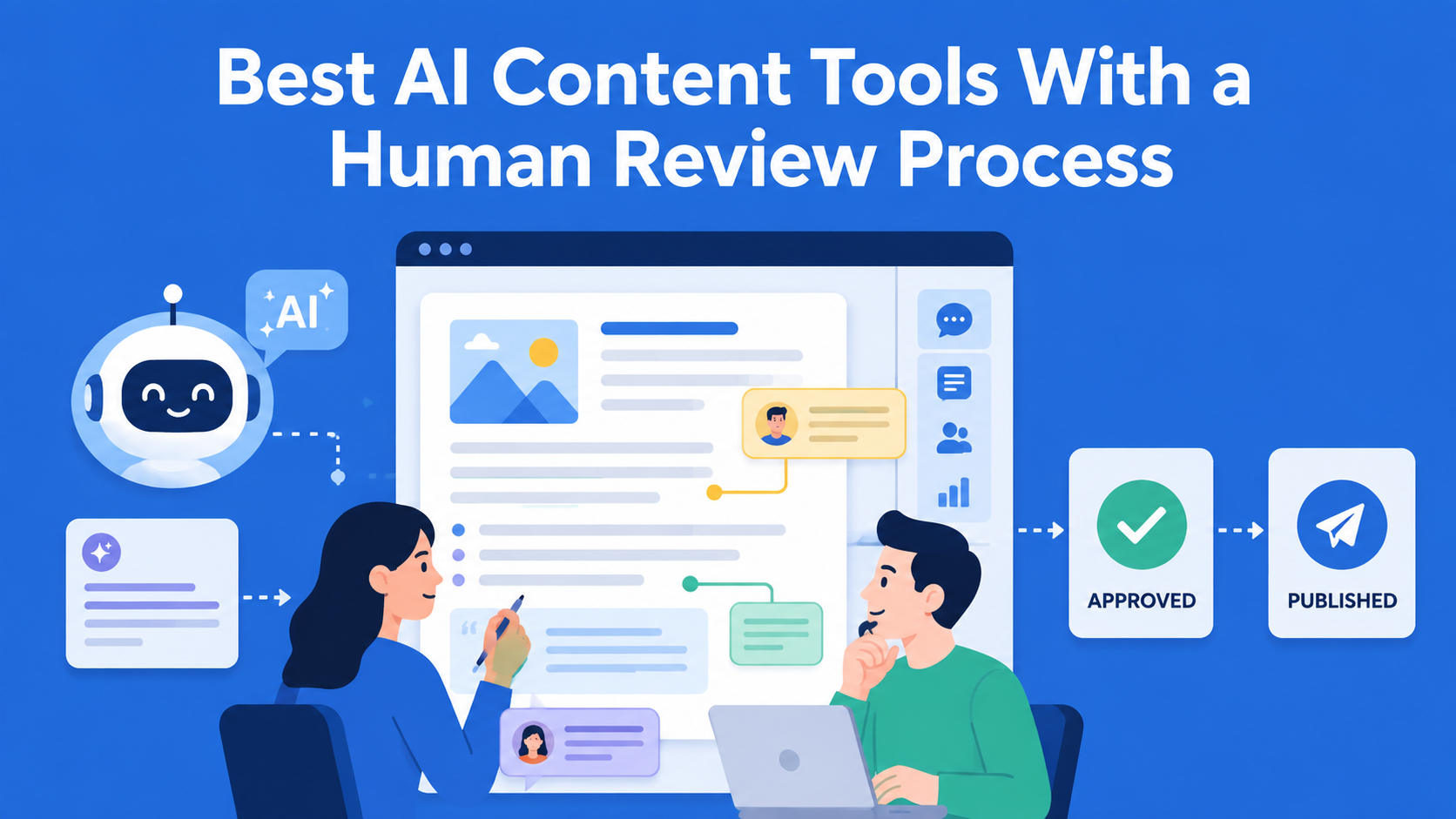
AI delivers the best results when people are part of the process. Generate a draft using GenAI, then pass it to editors for review, refinement, and optimization. In EasyContent, this human-in-the-loop approach is further strengthened by an AI editor that acts as an assistant editor, suggests improvements, shows changes through diffs, and never automatically overwrites content, ensuring editorial control remains in human hands.
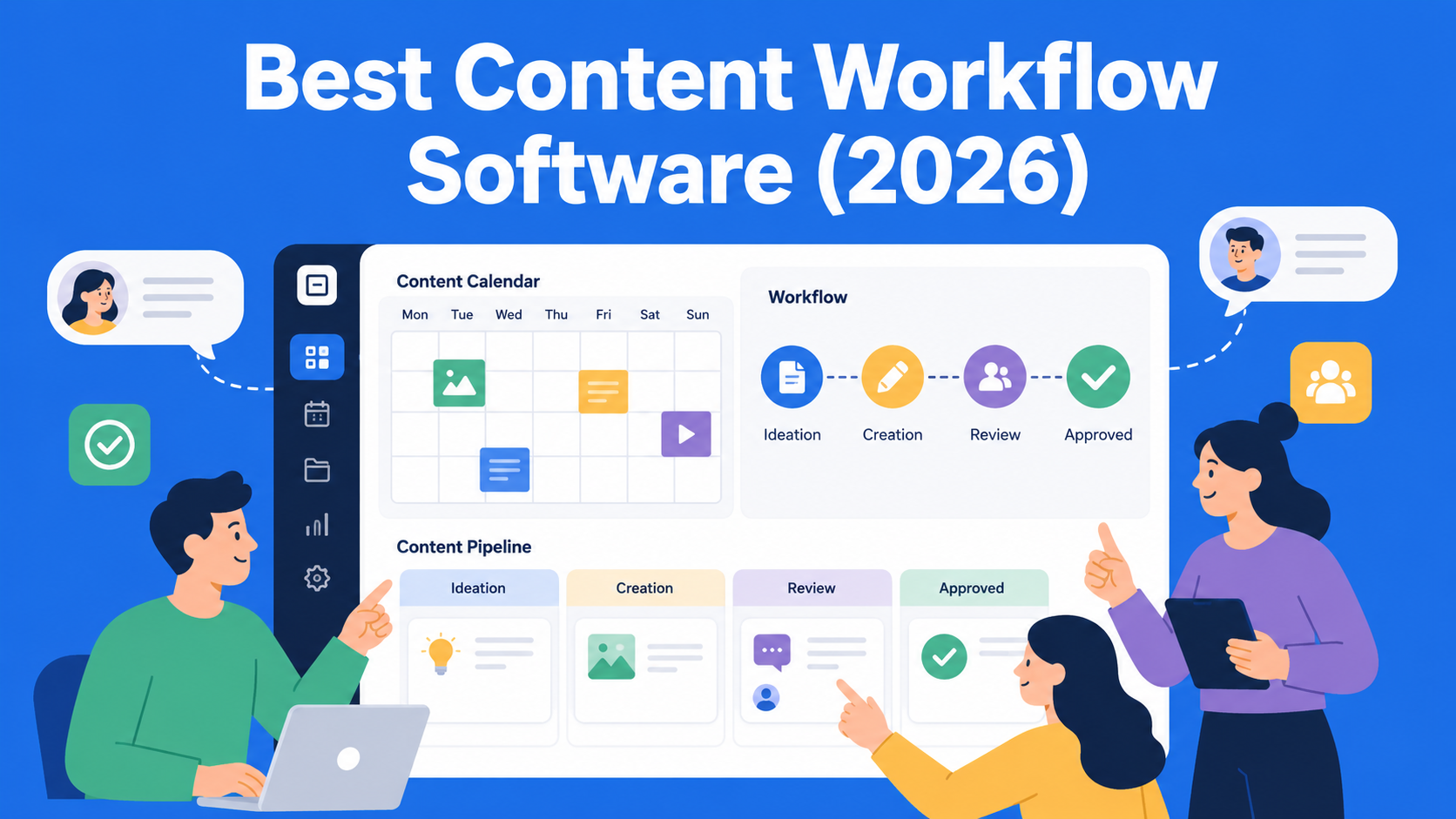
This approach helps content maintain the brand voice, stay aligned with audience expectations, and avoid common AI issues such as generic phrasing or inaccurate information. A structured workflow also makes it easier to track content through all stages of its development.
Step 4: Create Guidelines and Templates
To get high-quality results from GenAI, clear and detailed prompts are essential. This becomes much easier when prompts, templates, and style guides live in one place, allowing AI to generate content that already respects structure, tone, and formatting rules, rather than trying to guess them from generic instructions. In tools like EasyContent, these elements are connected within the workflow itself, enabling AI to write and edit content according to predefined rules. Create prompt templates tailored to your needs, such as blog introductions, product descriptions, or email subject lines.
For example, a vague prompt like “write an introduction for a blog on this topic” often leads to generic results. A more precise instruction, such as defining word count, tone, and target audience, produces much better outcomes and reduces the need for later editing.
In addition, document your editorial standards, tone of voice, formatting rules, and fact-checking processes. When these guidelines are embedded directly into content templates and made available to AI tools, as is the case in EasyContent, AI can use them as guardrails during writing and editing, which reduces the need for major revisions later. These guidelines help both AI and human contributors stay aligned.
Step 5: Train Your Team
For GenAI to be truly useful, the team needs to understand where it helps the most and where human judgment is still essential. Through training sessions, short internal documentation, and hands-on work, writers, editors, and managers can more easily get comfortable using AI tools.
Test different models, experiment with prompts, and adjust them until you find what works best for your content and your audience. Time invested early on often saves significantly more time later.
Step 6: Track Performance and Iterate
Once GenAI is integrated, track its impact. Structured workflows make this easier because they clearly show where AI-assisted drafts speed up the process and where human review still takes the most time. Measure whether content is produced faster, whether SEO performance improves, and whether editors spend less time rewriting drafts.
Collect both qualitative and quantitative feedback, then adjust your workflow accordingly. Some content types may benefit more from AI assistance than others, and prompts will likely require regular fine-tuning.
Conclusion
Integrating generative AI into your content workflow does not mean replacing human creativity, but amplifying it. By combining AI efficiency with human insight, teams can simplify processes, improve content quality, and speed up production.
Structured workflows and collaboration tools help ensure that AI-generated content remains aligned with brand voice and quality standards. When AI is embedded directly into these workflows, teams can experiment with automation while maintaining visibility, accountability, and control. As content demands continue to grow, thoughtful adoption of AI allows teams to stay adaptable, efficient, and focused on the work that has the greatest impact.
EasyContent's pricing stays predictable as your organization grows
- Unlimited users on Team and above means adding a department doesn't mean a new contract
- A 20% discount is available for nonprofits and educational organizations
- Guest reviewers approve without needing a paid seat
- Pricing is published, so budgeting doesn't wait on a sales call