Switching Content Management Tools? Here's How to Make the Transition Smooth
Learn how to switch content management tools without losing traffic, rankings, or important content. This simple guide explains CMS migration step by step, including planning, SEO, backups, testing, and launching your new website smoothly.

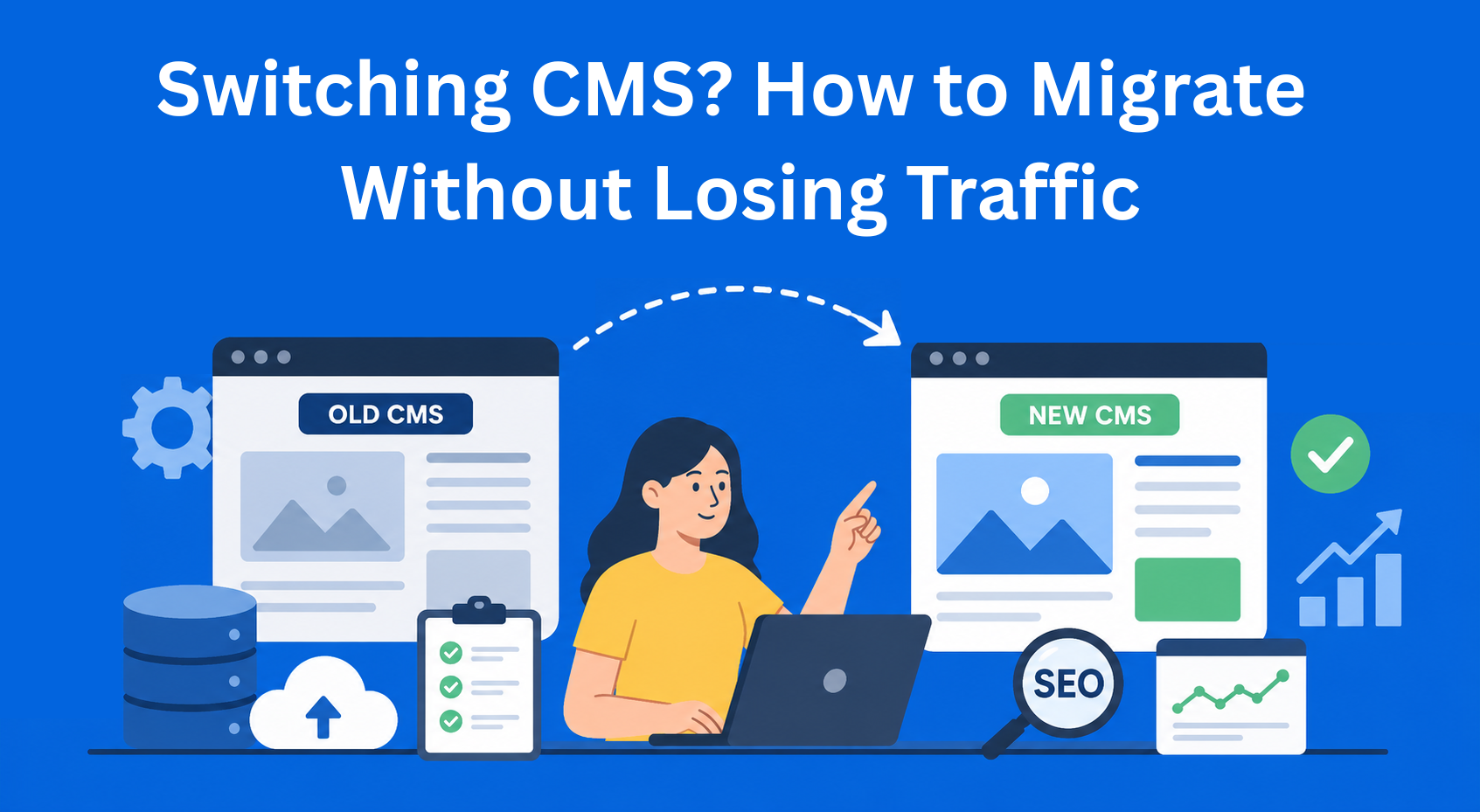
Switching content management tools (CMS) may sound complicated, but it does not have to be. Many website owners and teams decide to move to a new platform because they want a faster website, easier editing, or lower costs. If you are currently thinking about switching to a new CMS, this guide will show you how to do it without major problems, website downtime, or losing visitors.
In this blog, we will go through all the important steps - from planning to launch and everything that comes after.
Key Takeaways
- A successful CMS migration starts with clear goals and planning - understanding why you are switching prevents confusion and costly mistakes later.
- Preparation reduces risk during migration - auditing content, creating backups, and organizing data ensures nothing important is lost.
- SEO protection is critical when switching CMS - proper redirects, metadata transfer, and sitemap updates help maintain rankings and traffic.
- Thorough testing prevents post-launch issues - checking pages, speed, forms, and security ensures everything works before going live.
- Migration is only the beginning - training teams, monitoring performance, and optimizing workflows ensure long-term success.
Do You Really Need to Change Your CMS?
Before you start changing your CMS, think carefully about whether you really need it. Most people switch systems because their website is slow, maintenance is expensive, they often deal with security problems, or they want a simpler and more modern way of working.
Here are some clear signs that it may be time to switch to a new CMS:
- Your website loads slowly and visitors leave
- You constantly pay for plugins and updates that do not work properly
- It is difficult to add new content or change the design
- You want better security and data protection
- You need better support for mobile devices
If you recognize three or more of these problems, it is probably a good idea to think about a CMS migration. But do not rush - first make a list of what exactly you want to achieve with the new tool.
Good Planning Is Half the Job
The most important part of the entire migration is planning. If you skip this step, things can become very messy later.
Start by clearly defining why you are switching content management tools. Do you need a faster website, better sales, easier teamwork, or something else? Write your goals down.
Then choose your new CMS. Some popular options are WordPress, Webflow, Shopify (if you sell products), or headless solutions such as Strapi or Contentful. Each one has its own advantages - some are cheaper, some are easier to use, and some are faster.
Gather a small team of people who will help with the move to the new CMS, even if there are only two of you. One person can handle the technical side, another can manage the content, and another can organize tasks and deadlines. Also, decide on your budget and timeline in advance because website migration can take anywhere from a few weeks to several months, depending on the size of the website.
Preparation Before the Migration
Once you have a plan, it is time to prepare. First, review your entire old website and check how many pages, blog posts, images, products, and users you have.
Make sure to create a full backup of your website. Save copies of all files and databases so you do not lose anything during the migration. The safest option is to keep multiple backups in different locations.
After that, create a list of everything that is currently on your website. This will help you decide what you want to move, what you want to delete, and what needs improvement. Also check SEO elements such as URL addresses, page titles, descriptions, and images.
What the Migration Process Looks Like
Now comes the main part - moving to a new content management system.
- Exporting data - Export everything you can from the old CMS (texts, images, users).
- Cleaning up - Remove old, unnecessary, or duplicate content. Less content is often better if the quality is higher.
- Importing into the new CMS - Transfer the data to the new platform. Sometimes this is done manually, and sometimes with migration tools.
- Adjusting the design - Customize the new website so it matches your brand.
- Adding features - Set up everything you need (forms, online store, blog, and more).
There are ready-made tools that make CMS migration easier, but for larger websites it is often better to get help from someone with experience.
SEO - Do Not Lose Visitors From Google
This is one of the most important parts when switching content management tools. If you do not do it properly, your website can lose rankings in search results.
The most important thing is to set up 301 redirects - this means that the old page address automatically sends visitors to the new one. This helps Google understand that the page has moved instead of disappearing.
Also check and transfer all meta titles, descriptions, and image alt texts. Create a new sitemap and submit it to Google Search Console. Keep an eye on how Google crawls your website again after the migration.
Testing - Do Not Skip This Step
Before the website becomes visible to everyone, you need to test it.
- Check if all pages work
Click on every important page on the website and make sure it opens normally. Pay attention to errors, empty pages, or broken links. - Check loading speed on phones and computers
Test the website on both mobile phones and desktop computers. If pages load slowly, visitors may leave the website very quickly. - Check if contact forms work
Send a test message through the contact form to make sure the message actually arrives in your email inbox. Many people forget to test this and only realize later that their forms are not working. - Check if all images are displayed properly
Go through the entire website and make sure every image appears correctly. During migration, images can sometimes disappear or lose quality. - Check if the website is secure
Make sure the website uses HTTPS protection and that the security certificate works correctly. Also check if all plugins and systems are updated to keep the website safer.
Ask someone else from your team or even a friend to test the website like a normal visitor. It is much better to find problems now than after everyone sees the site.
Launching the New Website
When everything is ready, choose the right day and time for the launch. It is usually best to do it in the evening or during the weekend when there are fewer visitors.
There are two ways to do this:
- Big launch - Move everything at once
- Gradual launch - Transfer parts of the website one by one
After the launch, monitor the website very carefully during the first seven days. Watch for speed issues, errors, and changes in search rankings.
What to Do After the Migration
The migration is not finished the moment the new CMS becomes active. After that, people still need some time to get used to the new system and you need to make sure everything works properly.
Show your team how the new tool works and explain the most important things they will use every day. Create a simple process for adding new texts, images, and updates so everyone can work more easily.
Over the next few months, track your website’s performance. Check whether the website loads faster, whether you have more visitors, and whether working on the website is easier than before.
Conclusion
Switching to a new content management system is not easy, but with a good plan and a step-by-step approach, the process can go very smoothly. The most important things are not to rush, to create proper backups, and to pay attention to SEO.
If you do everything correctly, the new CMS can give you a faster website, easier workflows, and better results. Many people who have gone through a website migration say it was one of the best decisions they made.
EasyContent keeps a large asset library organized by project
- Folders and search make thousands of files findable without a shared drive
- Every asset stays isolated to the project it belongs to
- Sorting by upload date, name, or size keeps the library manageable
- Every asset shows who uploaded it and when